Q40 Tape Library Installation and Operations Manual
511026 Rev. 07-01-19 46
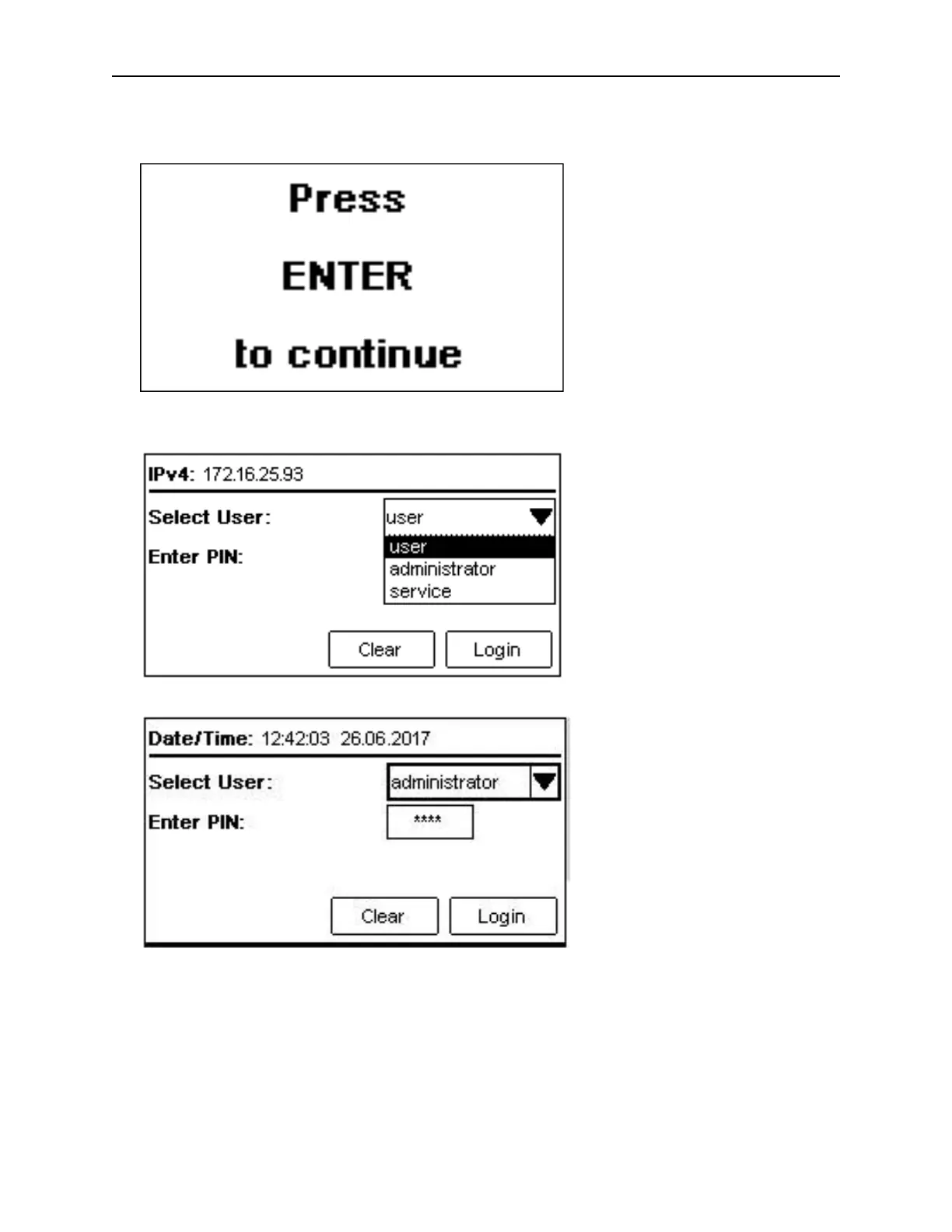
5.1 Login
1. If the OCP screen saver is on, press Enter to get to the dashboard page.
2. O
n the Login screen navigate to the dropdown box and select the user.
3. Then navigate to the Enter PIN field and enter the 4-digit PIN
4. A
fterwards, navigate to Login and press Enter.



 To Next Page