Q40 Tape Library Installation and Operations Manual
511026 Rev. 07-01-19 104
6.18 Operating the Library with the RMI
Click the Operations button on the Home page of the library to access the library’s operations functions.
6.18.1 Moving Media
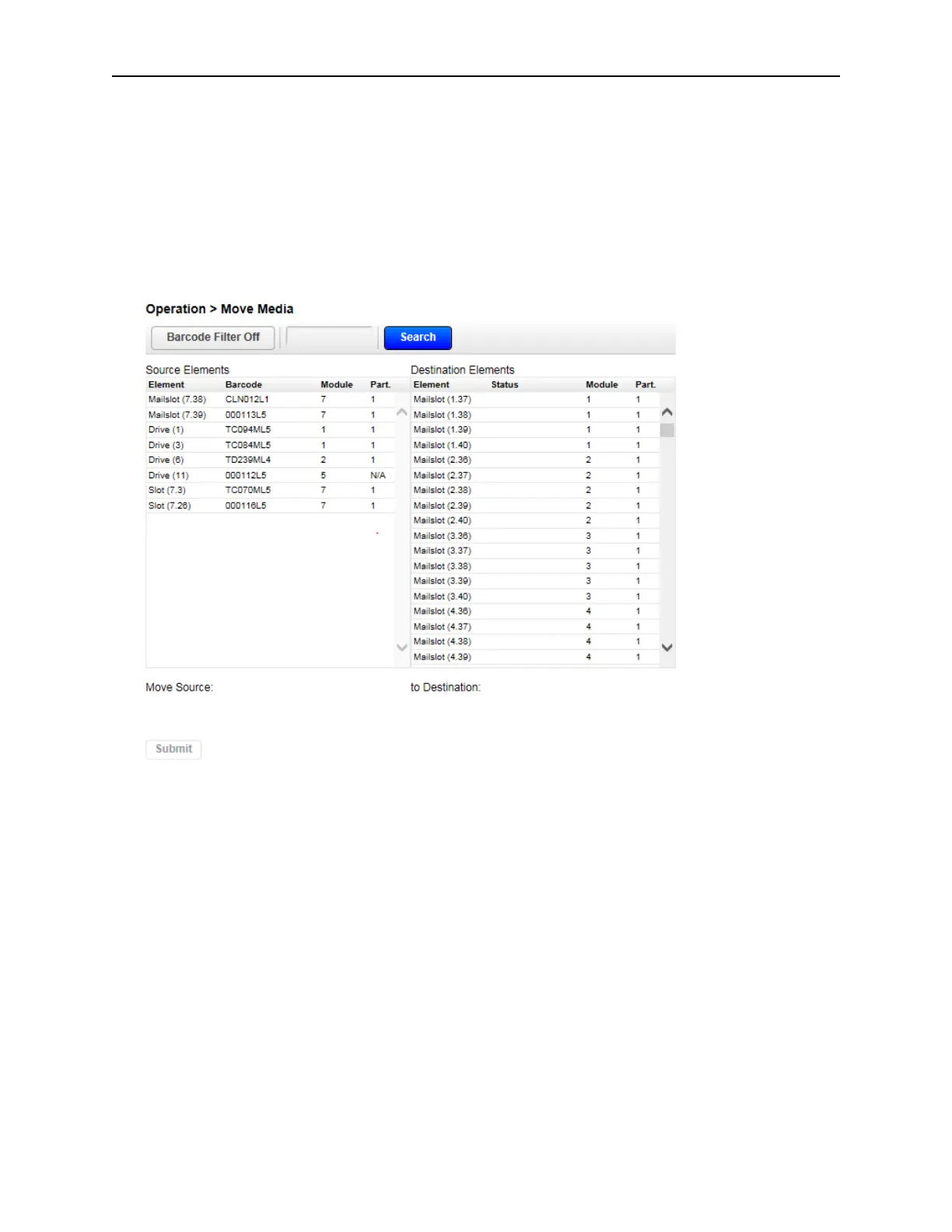
From the Operation > Move Media page you can move a tape cartridge located in a source element to
an available destination element within the same partition.
• Source Elements – Tape drives, enabled mailslots, and storage slots that contain a tape cartridge
• Destination Elements – Tape drives, enabled mailslots, and storage slots that do not contain a tape
c
artridge
- Tape drives are listed at the top of each element list and listed in the order of their drive numbers.
- Tape drives are numbered from the physical top of the library starting with Drive (1).
- Slots are listed in the order of the slot numbers. Slots are numbered m.s, where m is the module number
and s is the slot within the module.
6.18.1.1 Filtering Based on Barcode
To see a subset of the cartridges in the library, enter some or all of the barcode label characters in the
search area and click Search. The Source Element list updates to display only the cartridges with labels
that include the characters in the search box.
To perform a different search or display all of the available cartridges, click Barcode Filter Off.



 To Next Page