511026 Rev. 07-01-19
21
3.4 Fibre Channel Configuration Requirements
The Fibre channel tape drive can be connected directly to the server with a host bus adapter (HBA) or
through a storage area network (SAN).
The installation requires one Fibre Channel cable for each tape drive. The tape drives all utilize an LC-
style connector. Some drives will have two FC ports, but only one cable connection is needed per drive.
The cable can be connected to either drive FC port.
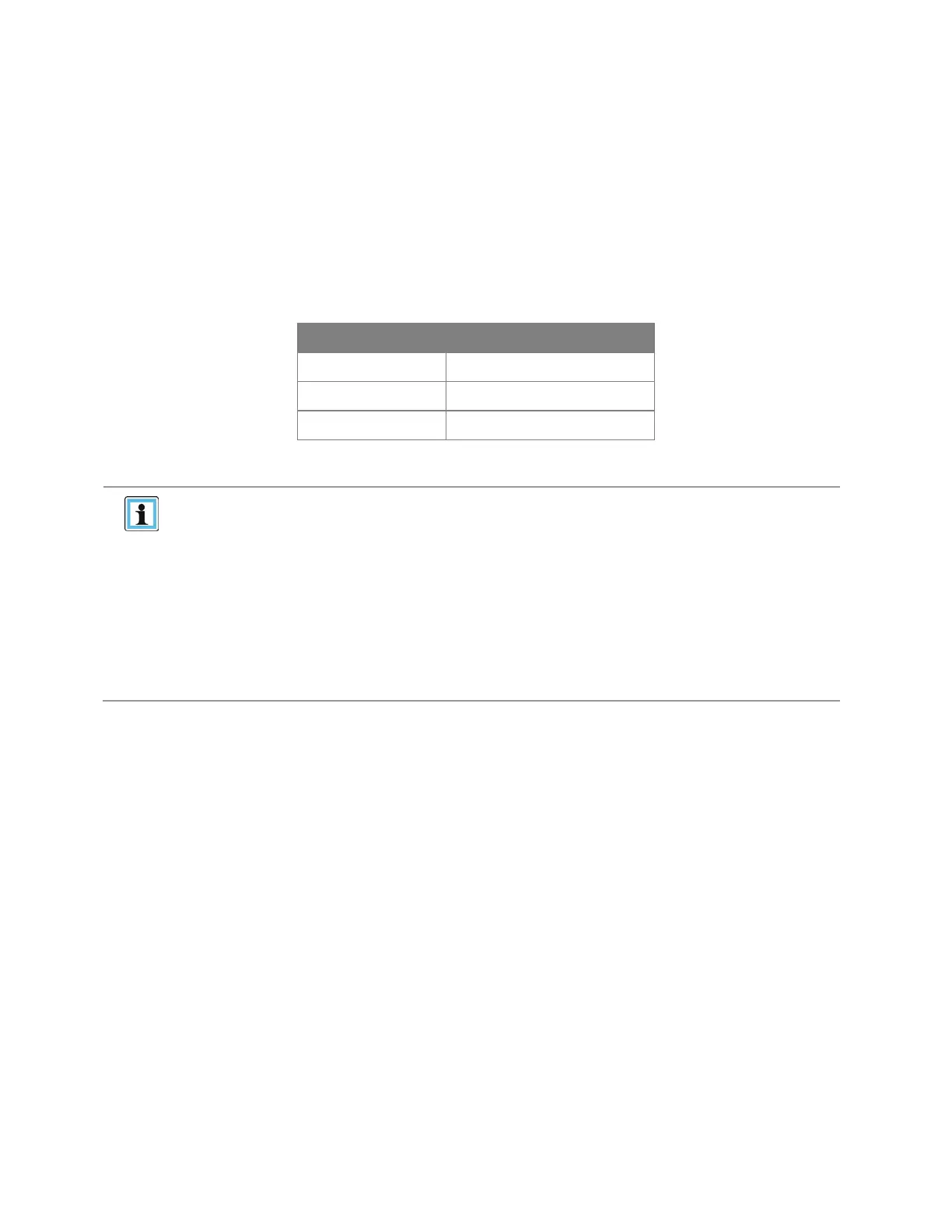
Supported speeds by drive generation are listed in the table below.
Table 5: Supported Fibre Channel Speeds
LTO Generation Supported Speeds
LTO-6 2 Gbps, 4 Gbps, 8 Gbps
LTO-7 2 Gbps, 4 Gbps, 8 Gbps
LTO-8 2 Gbps, 4 Gbps, 8 Gbps
• Use an appropriate HBA for your tape drive to match performance
requirements.
• A lower Gbps HBA might result in performance degradation when
m
oving highly compressible data to a higher Gb tape drive.
• In a SAN installation, all switches between the host and the library must
be of the appropriate type.
• A lower Gb switch in the path may result in performance degradation.
Configure zoning so only the backup servers may access the library.


 To Next Page