Q40 Tape Library Installation and Operations Manual
511026 Rev. 07-01-19 48
5.3 Operation
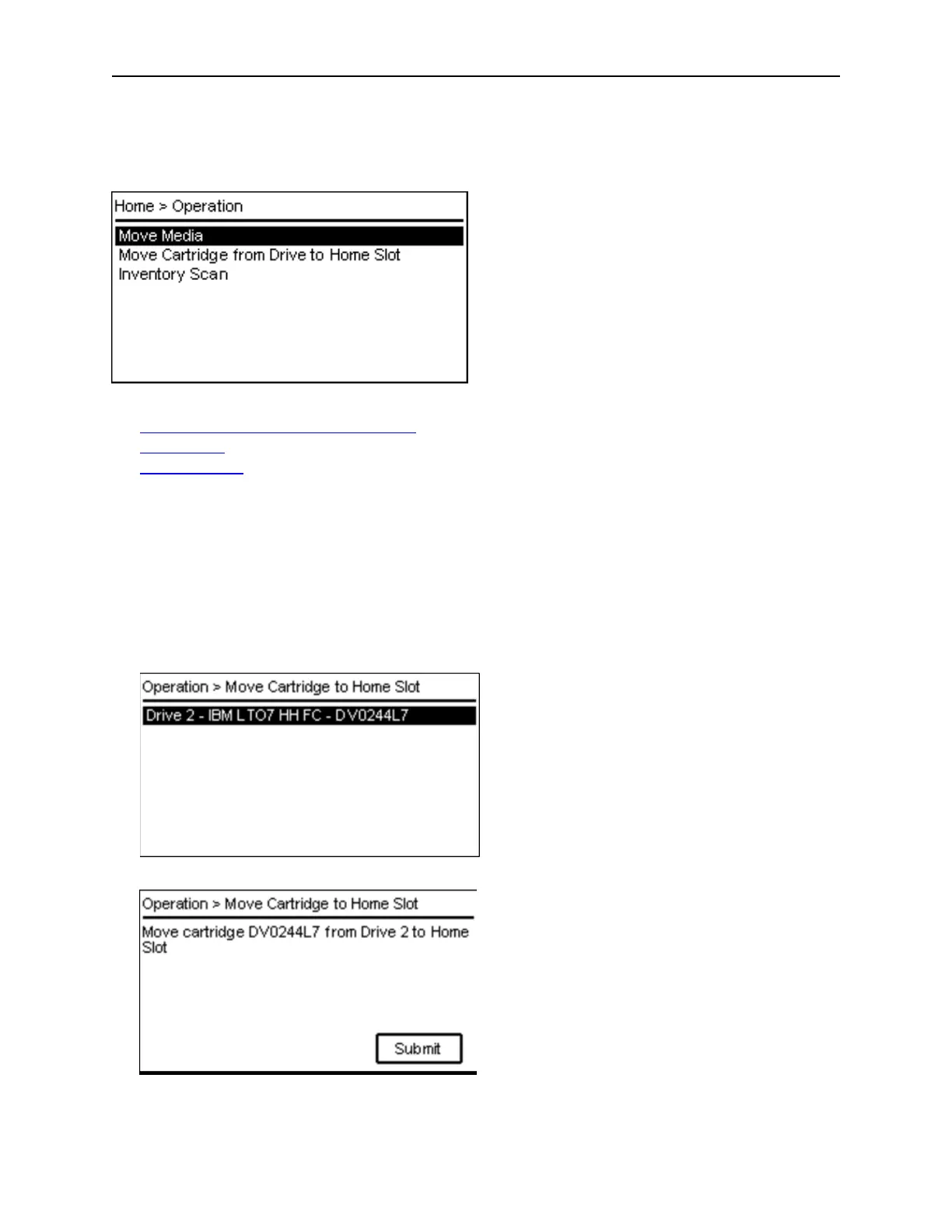
Navigate with the Up/Down buttons to the Operation menu entry on the Home screen to access the
operation features.
T
he Operation Menu provides the following submenus:
Move Cartridge from Drive to Home Slot
Move Media
Inventory Scan
5.3.1 Moving Cartridge from Drive to Home Slot
With the Operation > Move Cartridge from Drive to Home Slot feature, the user can move a cartridge
from a drive back to its home slot.
1. The Operation > Move Cartridge from Drive to Home Slot screen displays all drives that contain
c
artridges. Navigate with the Up or Down to the drive where you want to move the cartridge back t
o
t
he home slot.
2. Press Enter
3. Press Enter to submit the Move command.



 To Next Page