Q40 Tape Library Installation and Operations Manual
511026 Rev. 07-01-19 24
3.9 Unpacking Base Module and Expansion Modules
Before unpacking any modules, clear a work surface near the targeted rack for installation.
If the temperature in the room where the library will operate varies by
15° C (30° F) from where the module was stored, allow it to acclimate for
at least 12 hours prior to unpacking.
U
npacking a Q40 Base Library or Expansion Module:
1. Before opening and removing a module from the box, inspect the container for shipping damage.
2. If you notice any damage, report it to the shipping company immediately.
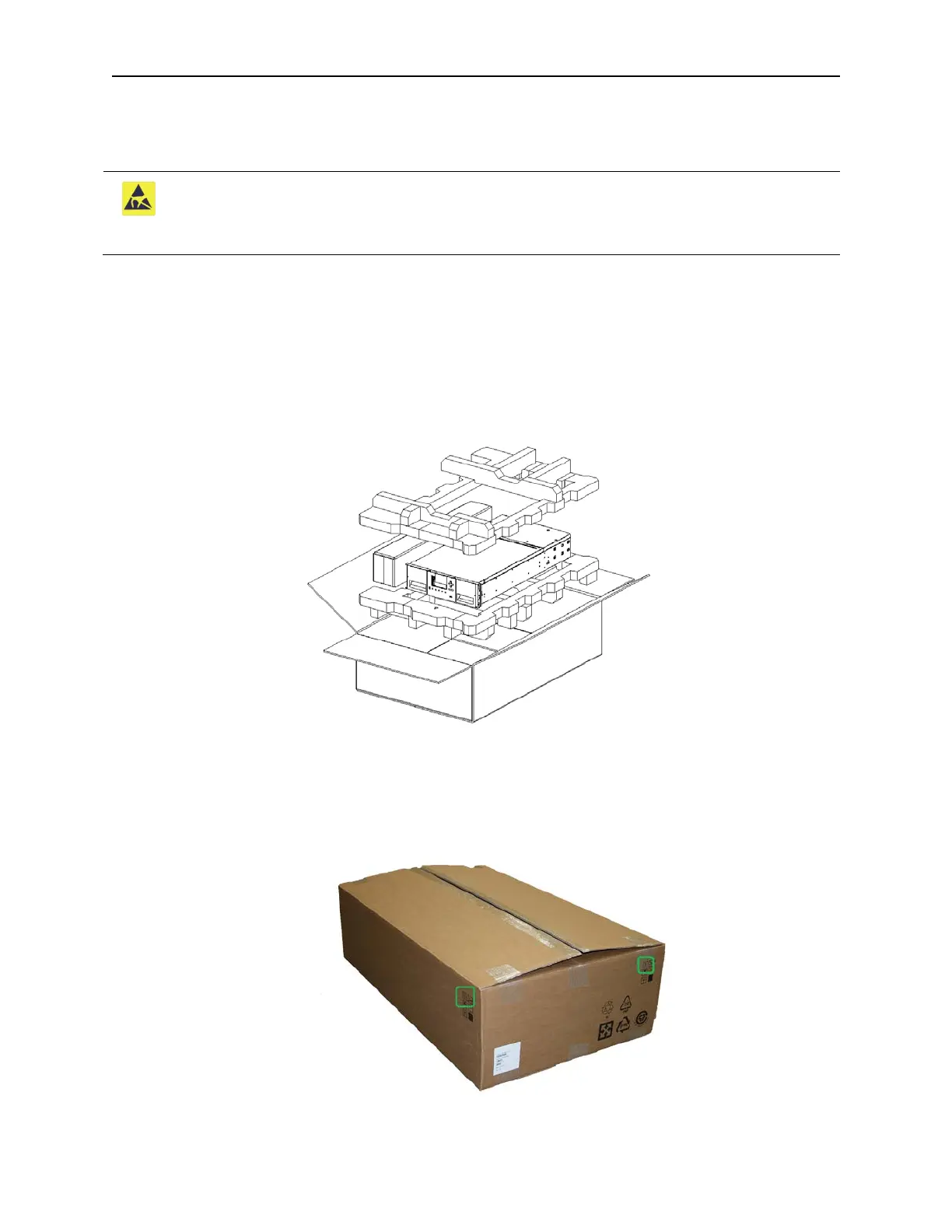
3. Overview of packaging.
4. Make sure the box is aligned properly before opening the box. The arrows on the box should be
pointing upwards.



 To Next Page