Q40 Tape Library Installation and Operations Manual
511026 Rev. 07-01-19 92
6.5.4 Restricted RMI Login
The administrator has the possibility to set login restrictions for administrator and security login. If
restriction mode is enabled the administrator and the security user are not allowed to login via RMI.
The administrator has to disable the restriction mode by logging into the operator control panel (OCP)
O
nly the administrator is allowed to set and reset the restricted RMI login.
A
llow magazine and mailslot access
The administrator can give the user the right to have access to mailslot and/or magazines by setting the
appropriate checkbox.
6.6 Configuring Web Management Options
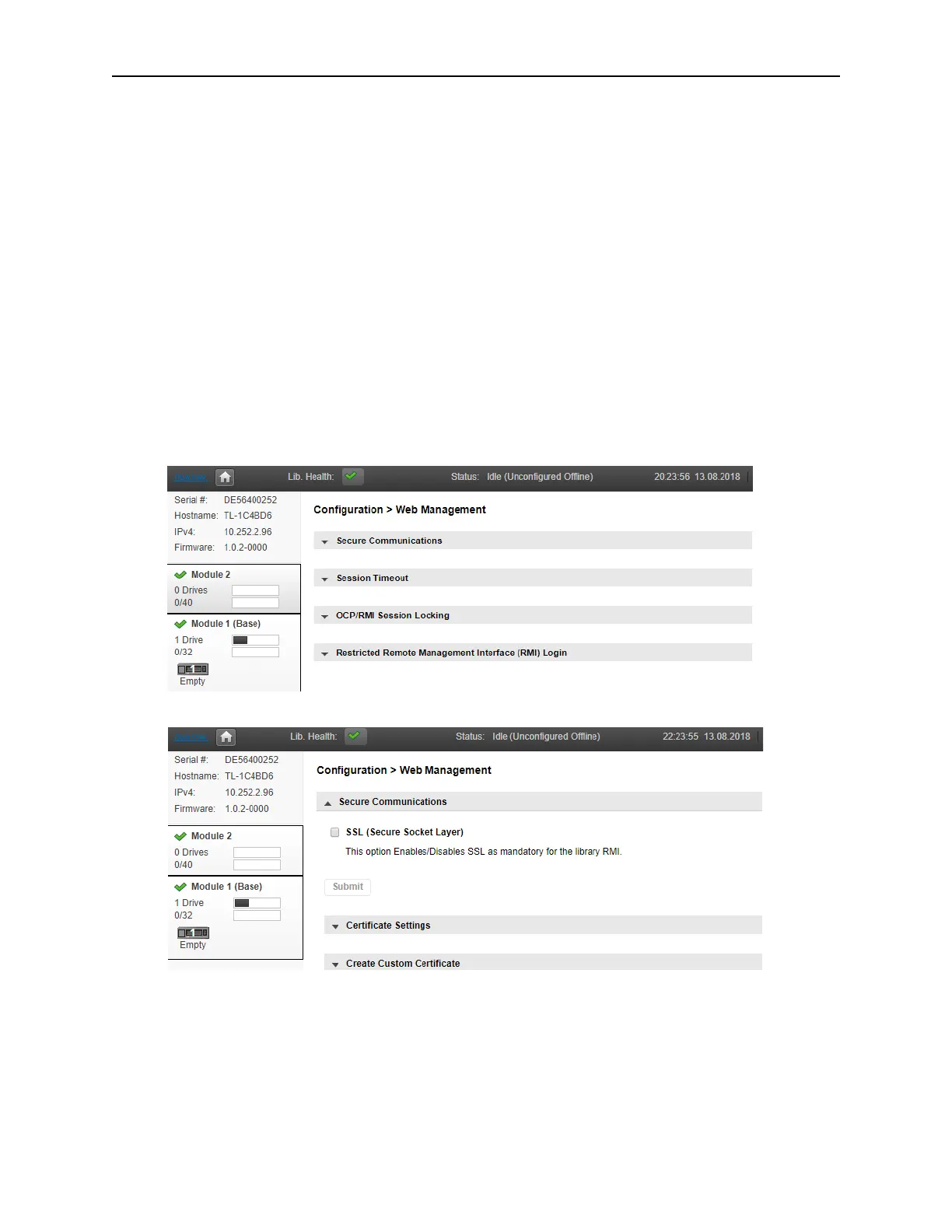
The library offers several Web Management options. To access these options, navigate to
Configuration > Web Management
T
o configure different Security options, select Secure Communications.
T
o enable/disable SSL, select the checkbox next to SSL.



 To Next Page