Q40 Tape Library Installation and Operations Manual
511026 Rev. 07-01-19 36
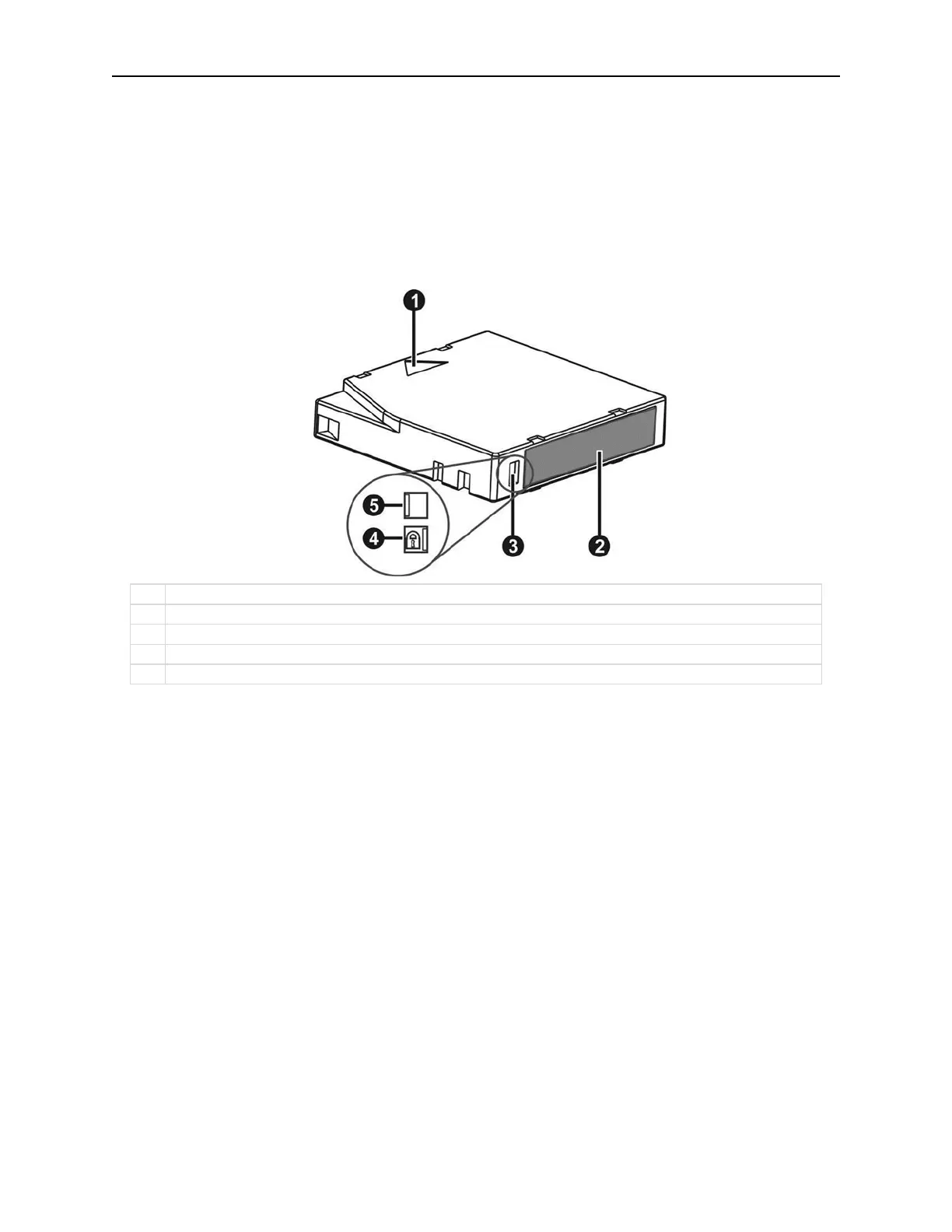
3.21 Write Protecting Tape Cartridges
All rewriteable data cartridges have a write-protect switch to prevent accidental erasure or overwriting of
data. Before loading a cartridge into the device, make sure the write-protect switch on the front of the
cartridge is in the desired position.
• Slide the switch to the left to allow the device to write data to the cartridge.
• Slide the switch to the right to write-protect the cartridge. An indicator, such as a red mark or small
padlock, is visible showing that the cartridge is write-protected.



 To Next Page