511026 Rev. 07-01-19
43
4.3 Logging into the Library
To login to the library on the OCP:
1. If the OCP screen saver is on, press the Enter button to get to the login page.
2. Select the User
.
3. I
f required, enter the PIN. Leave the PIN blank unless the user PIN has been set in the Initial System
Setup wizard
4. Navigate to the Login button and press the Enter button.
T
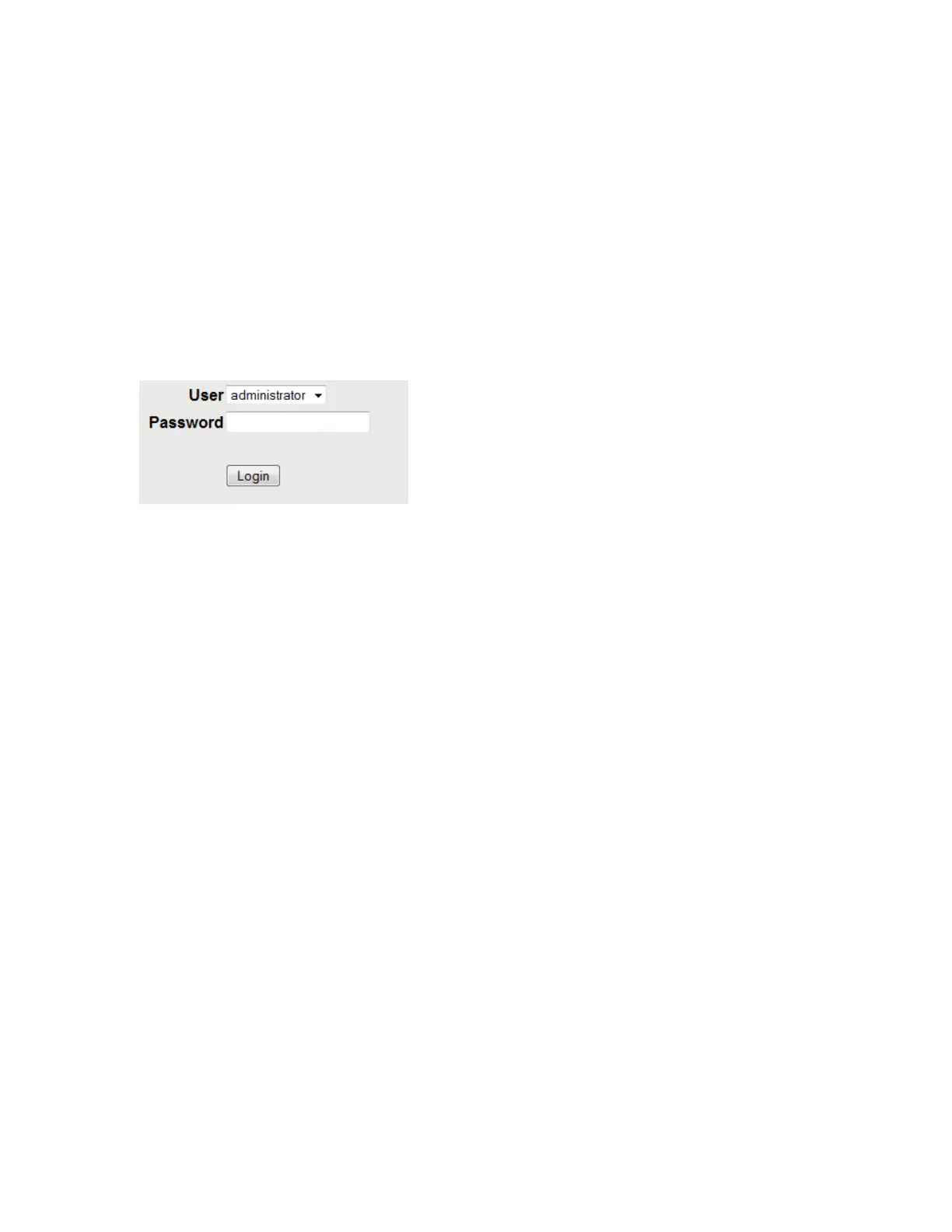
o login to the library on the RMI:
1. Open a supported web browser and enter the IP address of the library.
2. Select the User
.
3. I
f required, enter the Password
.
4. C
lick Login.
The user levels are:
• User – No password is required (leave the Password field blank unless the user password has been
set in the Configuration > Configure User Accounts page).
The user account provides access to status information, but not configuration, maintenance or
operation functions.
• Administrator – The administrator password is required to login as the administrator. The default
PIN is 0000. The default administrator password is adm001. The administrator password can be
changed in the Configuration > Configure User Accounts page
The administrator user has access to all functionality except for the log configuration and Security
and
S
ervice features.
• Security – The default security password is sec001. The security password can be changed in the
C
onfiguration > Configure User Accounts page
The security user has access to all functionality expect the log configuration and Service features.
• Service –The default PIN is 3574. The default service password is Update001. Both the
administrator and service passwords are required for a service person to enter the service area.
The service user has full access to all functionality. The service user should only be accessed by
trained personnel or by direction from Qualstar Technical Support.



 To Next Page