Q40 Tape Library Installation and Operations Manual
511026 Rev. 07-01-19 44
4.4 Using the Initial Configuration Wizard on the OCP
For initial configuration navigate to the Home > Configuration > Initial System Setup feature.
The wizard guides you through setting the library network configuration, configuring date and time, and
setting the administrator PIN. You can skip items and stop the wizard at any time.
On the very first power up of the library the user is prompted to walk through the
Initial Configuration Wizard. It is recommended to walk completely through the
wizard and finish the wizard by pressing the Finish Button. Otherwise, the User
will be prompted to walk through the wizard on each subsequent login.
Once you have configured the network settings, you can initiate the wizard from the RMI to finalize the
remaining configuration settings.
T
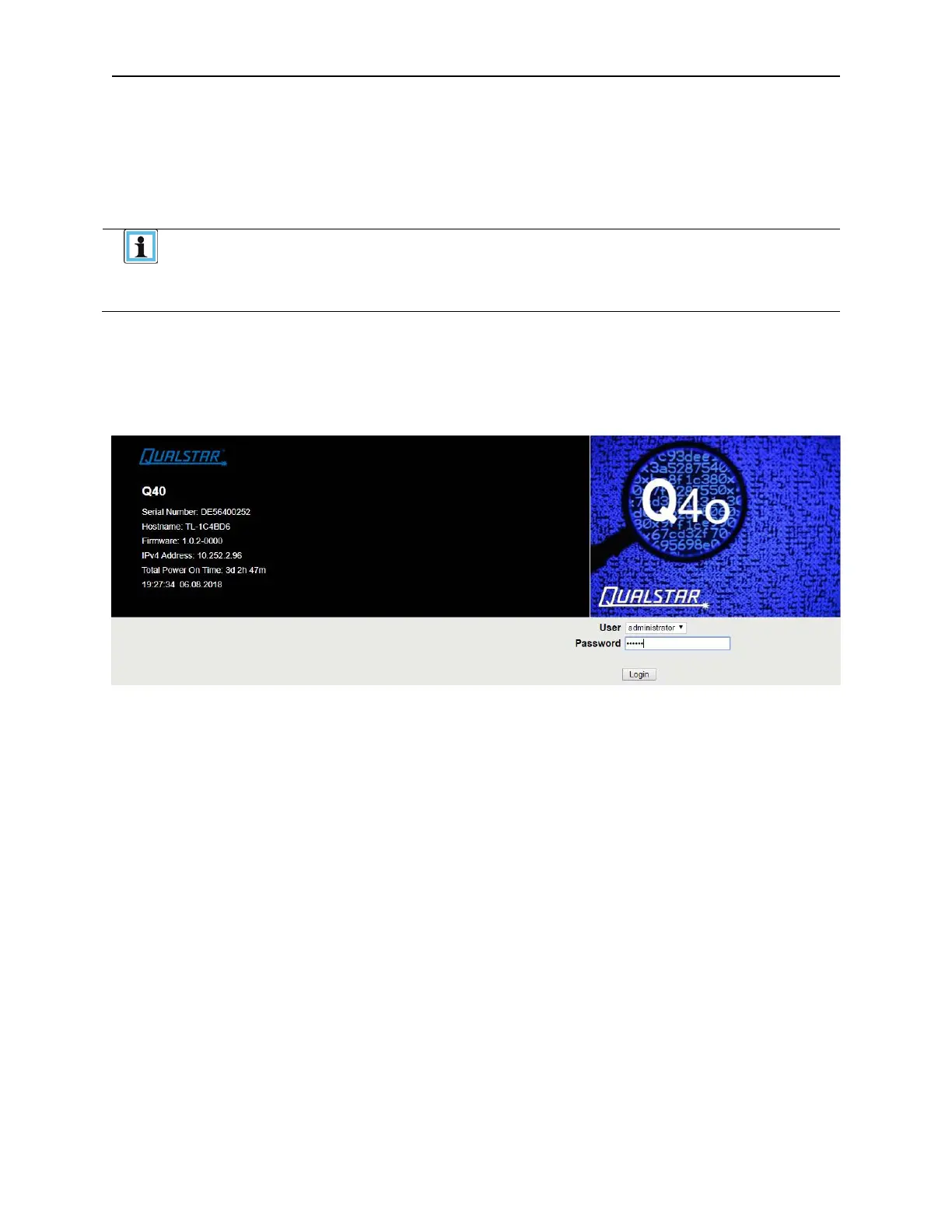
o login the very first time on the RMI you should use the default administrator password, “adm001”. To
set your own password navigate to the Configuration > User Accounts page on the RMI.



 To Next Page