511026 Rev. 07-01-19
79
6.2.4 Configuring Allow Unlabeled Media
Use the
Configuration > System > Allow Unlabeled Media page to enable or disable the detection of
media without barcode labels.
This option should only be enabled if you must use media without labels. Please note that using media
without labels will increase the duration of the inventory scan significantly.
It is strongly recommended that all cartridges have barcode labels with the
correct media identifier, and that the Allow Unlabeled Media option be disabled.
6.3 Configuring the Library Network Settings
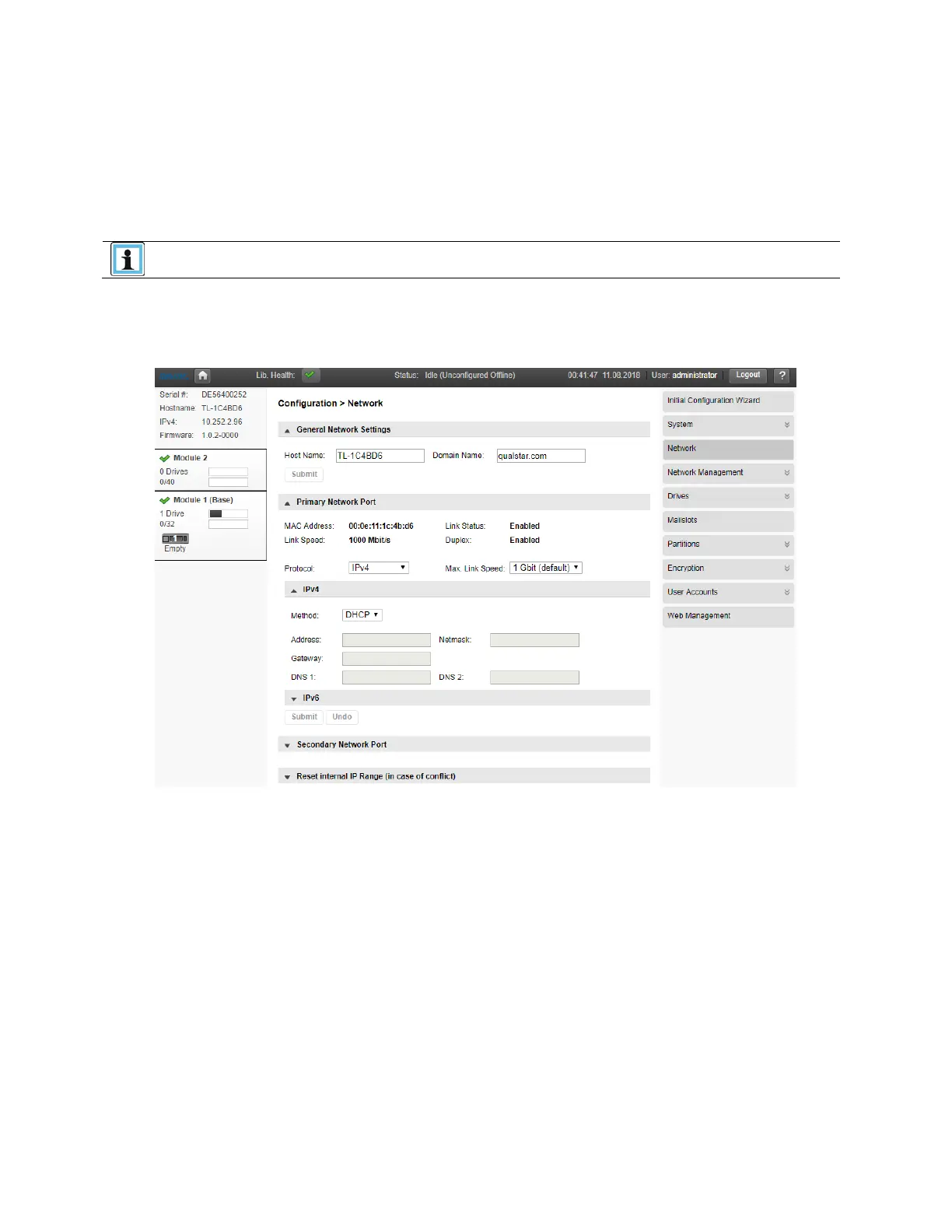
Use the Configuration > Network page to configure the library network settings.
1. N
avigate to the Configuration > Network screen.
2. Configure or update the Host Name and Domain Name. The RMI URL is <Host Name>.<Domain
N
ame>.
3. Select the internet protocol to use for the library.
4. Configure the settings for the selected internet protocol.
5. To have the library obtain an internet address from a DHCP server, select DHCP, otherwise use t
he
Static option and enter the required network information.
6. Click Submit.



 To Next Page