Q40 Tape Library Installation and Operations Manual
511026 Rev. 07-01-19 78
T
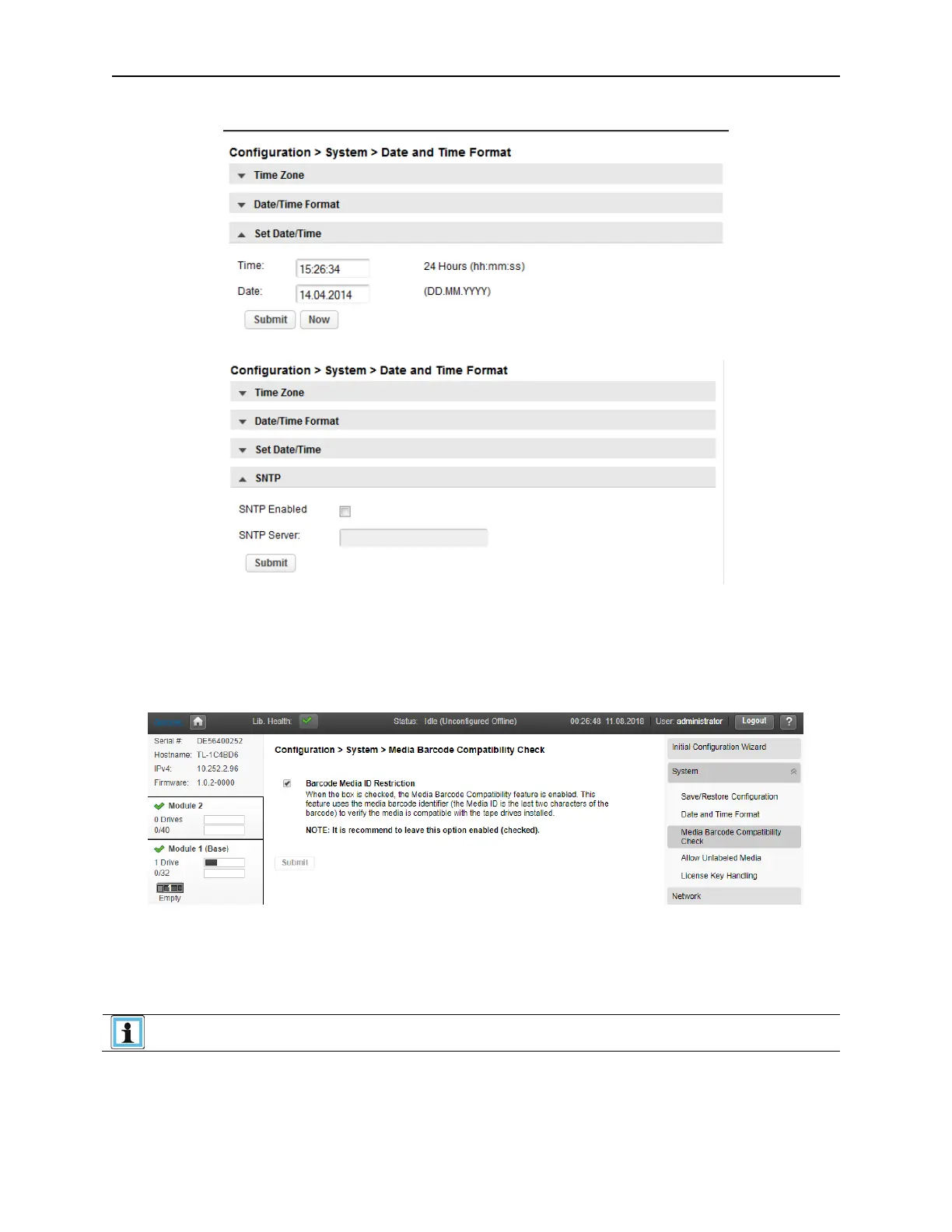
o set the current Date/Time, select Set Date/Time.
If the library has network access to an SNTP server. Click SNTP.
Check the SNTP checkbox. Enter the SNTP server IP address and click the Submit button.
6.2.3 Configuring Media Barcode Compatibility Checking
Use the
Configuration > System > Media Barcode Compatibility Check
page to enable or disable
the barcode media ID check.
W
hen Barcode Media ID Restriction is enabled, the library will only allow appropriate tape cartridges to
be loaded into the appropriate tape drives. The barcode media ID is the last two characters of the
barcode. For example, an LTO-6 labeled cartridge will not be allowed to move into an LTO-4 tape drive.
When disabled, the library will move any tape to any tape drive. If the cartridge is incompatible with the
tape drive, the library will display a message.
It is strongly recommended that all cartridges have barcode labels with the
correct media identifier, and that the Barcode Media ID Restriction is enabled.



 To Next Page