Q40 Tape Library Installation and Operations Manual
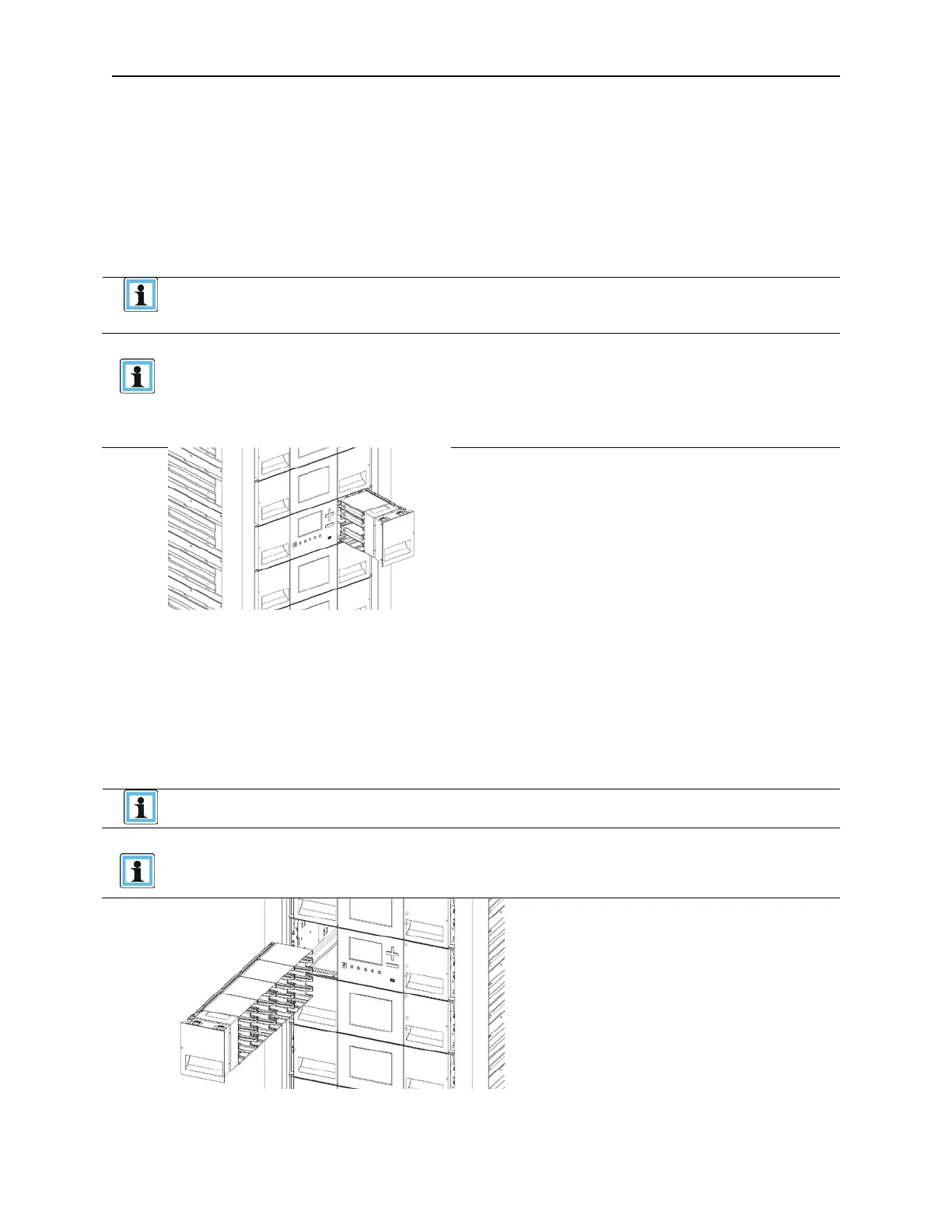
Picture depicting an open left side magazine.
511026 Rev. 07-01-19 40
3.25 Using the Mailslot
If the mailslot is enabled (indicated by the right button LED steady ON), you can use it to load cartridges
into the library.
1. Press the right button for less than 3 seconds. This will start the unlock operation for the mailslot,
indicated by the LED slowly flashing.
2. When the mailslot is unlocked the LED starts quickly flashing
3. Pull out the mailslot from the library. As soon as the mailslot is pulled out, the LED switches OFF.
• The mailslot is attached to the magazine and cannot be removed
completely
• The mailslot will relock after 30 seconds.
• You can enable mailslots only through the Configuration > Mailslots
page on the RMI.
• Wait before pulling out the mailslot until the LED is quickly flashing and
O
CP message says that the mailslot is unlocked
P
icture depicting an open right side mailslot.
3.26 Bulk Loading Magazines
1. Press the button for more than 3 seconds. This will start the unlock operation for the magazine,
indicated by the LED slowly flashing.
2. When the magazine is unlocked the LED starts quickly flashing
3. Pull out the magazine from the library. As soon as the magazine is pulled out, the LED switches OFF.
• Opening a magazine will take the library off-line
• The magazine will relock after 30 seconds.
• Wait before pulling out the magazine until the LED is quickly flashing
and OCP message says that the mailslot is unlocked



 To Next Page