Q40 Tape Library Installation and Operations Manual
511026 Rev. 07-01-19 102
6.13 Downloading Library Log and Trace Files
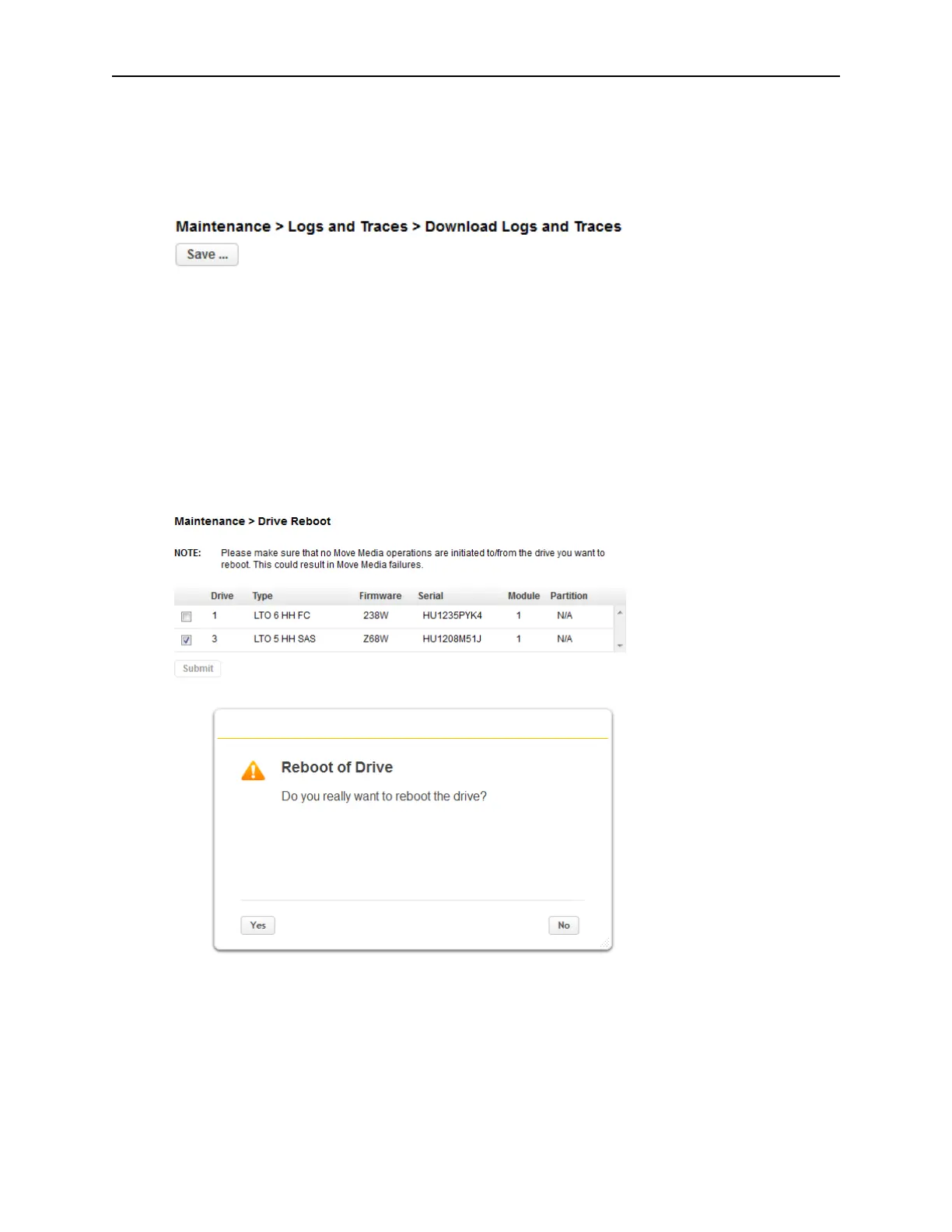
To download the library log and trace files from the RMI, navigate to the Maintenance > Logs and
Traces > Download Logs and Traces screen and then click Save.
6.14 Rebooting the Library
To reboot the library remotely, navigate to Maintenance > System Reboot and click Reboot.
6.15 Rebooting Drives
To reboot a tape drive, navigate to Maintenance > Drive Reboot. Select the desired tape drive and click
Submit. Only one drive can be rebooted at a time.



 To Next Page