511026 Rev. 07-01-19
39
3.24 Loading Tape Cartridges
The library will power on without cartridges, but needs cartridges before performing data read and write
operations, or any tests or operations that transfer cartridges.
T
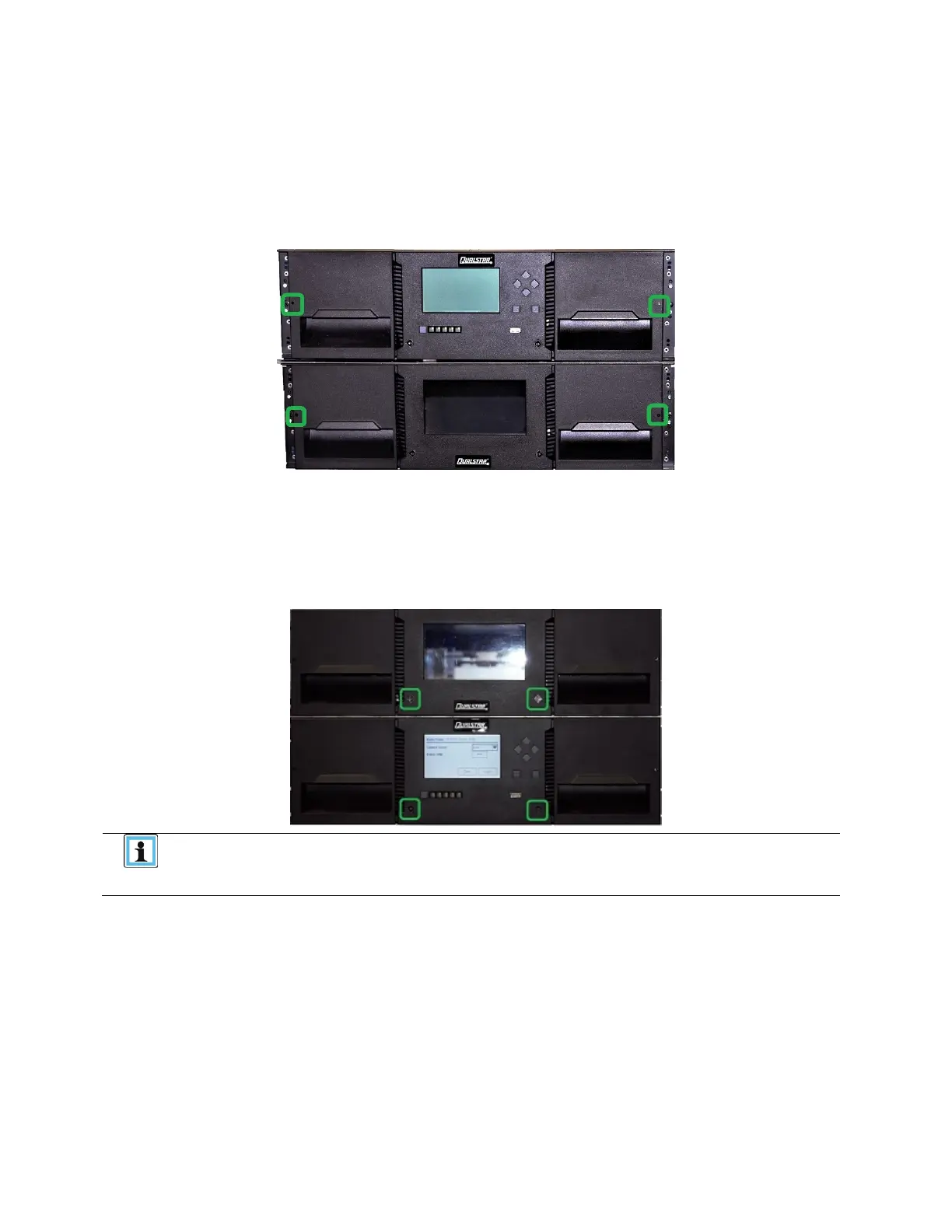
he easiest way to open a mailslot or magazine is to use the emergency release access button located
on the left and right side of each module.
T
he LED in the translucent button indicates different states of the mailslot or magazine:
• LED OFF: mailslot is not enabled
• LED steady ON: mailslot is enabled
• LED flashing slowly: unlock operation in process
• LED flashing quickly: mailslot or magazine is unlocked and can be removed
You can also open mailslots or magazines through the Operation > Open
Mailslot or Operation > Open Magazine page on the RMI.
Opening mailslots or magazines through the OCP is not possible.



 To Next Page