Q40 Tape Library Installation and Operations Manual
511026 Rev. 07-01-19 124
7.6 Replacing a Power Supply
Risk of damage to devices
• A discharge of static electricity damages static-sensitive devices or
micro circuitry.
• Proper packaging and grounding techniques are necessary
precautions to prevent damage.
7.6.1 Identifying the Failed Component
See the OCP or RMI Home screen to identify the failed component. Activate the UID LEDs from the
Maintenance > UID LED Control screen to locate the library in the data center. For detailed instructions,
see “Identifying a Failed Component
”.
7.6.2 Preparing to Remove the Power Supply
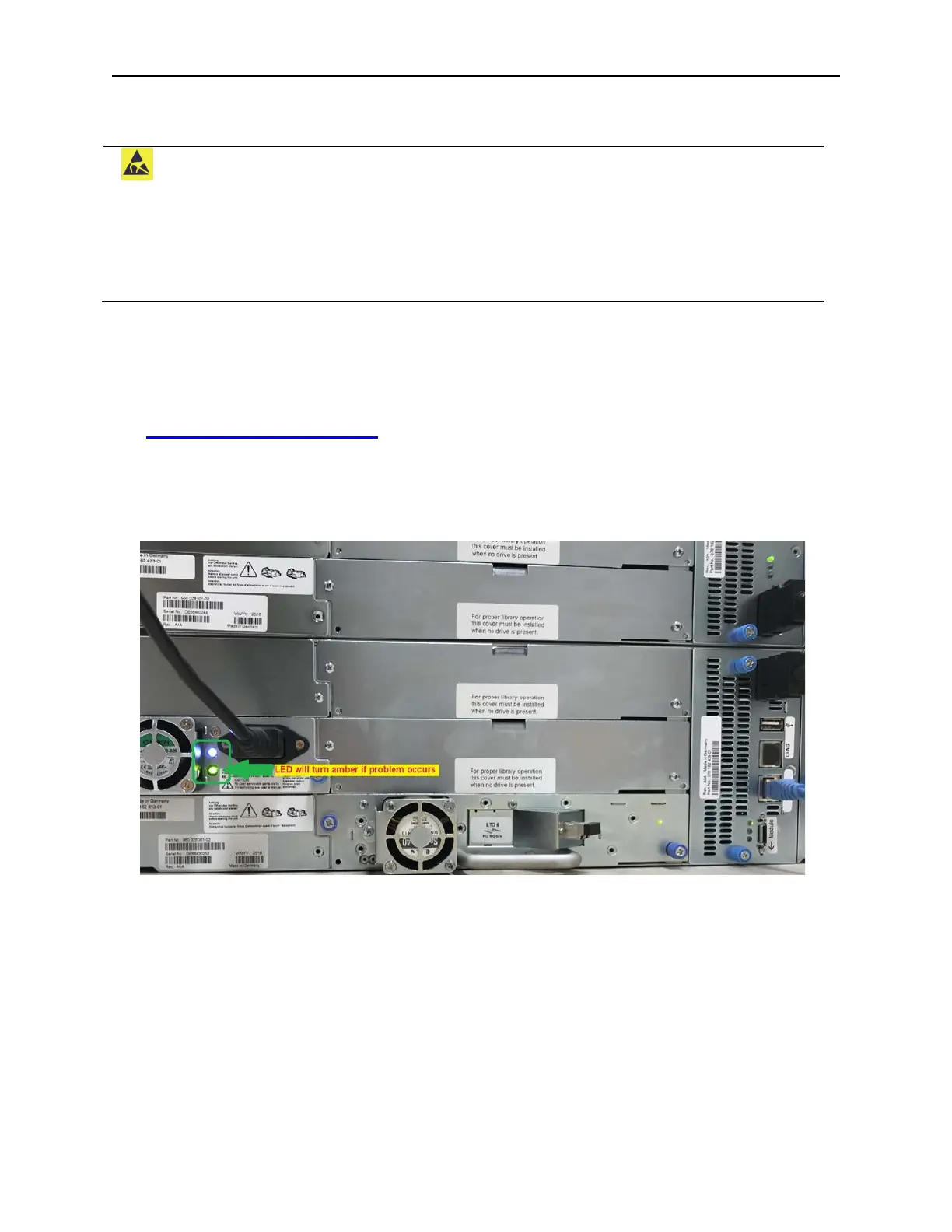
1. Locate the failed power supply on the rear of the library by the LEDs; either an amber LED will be lit
or both LEDs will be unlit.
2. U
nplug the AC power cord from the power supply you are replacing.
7.6.3 Removing the Power Supplies
1. Loosen the two blue captive thumbscrews with your fingers on the power supply.
2. Using the thumbscrews (one on each side), slowly pull the power supply approximately 10 cm (
4
i
nches) from the back of the module.
3. Use one hand to completely remove the power supply from the module while using the other hand t
o
s
upport the bottom.



 To Next Page