511026 Rev. 07-01-19
101
6.11 Managing Drive Firmware
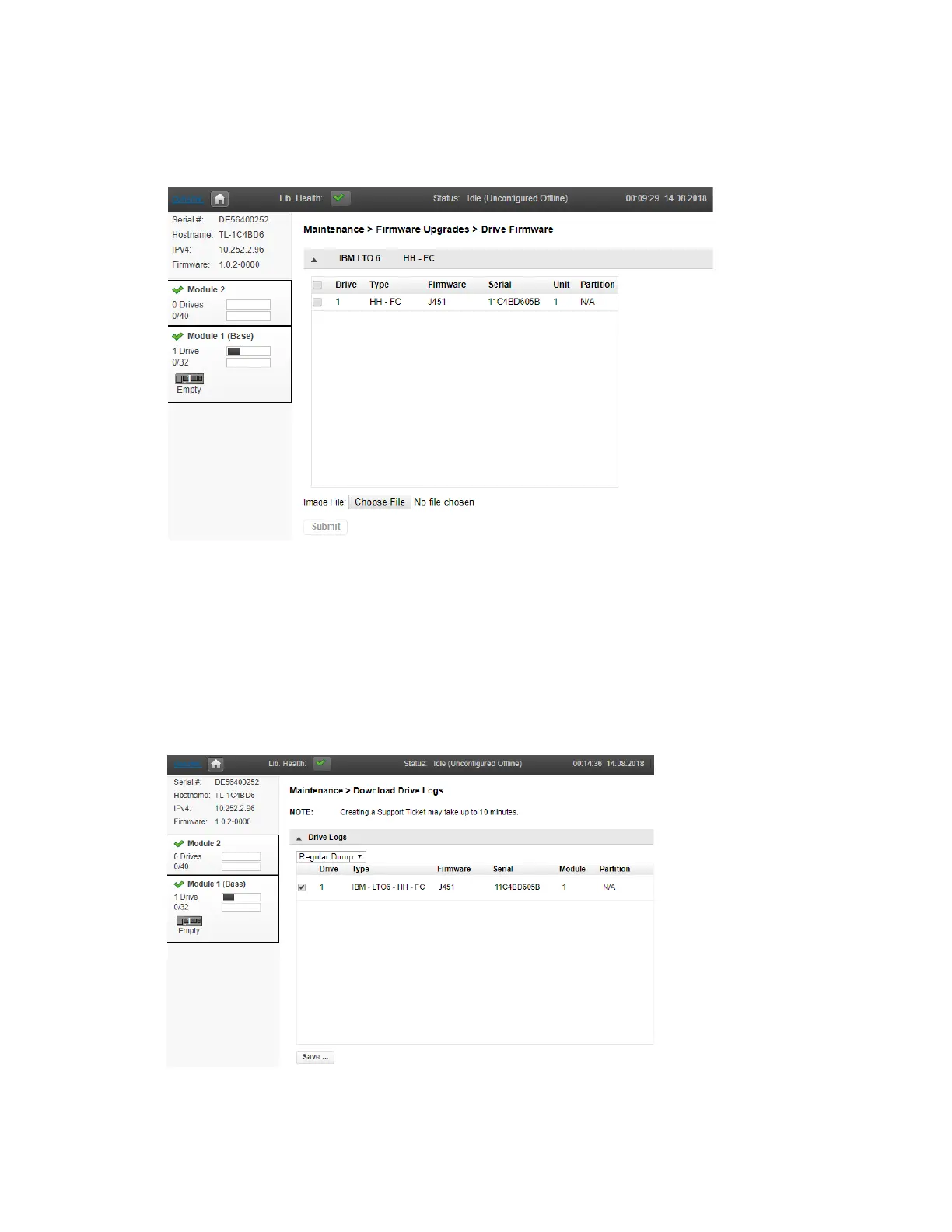
Drive firmware can be updated on multiple drives of the same type at the same time. Drive firmware can
only be updated from the RMI. Each drive will only accept appropriate firmware.
T
o update drive firmware from the RMI:
1. Navigate to Maintenance > Software Upgrades > Drive Firmware. The tape drives are organize
d
b
y drive type.
2. Expand the appropriate drive type and select one or more of the tape drives.
3. Click Choose File, and then select the file from the local computer.
4. Click Submit.
6.12 Downloading Drive Logs
To download drive logs, navigate to Maintenance > Download Drive Logs.
S
elect the drive in question. Select Regular Dump.
Click the Save button.



 To Next Page