511026 Rev. 07-01-19
93
T
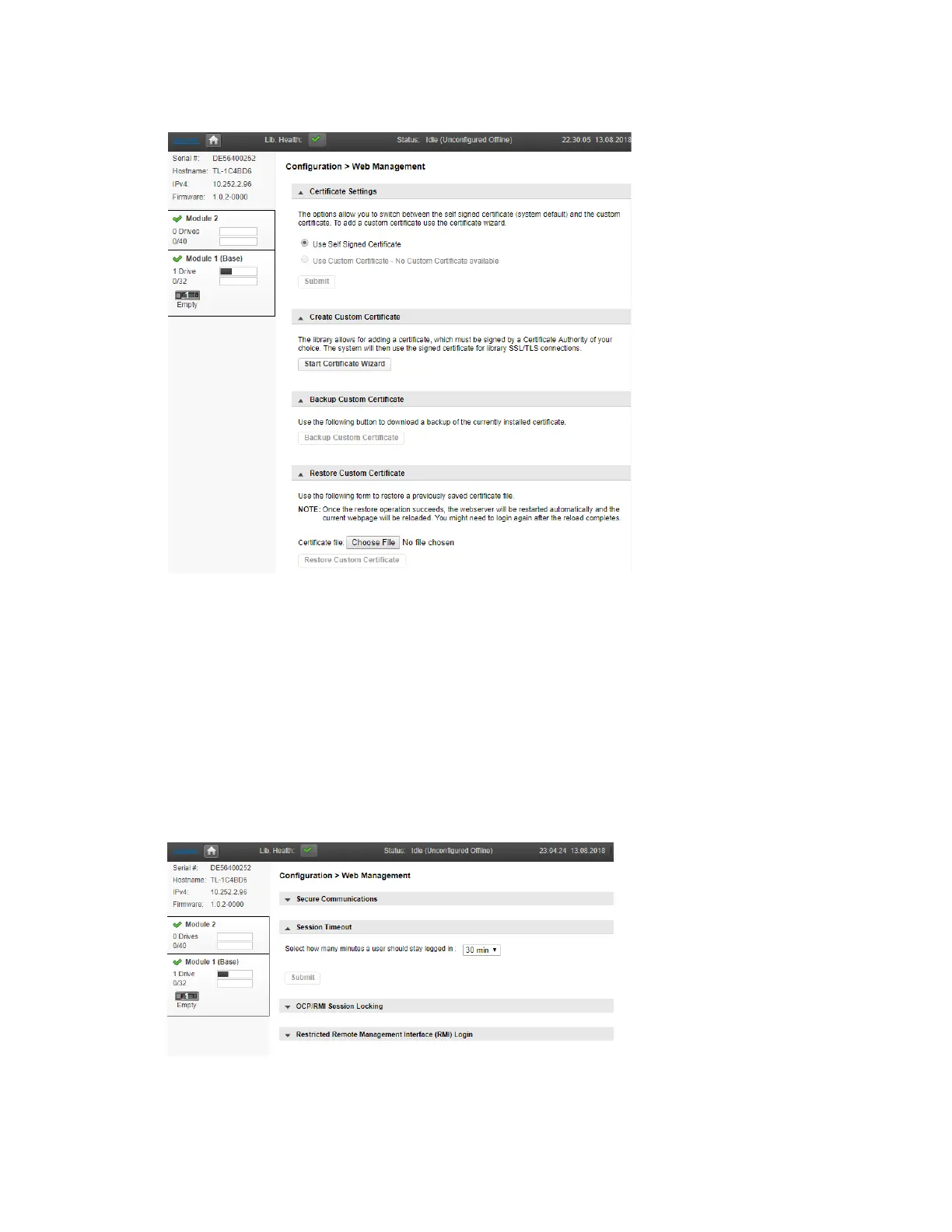
he Q40 offers different Certificate options:
Y
ou can change the Certificate assigned to the library. The default setting of the library uses the
library’s self-signed Certificate.
Select the Start Certificate Wizard button to create your own certificate.
Follow the prompts to create and deploy the new certificate.
Once the Custom Certificate has been created and deployed click the Backup Custom Certificate
button to back up the certificate.
U
se the Restore Custom Certificate option to restore a previously saved certificate file.
T
o configure how long an inactive user should be kept logged in select the Session Timeout page.
T
he default setting is 30 minutes. If you want to change the timeout period click the down arrow
and choose 5 Min or 30 Min.
Click Submit to save the change.



 To Next Page