Q40 Tape Library Installation and Operations Manual
511026 Rev. 07-01-19 94
O
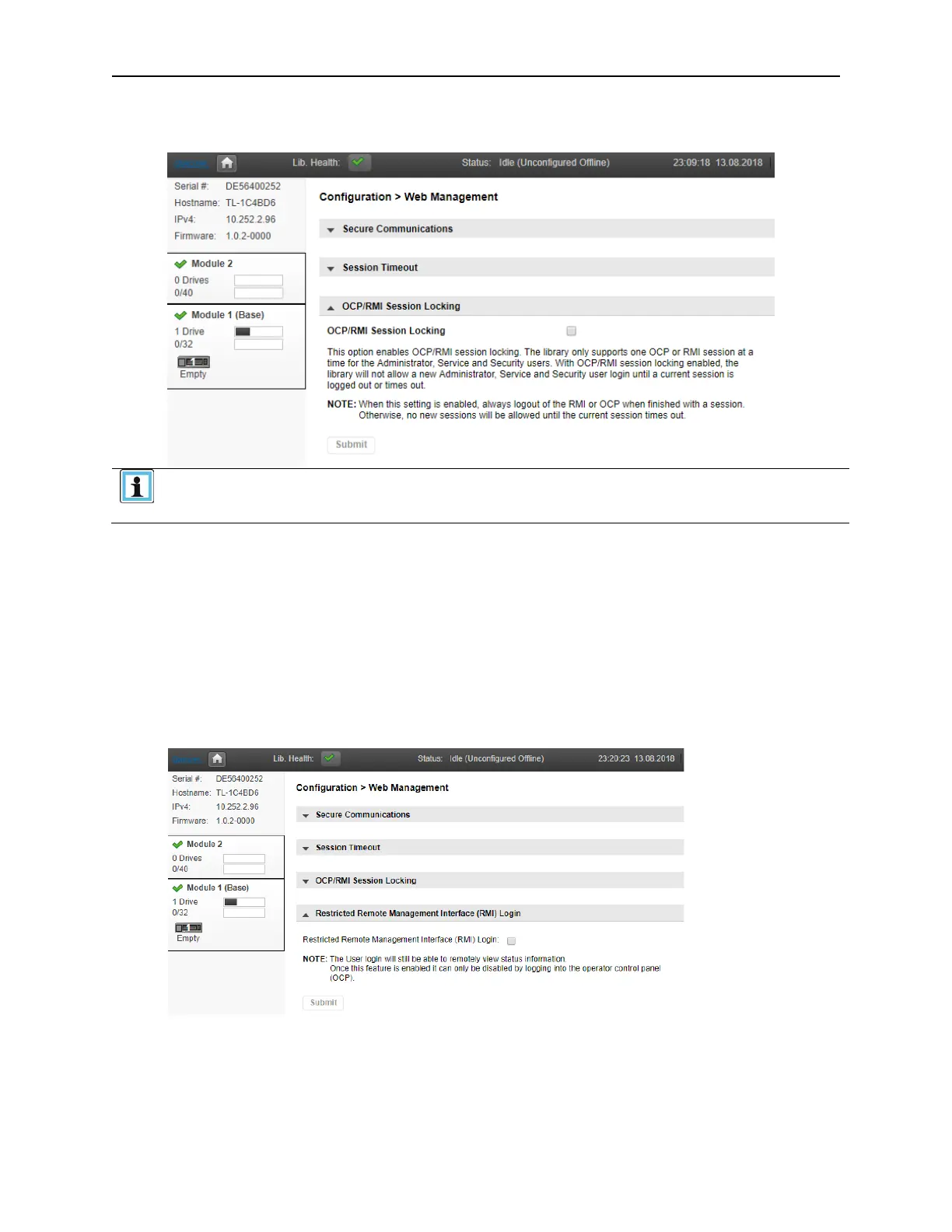
CP/RMI Session Locking can be used to prevent users from logging into the library until the current
user logs out of the OCP/RMI.
When Session Locking is enabled, users must always logout of their RMI/OCP
session. Otherwise, no new sessions will be allowed until the session timeout
6.6.1 Restricted RMI Login
The administrator has the option to restrict RMI access. If restriction mode is enabled, User accounts can
continue to login and view library status information, however, administrator and security accounts are not
allowed to login via the RMI.
T
he administrator has to disable restriction mode by logging into the operator control panel (OCP)
O
nly the administrator is allowed to set and reset the restricted RMI login.



 To Next Page