511026 Rev. 07-01-19
105
6.18.1.2 Moving a Cartridge
1. Select the cartridge from Source Elements.
2. Select the destination location from Destination Elements.
3. Click Submit.
6.18.2 Opening a Mailslot
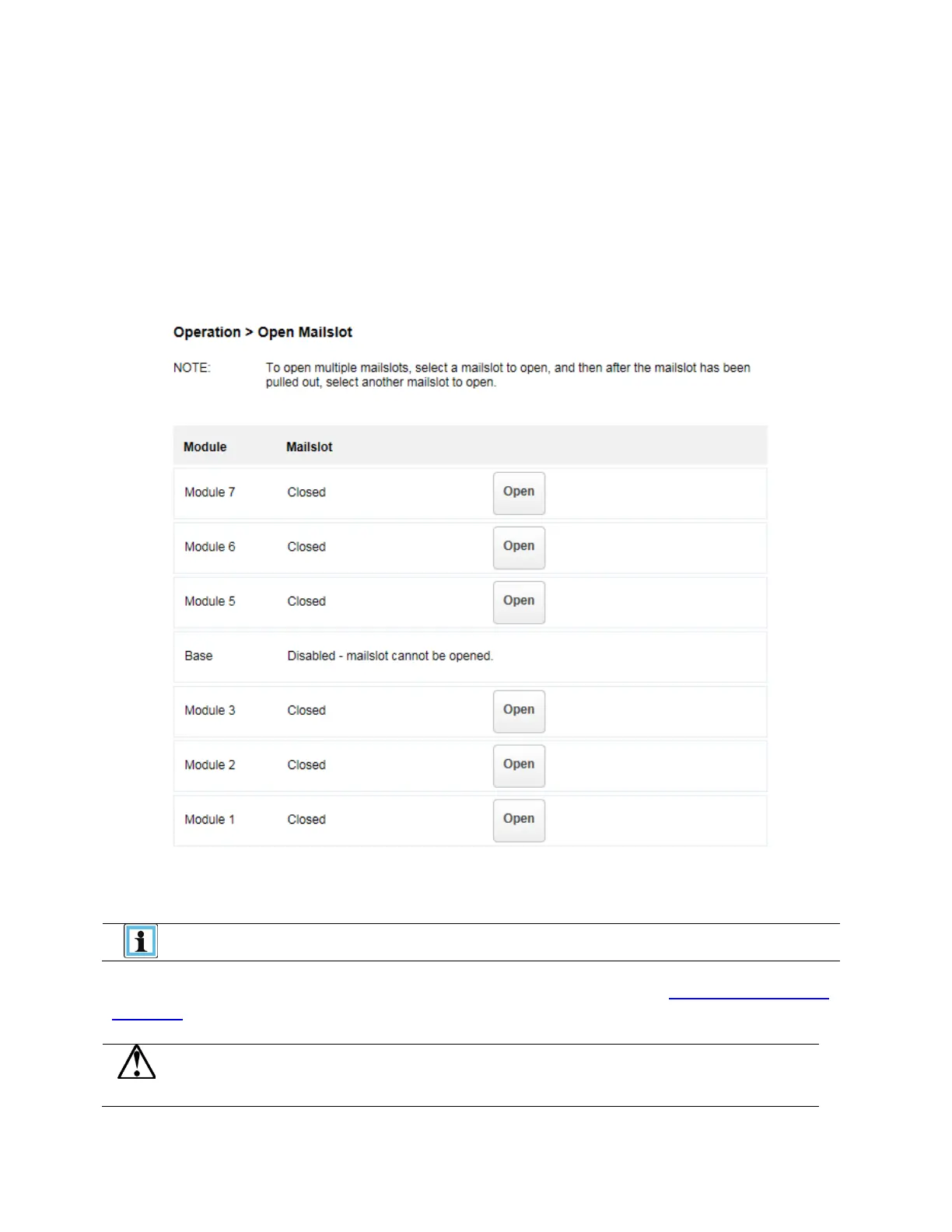
To open a mailslot navigate to Operation > Open Mailslot.
To open a mailslot, click Open for the appropriate mailslot. The library will release the lock. You can then
pull the mailslot out of the library to access the mailslot.
The mailslot will relock after 30 seconds
The mailslot must be enabled before it can be opened. To enable a mailslot, see
Enabling or Disabling
Mailslots.
Hazardous moving parts exist inside this product. Do not insert tools
or any portion of your body into the interior of the library while the


 To Next Page
 Loading...




