511026 Rev. 07-01-19
109
T
he Library Status section provides the following information:
• Idle – The library robotic is ready to perform an action.
• Moving – The library robotic is moving a cartridge.
• Scanning – The library robotic is performing an inventory of cartridges.
• Offline – The library robotic has been taken off line by the library.
• Robotic Location – Displays the module where the robotic is currently located
• Shipping Lock – Indicates whether the robotic is unlocked or locked for shipment
• Cartridge in Transport – When applicable, displays the barcode label of the cartridge currently in t
he
robotic assembly.
• Total Power On Time – Total time that the Base Module has been powered on since it was
manufactured
• Odometer – Robotic assembly move count
The Module Status section provides the following information:
• Base Controller Revision or Expansion Controller Revision – Hardware revision of the controller
board currently installed in the module.
• Drive Power Board Status – Status of the drive power board (DC-DC converter) for the three half-
height drive slots in the module.
• Power Supply Status – Displays the status of power redundancy.
• Lower/upper Power Supply – Displays the presence status of the power supplies
6.19.2 Cartridge Inventory
To see the library’s current inventory information, navigate to Status > Cartridge Inventory.
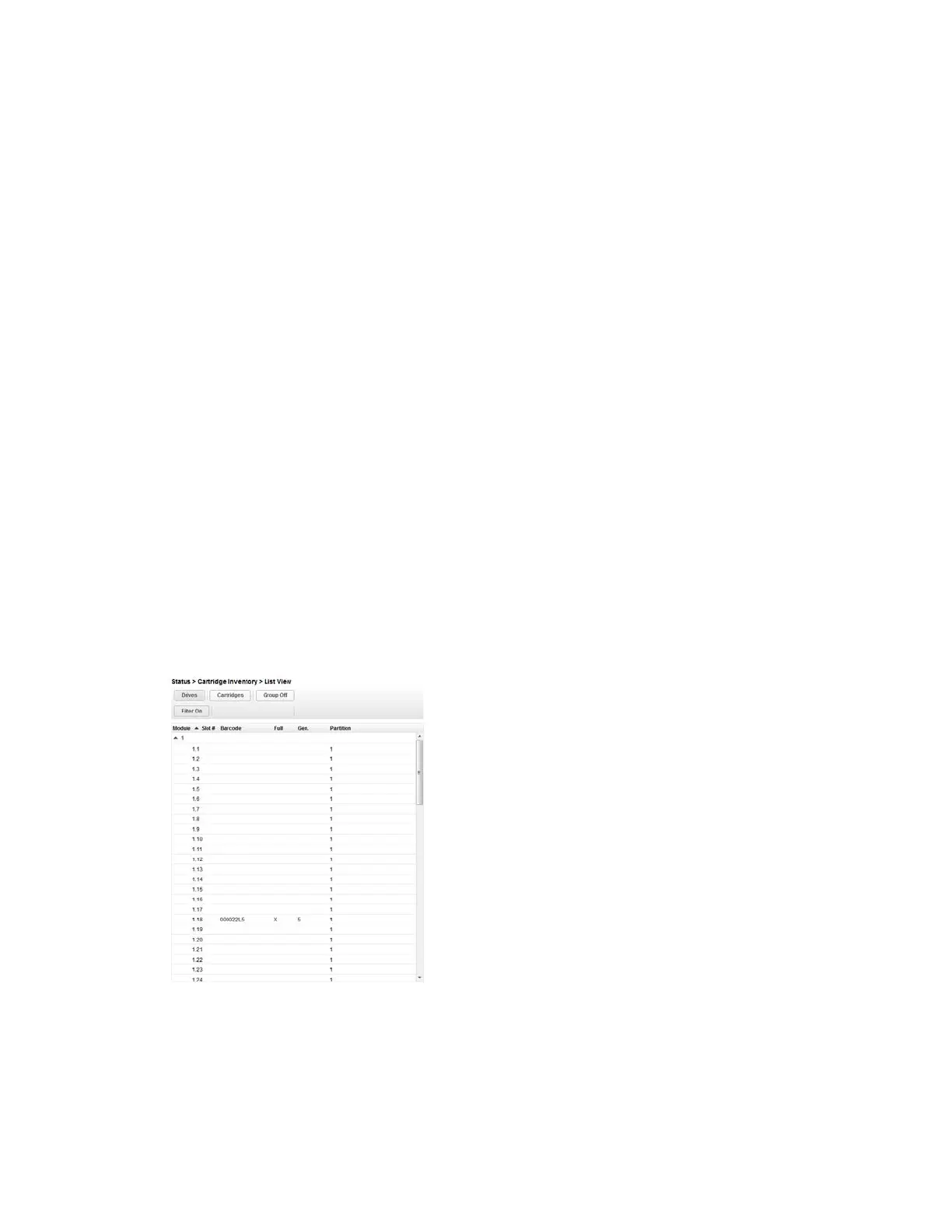
There are 2 views available to see the inventory, Graphical View and List View.
6.19.2.1 List View
In the Inventory List View, you can see:
• Module – The module number
• Slot # - The slot number in the form <module> <slot>.
• Label – Barcode label.
• Full – X if a cartridge is using the element.
• Gen – LTO generation of the cartridge
• Partition – The partition number



 To Next Page