511026 Rev. 07-01-19
139
7.11.3 Installing the Bezel
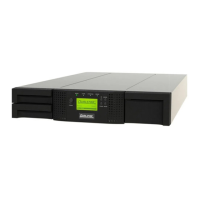
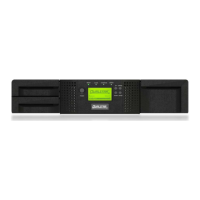
Place the top tabs of the bezel into the slots in the top slots of the module.
Rotate the bezel and snap in at the bottom
7.11.4 Powering On the Library
Power on the library by pressing the power button on the Base Module just below the OCP; the green
light will illuminate. When the library is powered on, it inventories the tape cartridges in the magazines,
checks the firmware version on all modules, configures the tape drives, confirms the presence of the
existing modules, and searches for any new modules.


 To Next Page