Q40 Tape Library Installation and Operations Manual
511026 Rev. 07-01-19 148
8.6.2 Using the RMI
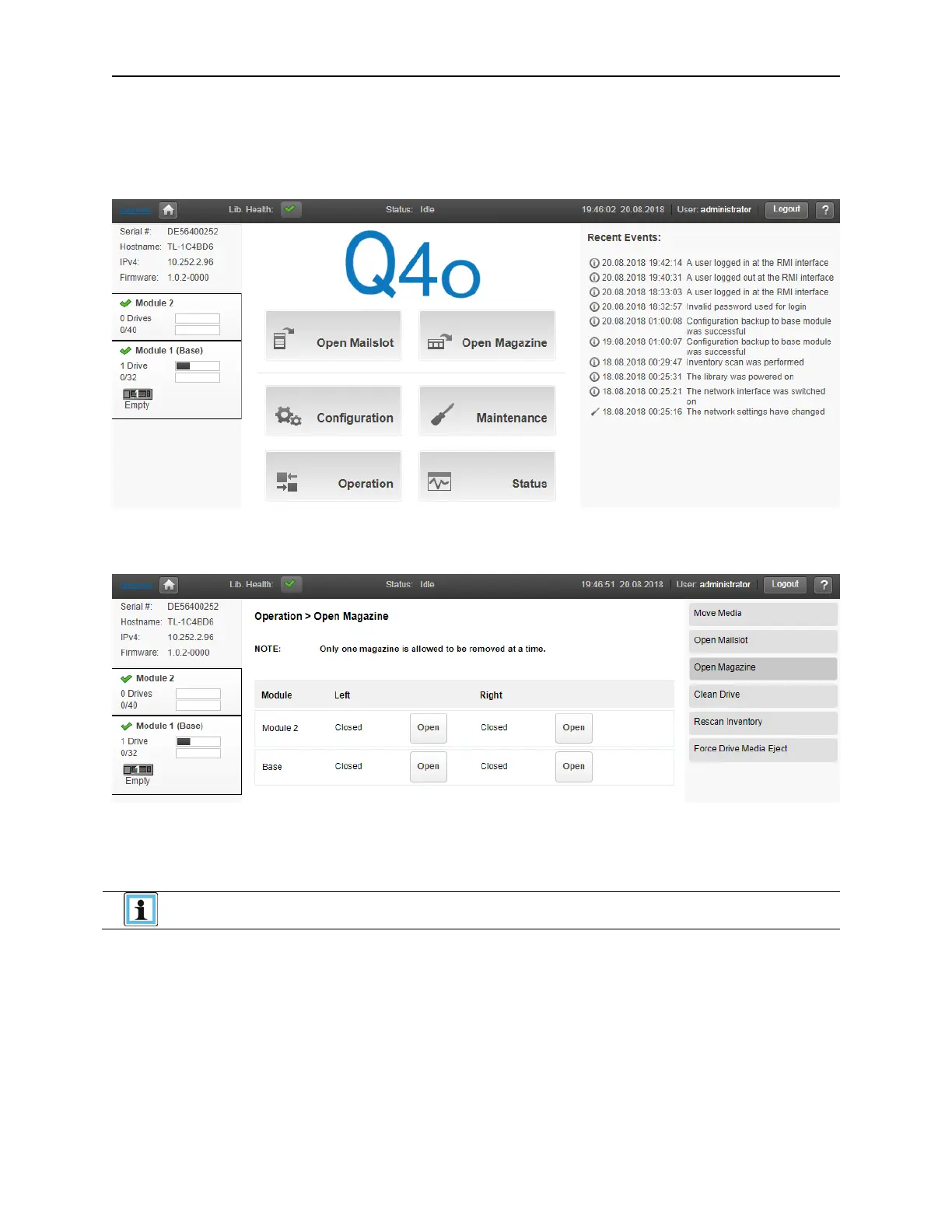
Log in as an administrator.
On the Home screen, click Open Magazine.
C
lick Open in the left or right magazine column within the module containing the magazine to be opened.
• A message box indicates when the magazine has been unlocked.
• The Open Magazine page will show that the magazine is now unlocked.
If not removed, the magazines and the mailslot will relock after 30 seconds.



 To Next Page