511026 Rev. 07-01-19
31
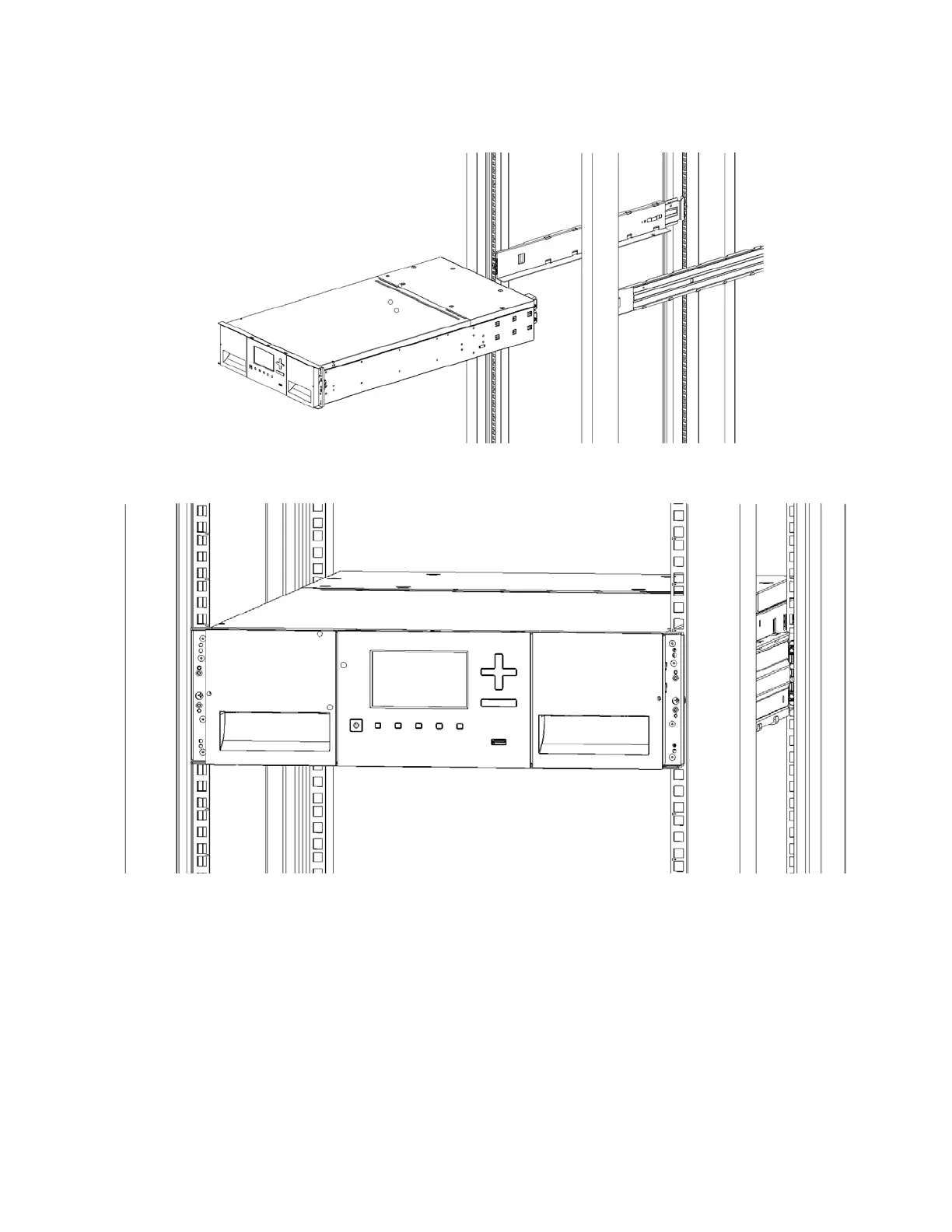
6. P
lace the library at the front of the rack on the support angles of the sliding rails and push it into t
he
r
ack to the back stop.
7. I
f you are installing multiple modules, verify that this module has been installed directly above or
below its adjacent module and is contained within the correct 3U volume. The gap between modules
must be less than 4 mm.
8. Use a Phillips screwdriver to tighten the screws on each side of the module.
9. Repeat steps 3 through 5 to install the rest of the modules into the rack



 To Next Page