COMPUTER INTERFACE
5-27
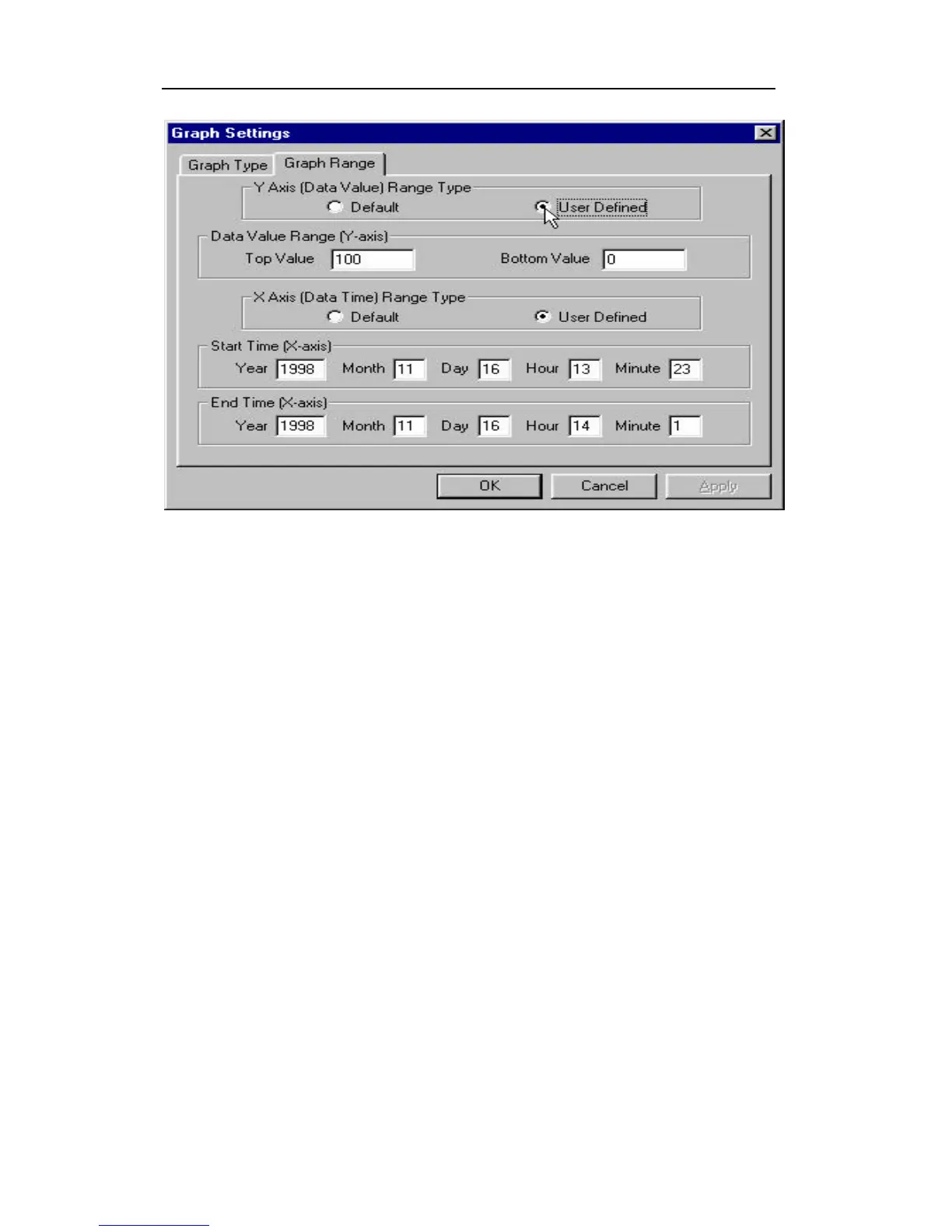
Figure 5-13 Graph Range Tab Page
To choose the range of Y-axis, first click the User
Defined button in the Y-Axis (Data Value) Range type
group box, then specify the top value and the bottom
value in the Data Value Range (Y-axis) group box.
If the user selects the Default button in the Y-Axis (Data
Value) Range type group box, the ProRAE-Suite
software will scale the range of Y-axis by itself to cover
the maximum data value on the y-axis.
To choose the range of X-axis, first click the User
Defined button in the X-Axis (Data Time) Range type
group box, then enter the start time values in the Start
Time (X-axis) group box and the end time values in the
End Time (X-axis) group box.



 To Next Page