4.3
ZoneWireless
S
e
cu
r
i
t
y
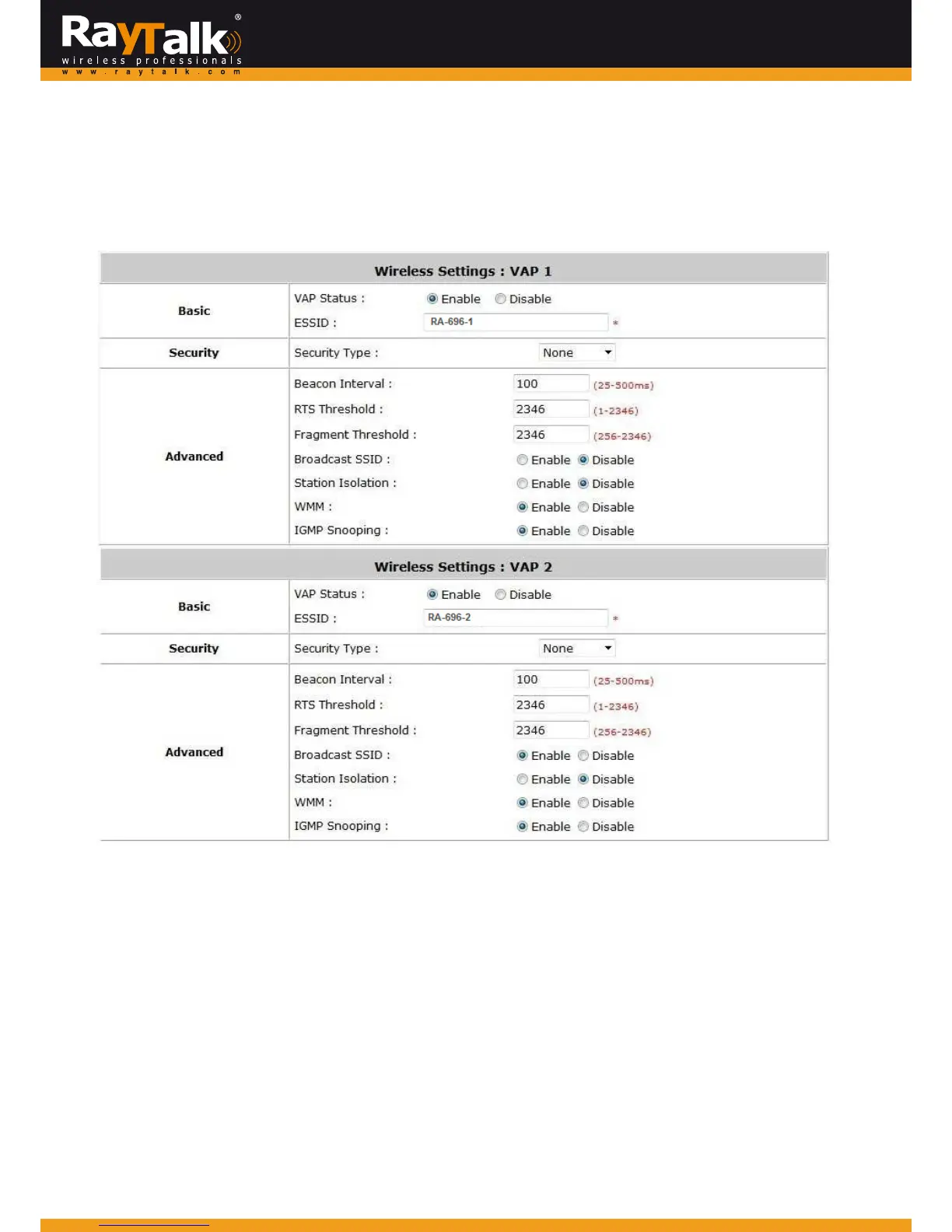
ToconfigureZoneWirelessSecurity,goto:System>>ServiceZones,clickConfigureforPrivatezoneorclickConfigureforPublic
zone.
Aftertheaboveconfigurationsarefinished,settingupthewirelesssecurityisveryimportanttoprotectyourwirelessnetwork.
Security:
Foreachzone,administratorscansetupthewirelesssecurityprofile,itincludesWEPandWPA‐PSK.
WEP:
802.11Authentication:SelectfromOpenSystemorSharedKey.
WEPKeyLength:Selectfrom64‐bit,128‐bit,152‐bitkeylength.
WEPKeyFormat:SelectfromASCIIorHexformatfortheWEPkey.
WEPKeyIndex:Selectakeyindexfrom1~4.TheWE
Pkeyindexisanumberthatspecifieswhich
WEPkeywillbeusedfortheencryptionofwirelessframesduringdatatransmission.
WEPKeys:Providethepre‐definedWEPkeyvalue;thesystemsupportsupto4setsofWEPkeys.
WPA‐PSK:
CipherSuite:Selectanencry ptionmethodfromTKIP(WPA),AES(WAP2),orMixed.
Pre‐sharedKey/Pass‐phrase:Enterthekeyvalueforthepre‐sharedkeyorpass‐phrase.
GroupKeyUpdatePeriod:ThetimeintervalfortheGroupKeytoberenewed;thetimeunitisinseconds.



 To Next Page