8.1.2
InternalDomainNamewithCertificate
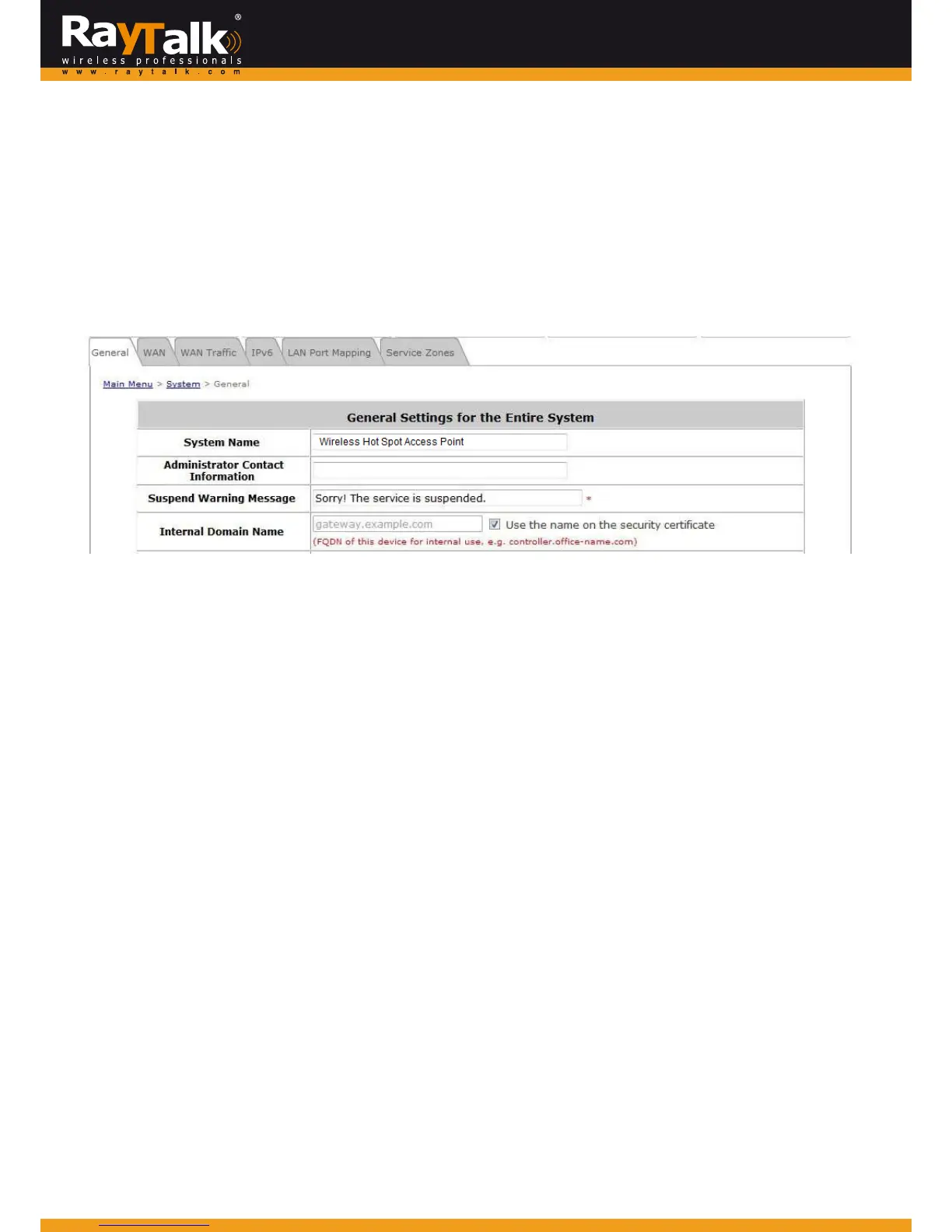
ToconfigureInternalDomainName,goto:System>>General.
InternalDomainNameisthedomainnam eoftheRAYTALKRA‐696seenonclientmachinesconnectedunderzone.
ItmustconformtoFQDN(Fully‐QualifiedDomainName)standard.
Auseronclientmachinecanusethisdomainnam etoaccesstheRAYTALKRA‐696insteadofitsIPaddress.
In addition, when“Usethe nameonthesecuritycertificate”option is checked,thesystem willusethe CN
(CommonName)
valueoftheuploadedSSLcertificateasthedomainname.
ToConfigureCertificate,goto:Utilities>>CertificateandchooseUploadCertificatefromthescrolldownmenu.
Certificate:Adatarecordusedforauthenticatingnetworkentitiessuchasaserveroraclient.
AcertificatecontainsX.509informationpiecesaboutitsowner(calledthesubject)andthesigningCertificateAuthority(calledthe
issuer),plustheowner'spublickeyandthesignaturemadebytheCA.
NetworkentitiesverifythesesignaturesusingCAcertificates.
YoucanapplyforaSSLcertificateatCAssuchasVeriSign.
IfyoualreadyhaveaSSLCertificate,pleaseClickBrowsetoselectthefileanduploadit.
Cli
ckApplytocompletetheuploadprocess.IfyoudonothaveavalidSSLCertificate,usethesystemdefaultcertificate.



 To Next Page