10.5
Administration
TheRAYTALKRA‐696supportscustomizableadministrationaccounttypes,namelySuperGroup,Manager,On‐DemandManager
orOperator.
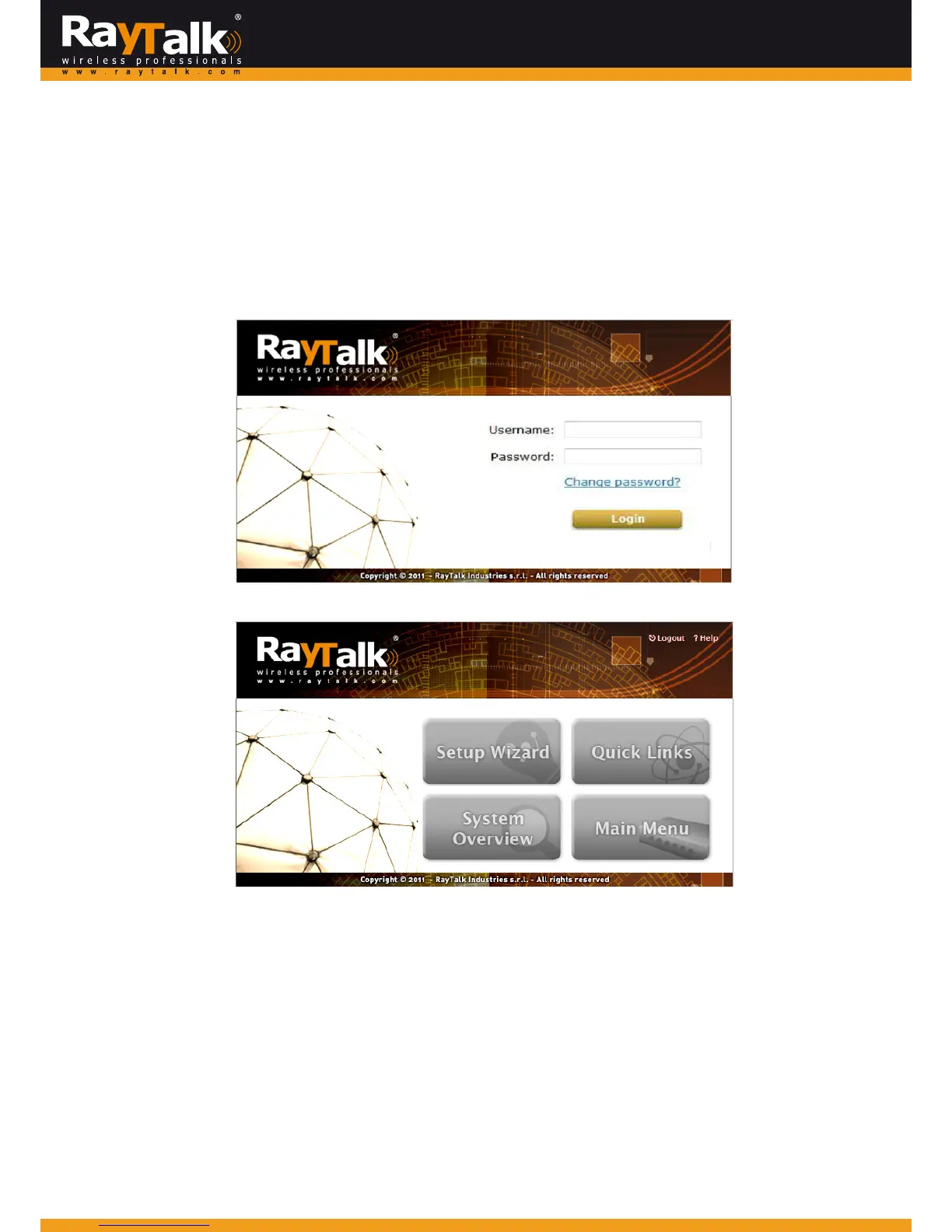
ThedefaultpredeterminedgroupoftheAdministratorisSupergroup,andtheusernameandpasswordareasfollows:
Admin:TheadministratorcanaccessallconfigurationpagesoftheRAYTALKRA‐696.
Username:admin
Password:admin
Afterasuccessfullogintothe
RAYTALKRA‐696
,awebmanagementinterfacewithaHomemanualwillappear.
AdminisclassifiedunderSuperGroup,withallaccessandconfigurationauthorities.SuperGroupmemberscangenerateother
administrativeaccounts (Manager, OnDemand Manager and Operator) and configure P
assword Safety and Group Permission
Settings.



 To Next Page