10.6
ChangeAdminPasswords
ToconfigureAdminpasswords,goto:Utilities>>AdministratorAccount.
Therearefourpredeterminedlevelsofauthority:SuperGroup ,Manager,Operator,andOn‐DemandManager.
Theusernamesandpasswordscanbeconfiguredat:Utilities>>AdministratorAccount.
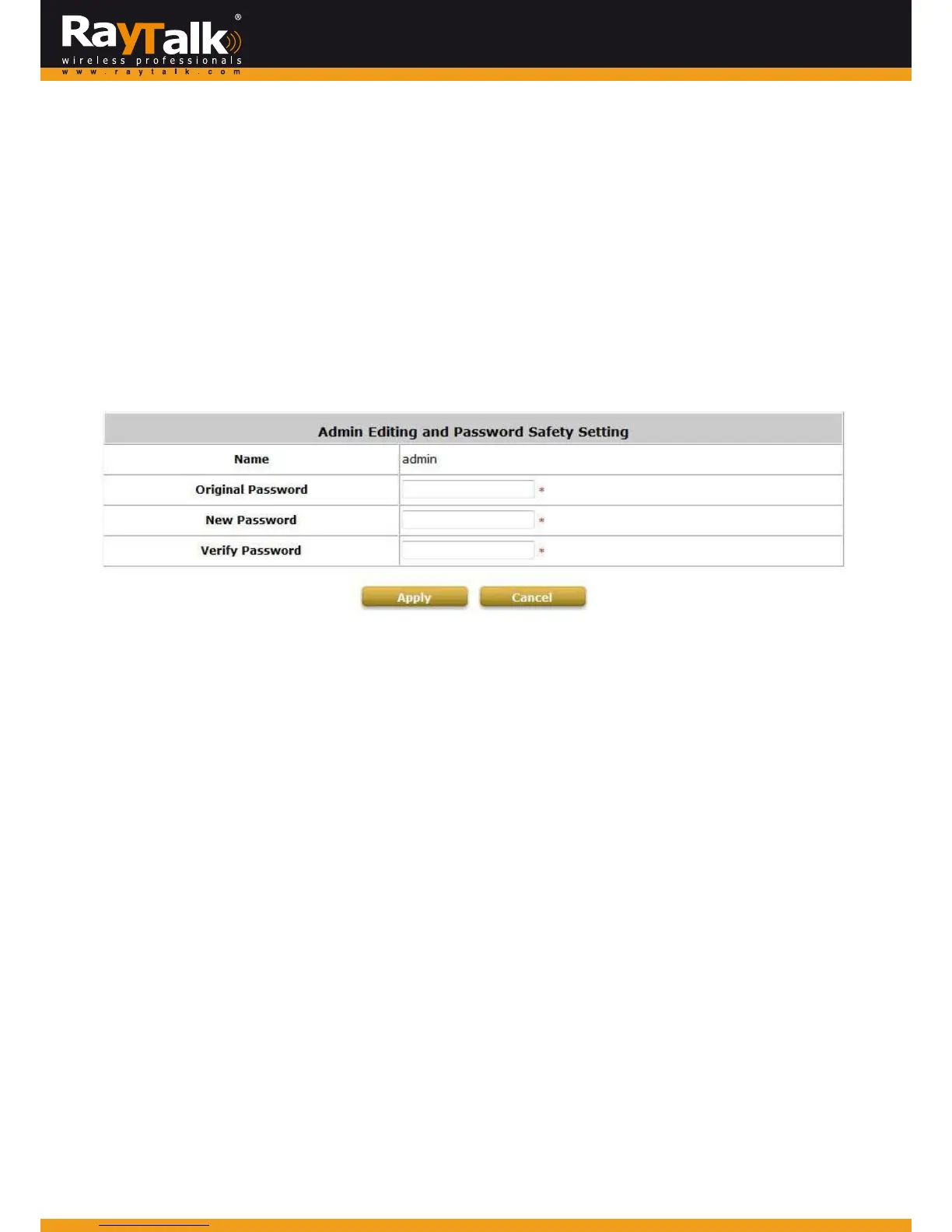
ClickingonthehyperlinkoftheNameallowstheadministratortochangepasswords.
Theadministratorcanchan gethepasswordshere.
ClickAdminnameontheAdminList,EnteroriginalandnewpasswordandclickApplytoactivatethenewpassword.
Note:
Onlyadminhastheauthoritytochangepassword.
Caution:
If the administrator’spasswordis lost, theadministrator’spasswordstill can be ch angedthroughthetext mode management
interfaceviatheserialconsoleport.



 To Next Page