6.3.1
S
ch
e
d
u
l
e
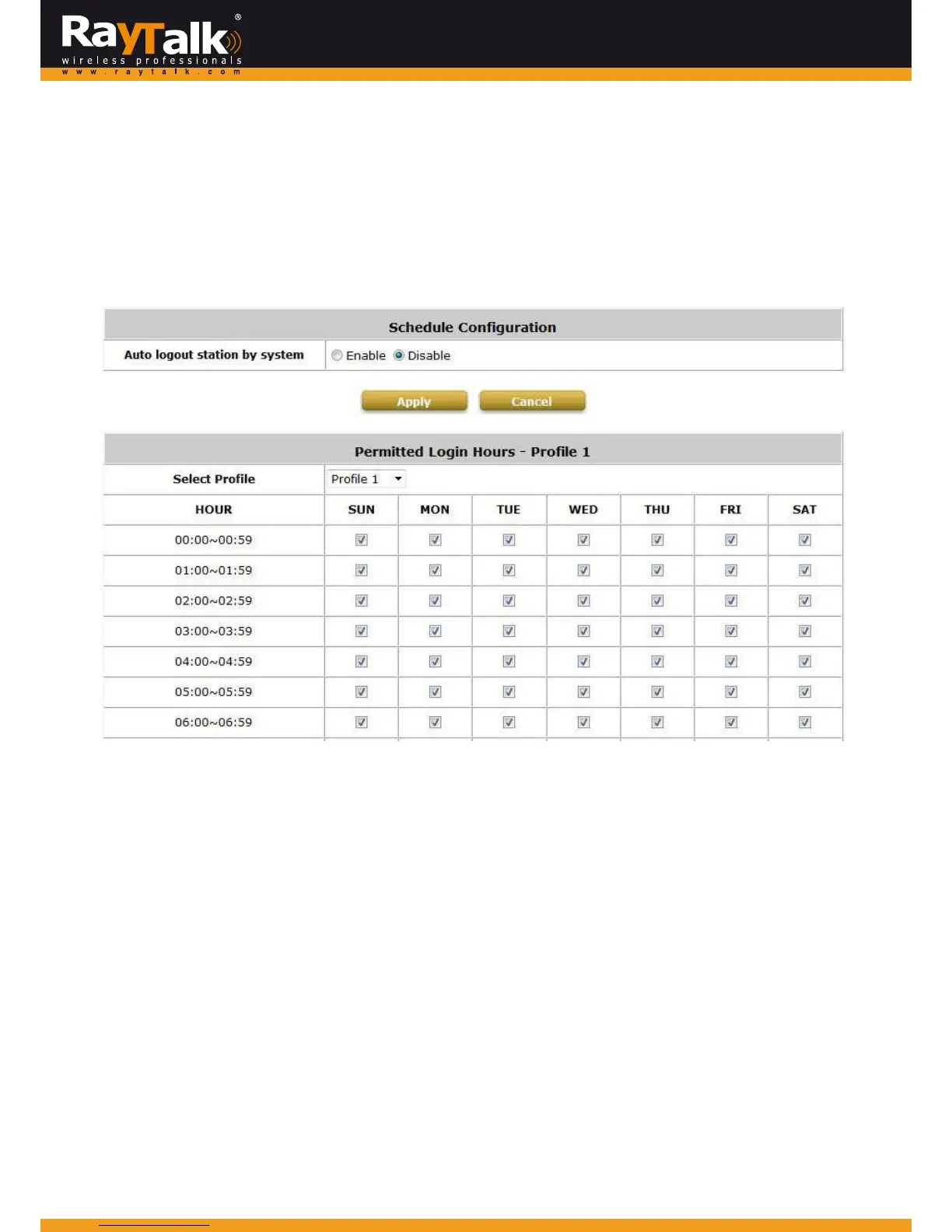
> ScheduleProfile: Click User >> Scheduletoenterthe configurationpage andshowsthePermitted LoginHourslist.
Thisfunctionisused tolimitthetim ewhenclientscanlogin.Checkthedesiredtime‐slotcheckboxesandclickApplytosavethe
settings.ThesesettingswillbecomeeffectiveimmediatelyafterclickingApply.
Administratorcanalsocho ose toEnableorDisableAutologoutwhenauserexceedsthepermittedloginhours.
Upto5profilescanbeconfigured.



 To Next Page