1
BeforeYouStart
1.1
Preface
This manual is for WLAN service providers or network administratorsto set up a network environment using the Hot Spot
AccessPointWi‐FiRayTalkRA‐696.Itcontainsste p‐by‐stepproceduresandgraphicexamplestogu ideMISstafforindividuals
withslightnetworksystemknowledgetocompletetheinstallation.
1.2
Document
C
o
n
v
e
n
t
i
o
n
s
Caution:
Representsessentialsteps,actions,ormessagesthatshouldnotbeignored.
Note:
Containsrelatedinformationthatcorrespon dstoatopic.
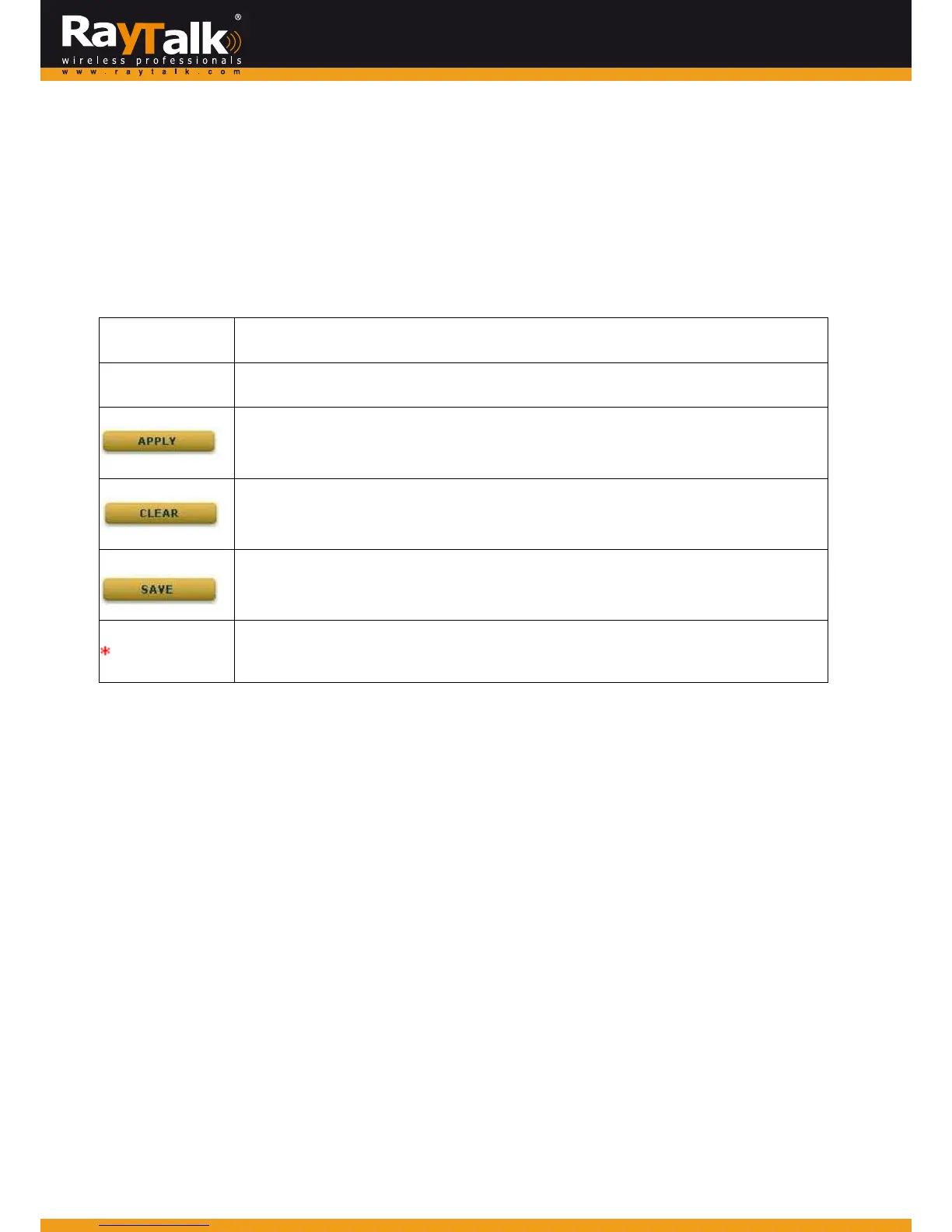
Indicatesthatclickingthisbuttonwillapplyallofyoursettings.
Indicatesthatclickingthisbuttonwillclearwhatyouhavesetbeforethesettingsareapplied.
Indicatesthatclickingthisbuttonwillsavethechangesyoumade,butyoumustrebootthesystem
uponthecompletionofallconfigurationsettingsforthechang estotakeeffect.
Theredasteriskindicatesthatinformationinthisfieldiscompulsory.
1.3
Package
C
h
e
c
k
li
s
t
ThestandardpackageofHotspotGate wa ySeriesRAYTALKRA‐696includes:
MiMoHotSpotAccessPointWi‐FiRayTalkRA‐696
CD‐ROM(withUser’sManualandQIG)
EthernetCablex1
ConsoleCablex1
PowerAdapter(DC5V)x1
Detachableantennax2
Caution:
Itishighlyrecom mendedtouseallthesuppliesinthepackageinsteadofsubstitutinganycomponentswithothersuppliersto
guaranteebestperformance.



 To Next Page