AppendixF.PortalPageCustomization
SinceeveryService Zonehavetheirownconfigurationprofiles and actslike a virtualgateway,administratorscancustomizeor
definetheirownportalpagesutilizedbyusersofthatServiceZone.
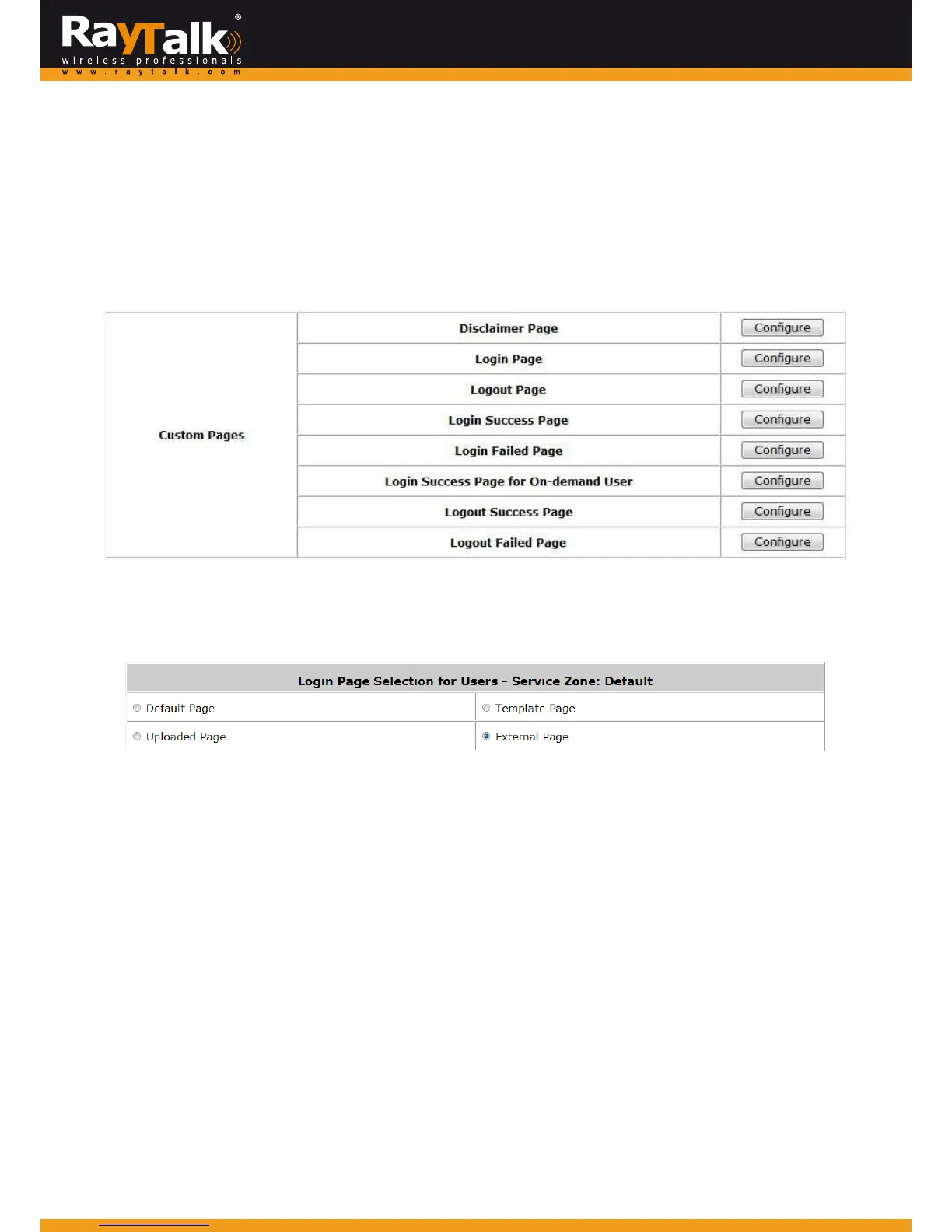
ThecustomizablepagesofaServiceZon eare: DisclaimerPage,LoginPage, LogoutPage,LoginSuccessPage,LoginFailPage,
LogoutSuccessPage,LogoutFailPage,LoginSuccessPageforOn‐demandUser,PortLocationMappingFreeLoginPage,Port
LocationMappingChargeLoginPage.
MainMenu>>System>ServiceZone>>ServiceZoneConfiguration
Foreach customizablepage, the availablecustomizationoptionsare to use: DefaultPage, TemplatePage,UploadedPage,or
ExternalPage.
MainMenu>>System>>ServiceZone>>ServiceZoneConfiguration>>LoginPage
DefaultPageusesawebpagestoredwithinthesystem,itsformatandcontentcannotbechanged.
TemplatePagealsousesawebpagestoredwithinthesystem,butthecontentssuchas textcolor,backgroundcolordisplayed
textandlogocanbeconfiguredaccordingtoyourpreferences.
UploadedPageistouploadyourselfdefinedwebpageintothesystem,anduseitasportalpagedisplayedtotheuser
.
ExternalPageusesawebpagestoredinanexternalwebserverastheportalpageforyourusers.
Becausethepages are located on a remote server, therefore special efforts are required by these external pages to parse,
processandsendnecessaryURLparameterstoandfromthesystem.
Sin
ce External Pages needs more attention and care to setup, its html codesalso need to includemechanismsfor processing
the necessary URL parameters, please refer tofurtherdetailsregardingonexternalpagesinthefollowingsections.



 To Next Page