11.1.2
InterfaceStatus
ToviewInterface Status,go to:
Status>>Interfa ce.
This section provides an
overview
ofthe interface for theadministratorincluding
WAN,
Zone‐Private
and
Zone‐
Public.
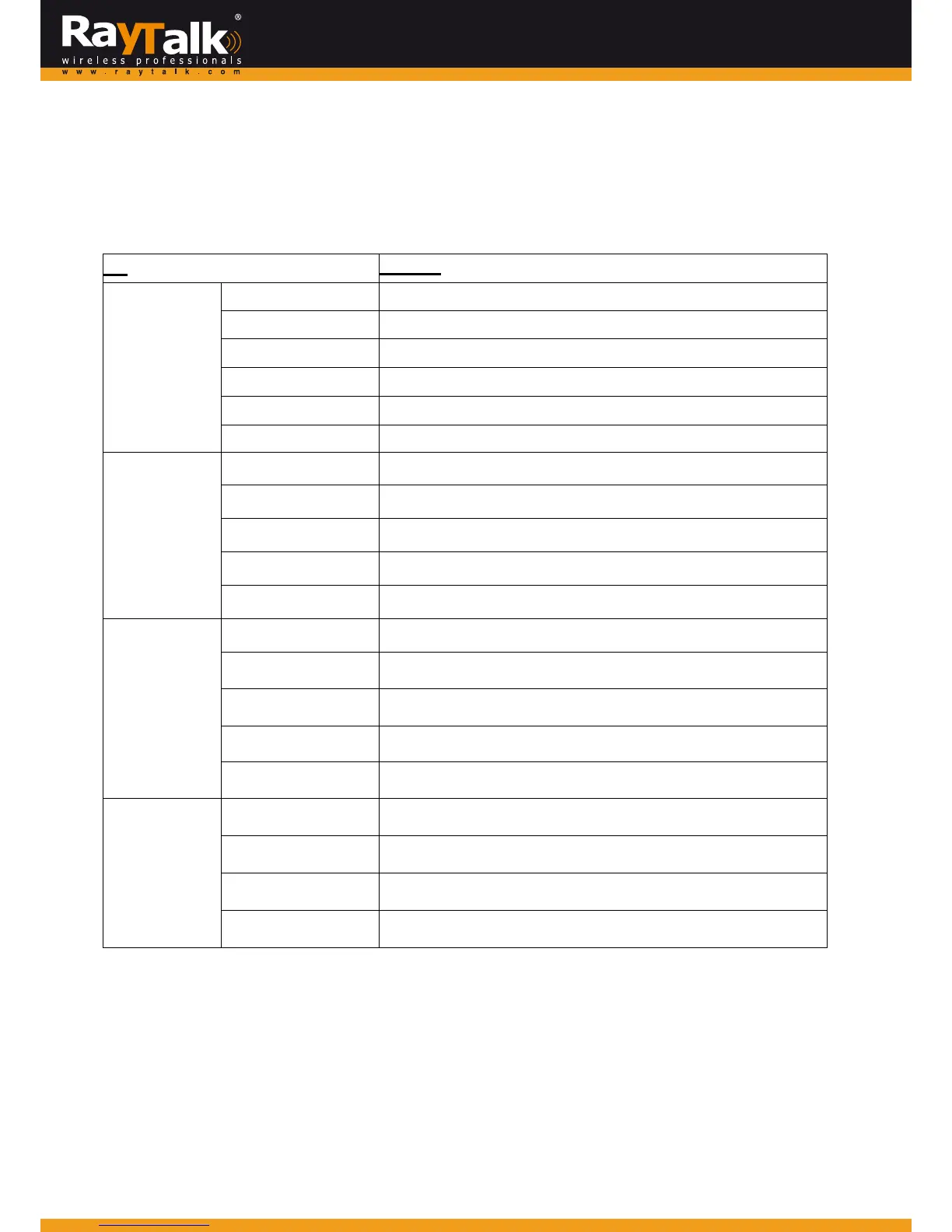
Thedescriptionofthetableisasfollows:
Item
Description
WAN
Mode
ShowsWANinterfacesettings:Static,Dynamic,PPPoEorPPTP
MACAddress
TheMACaddressoftheWANport
IPAddress
TheIPaddressoftheWANport
SubnetMask
TheSubnetMaskoftheWANport
IPv6Address
TheIPv6addressofWANportifapplicable
IPv6Prefix TheIPv6prefixifapplicable
Zone‐General
Mode
Theoperationmodeofthezone
MACAddress
TheMACaddressofthezone
IPAddress
TheIPaddressofthezone
SubnetMask
TheSubnetMaskofthezone
IPv6Address
TheIPv6addressofthezoneifapplicable
Zone‐DHCP
Status
Enable/disablestandsforthestatusoftheDHCPserverinthiszone
WINSIPAddress
TheWINSserverIPonDHCPserver.N/Ameansthatitisnotconfigured
StartIPAddress
ThestartIPaddressoftheDHCPIPra nge
EndIPaddress
TheendIPaddressoftheDHCPIPra nge
LeaseTime
MinutesofleasetimeoftheIPaddress
Zone‐VAP
BSSID
TheBSSIDofthiszone
ESSID
TheESSIDofthiszone
SecurityType
Thecurrentsecuritytypeofthiszone
AssociatedClients
Thenumberofassociatedclientsinthiszone



 To Next Page