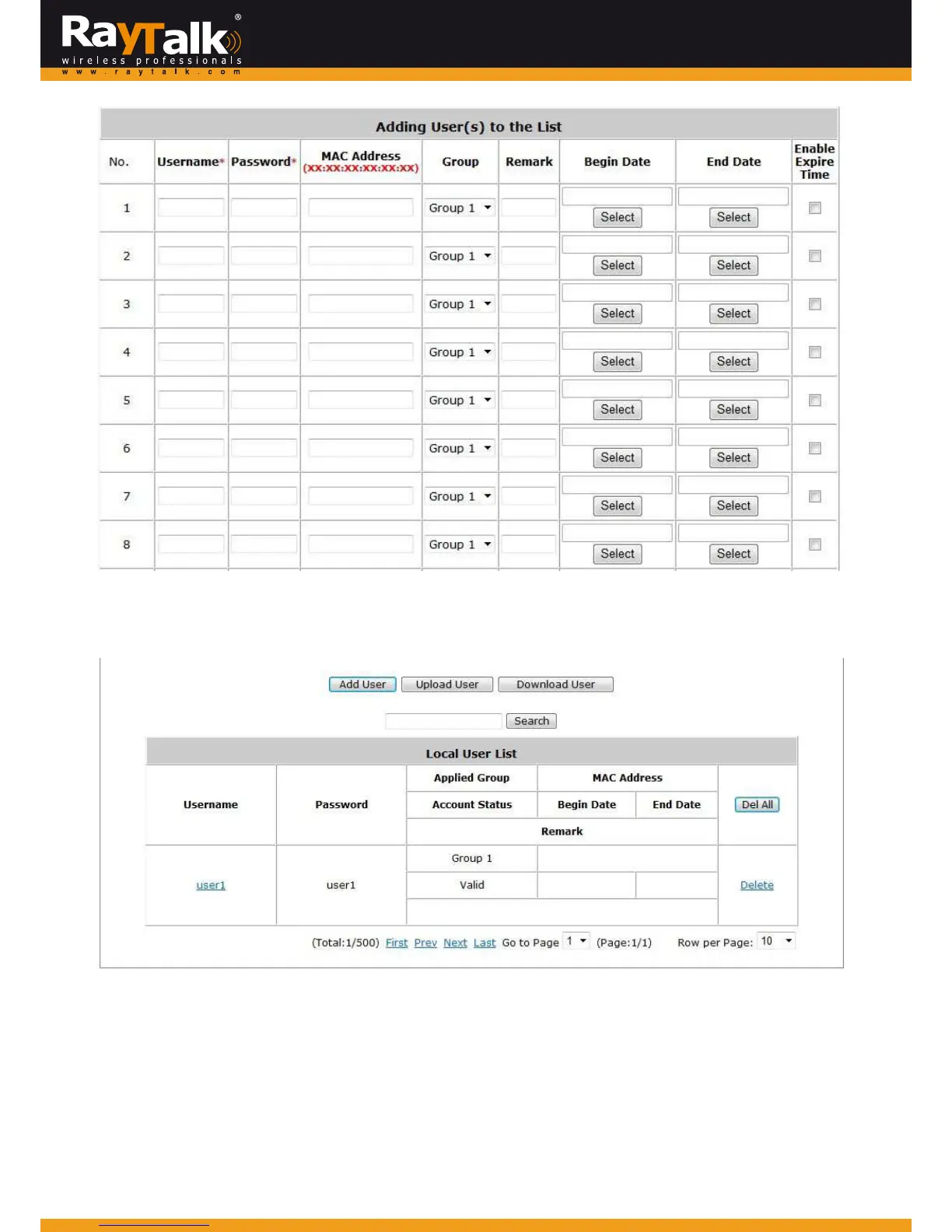
Search:Enterakeywordof a usernam eorremarktobesearchedinthetextfileandclick thisbuttonto
performthe
search.Allusernamesmatchingthekeywordwi llbelisted.
DelAll:ClickthisbuttontodeletealltheusersatonceorclickDelete(hyperlinked)todeleteaspecificuserindividually.
Edit User: If in need of editing, click the desired user account on Local User List to enter the User ProfileInterfaceforthat
particular user, and then modify or add information such as Username, Password, MAC Address (optional), Applied Group
(optional)andRemark(optional).
AnexpirationtimecanbeEnabledandtheBegin/End.



 To Next Page