4.1 Vacant Mode
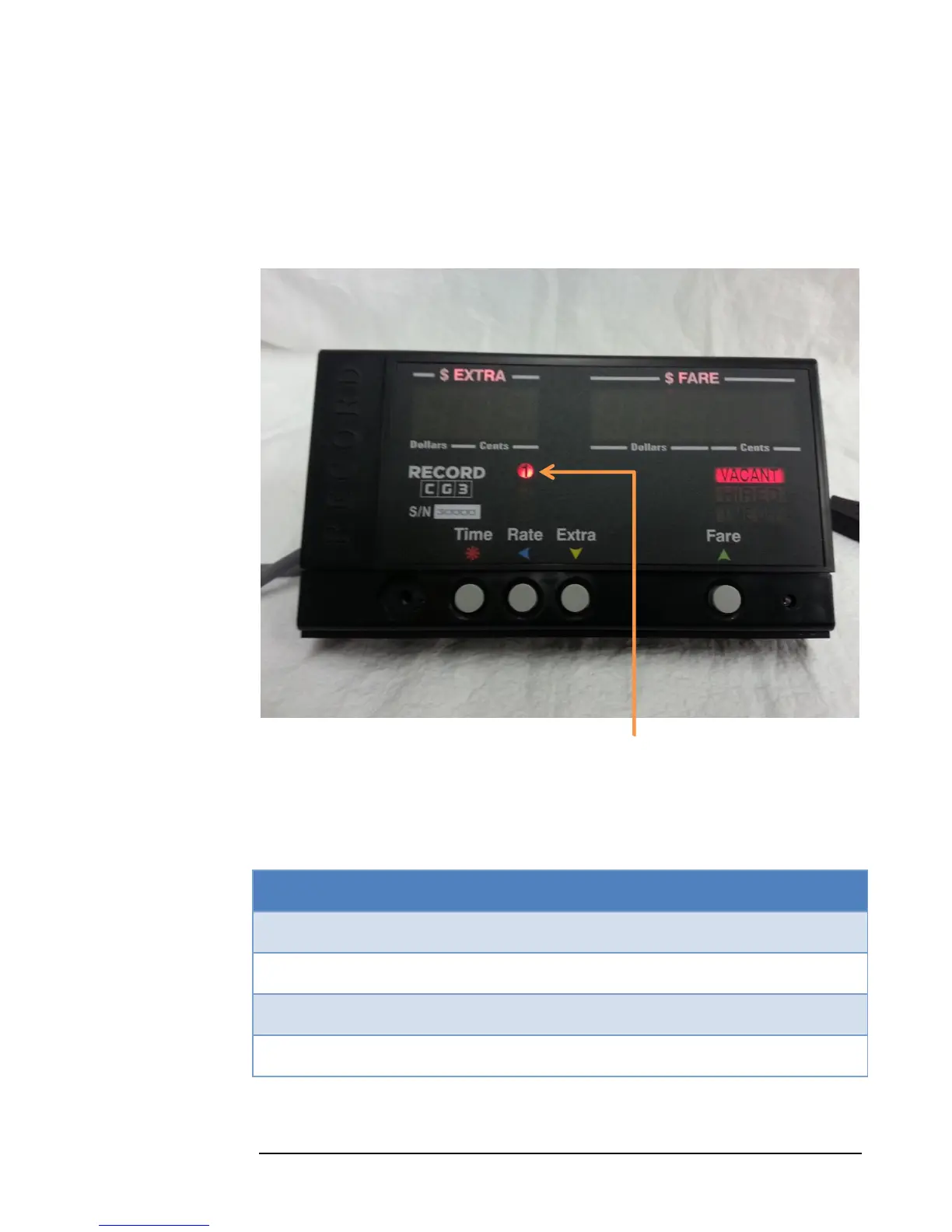
This is the state that the taximeter starts in when first turned on. The “VACANT”
indicator will be on, and the $Extra and $Fare displays will be blank. Also, the rate
LED will be on to indicate which rate is active.
Figure 7 : VACANT MODE Currently active rate
The user can now select one of several available actions, by pressing one of the four
buttons:
Table 1: Vacant Mode Button Functions
Start a Fare. Enters Hired Mode.



 To Next Page