4.4 Configuration Mode
(See 3.1, which explains how to access this mode.)
Once in this mode, you can scroll through the Configuration Menu in order to access
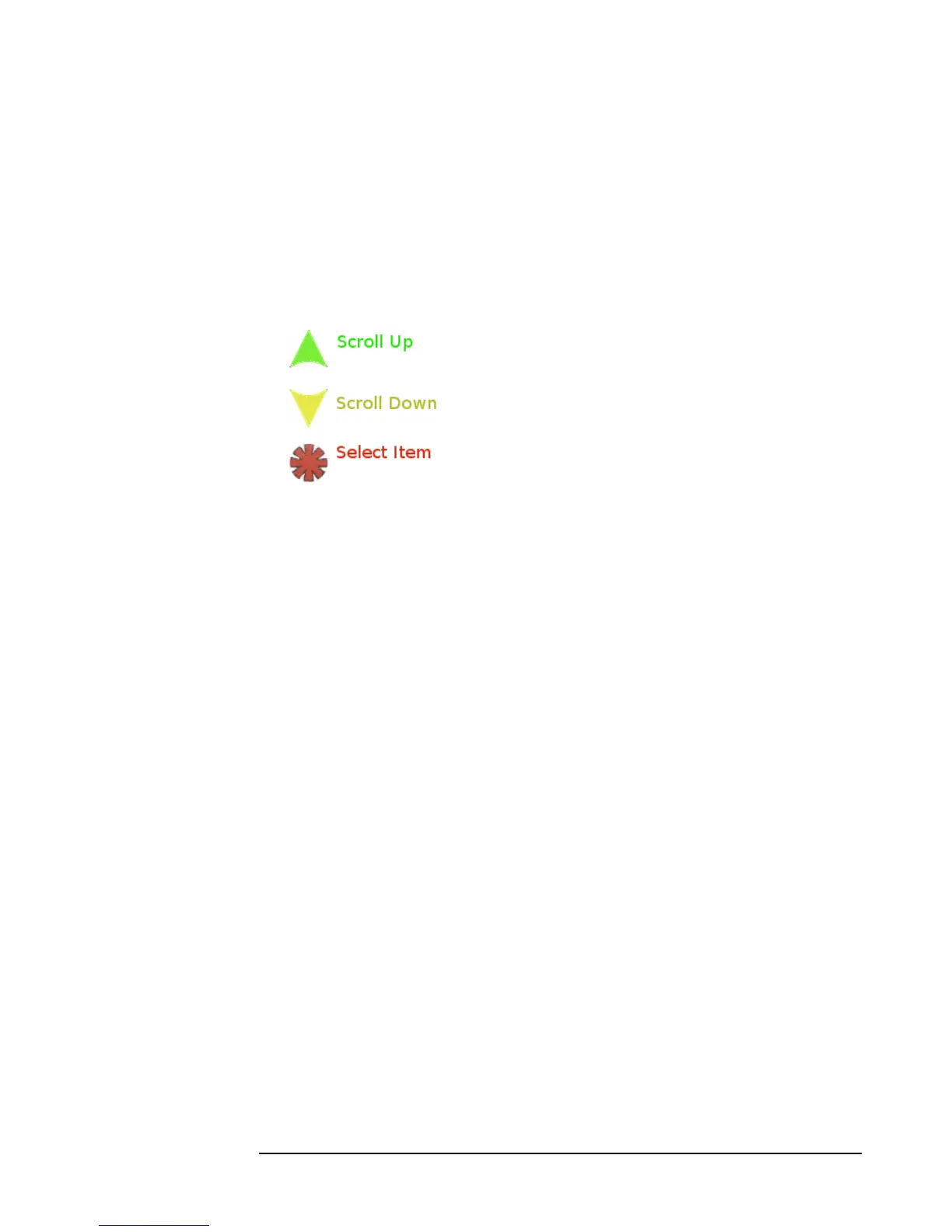
the various functions for setting. The Configuration Menu is scrolled by using the UP
and DOWN buttons. You select an entry to configure by selecting the button with the
red star icon (see Figure 11)
Figure 11: Menu Button functions



 To Next Page