7.1 Printer Setup
To setup a printer to work with the CG3, you will have to access the Printer Menu.
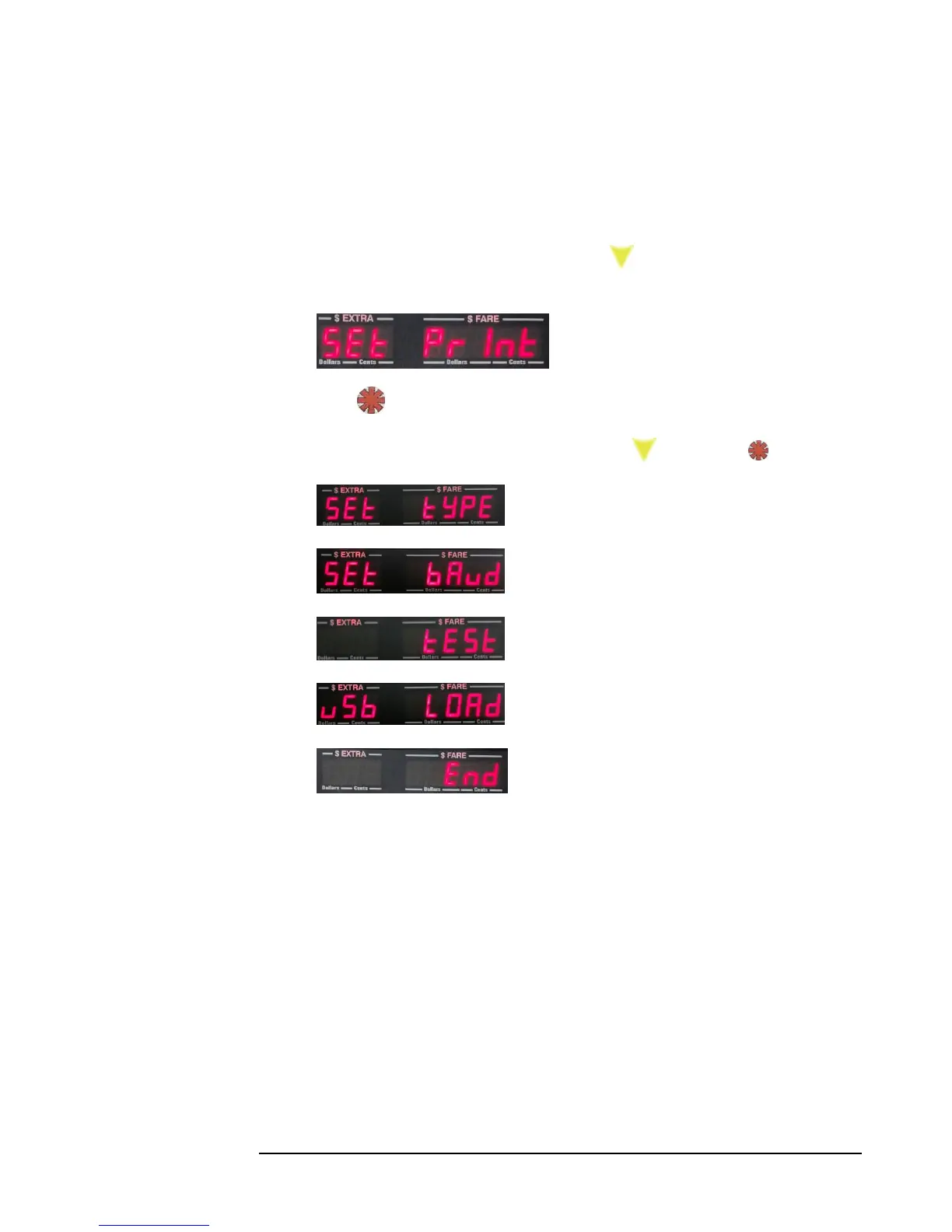
1) Enter the Main Menu (5.0), and press repeatedly until “Set Print” is
displayed:
2) Press . This provides entry into the Printer Menu.
3) The list of menu options are as follows (press to scroll, and to select):
Set Type
Set Baud
Test Print
USB Load receipt header.
End. Exits back to Vacant.



 To Next Page