4.6 Loading Rates from a USB drive
With this step, you may conveniently load the rates from a formatted file called
“RATES.csv” from a USB flash drive. The format for this file is provided in the
appendix. For your convenience, we will be providing the file on our website, where
all you will have to do is enter your rate values, and download the completed file
directly to a flash drive connected to your PC.
4.6.1 Attaching a USB flash drive to the CG3
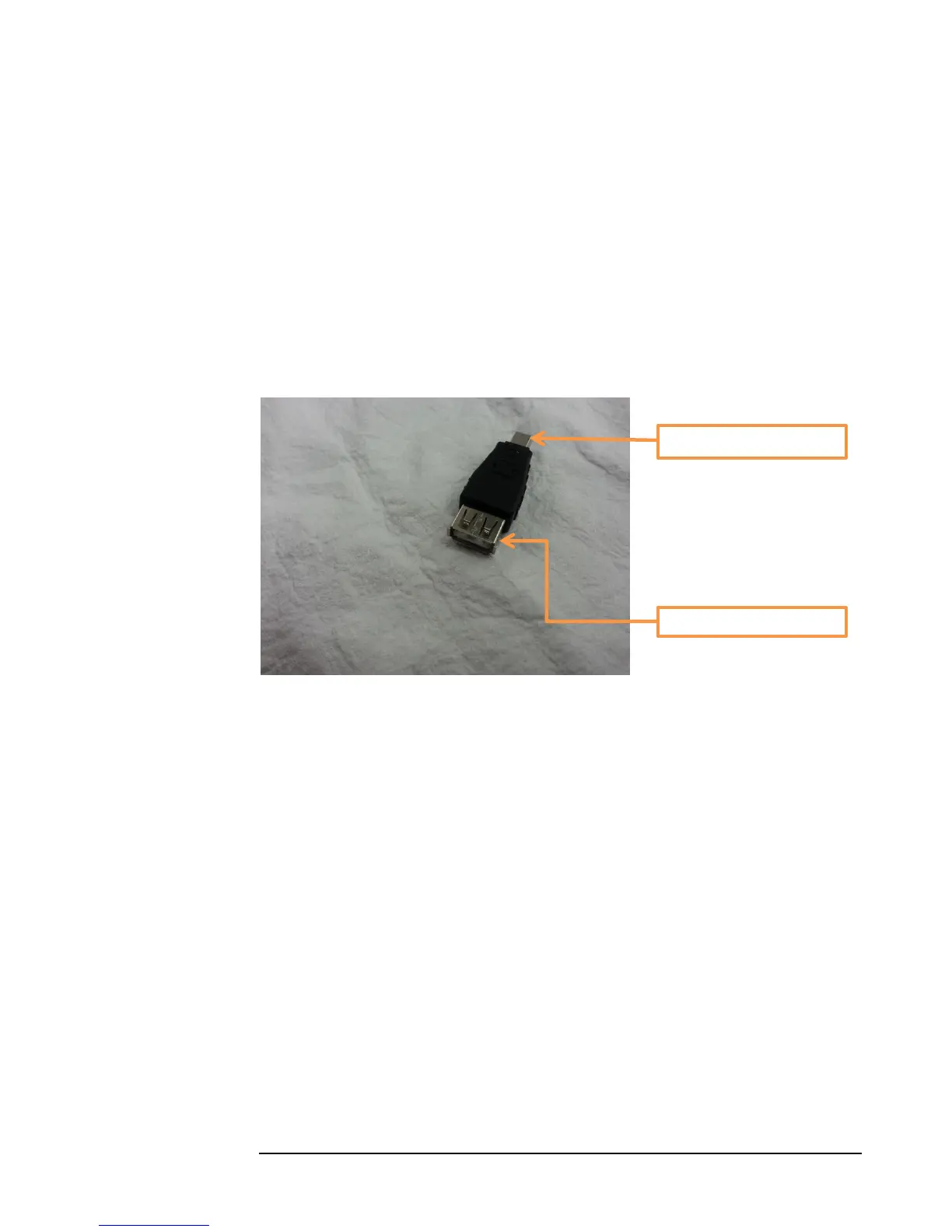
In order to attach a standard USB flash drive to the CG3, you will need a USB mini-B-
to-A adaptor. You can purchase these from us at a nominal cost, or alternatively, you
may purchase these at a large number of suppliers of your choosing.
Figure 18 USB mini-B-to-A connector / adaptor
1) To upload the rates to your CG3 taximeter, attach the flash drive to your
taximeter as shown in Figure 19 below.
USB Mini-B type connector



 To Next Page