5.2.1 Uploading Trip data to USB flash drive
1) While in Vacant Mode, connect a USB flash drive to the CG3 taximeter (section
4.4.10). (As of software version 1.17, you have the option of printing the trip
information instead. See the Printing section for more information).
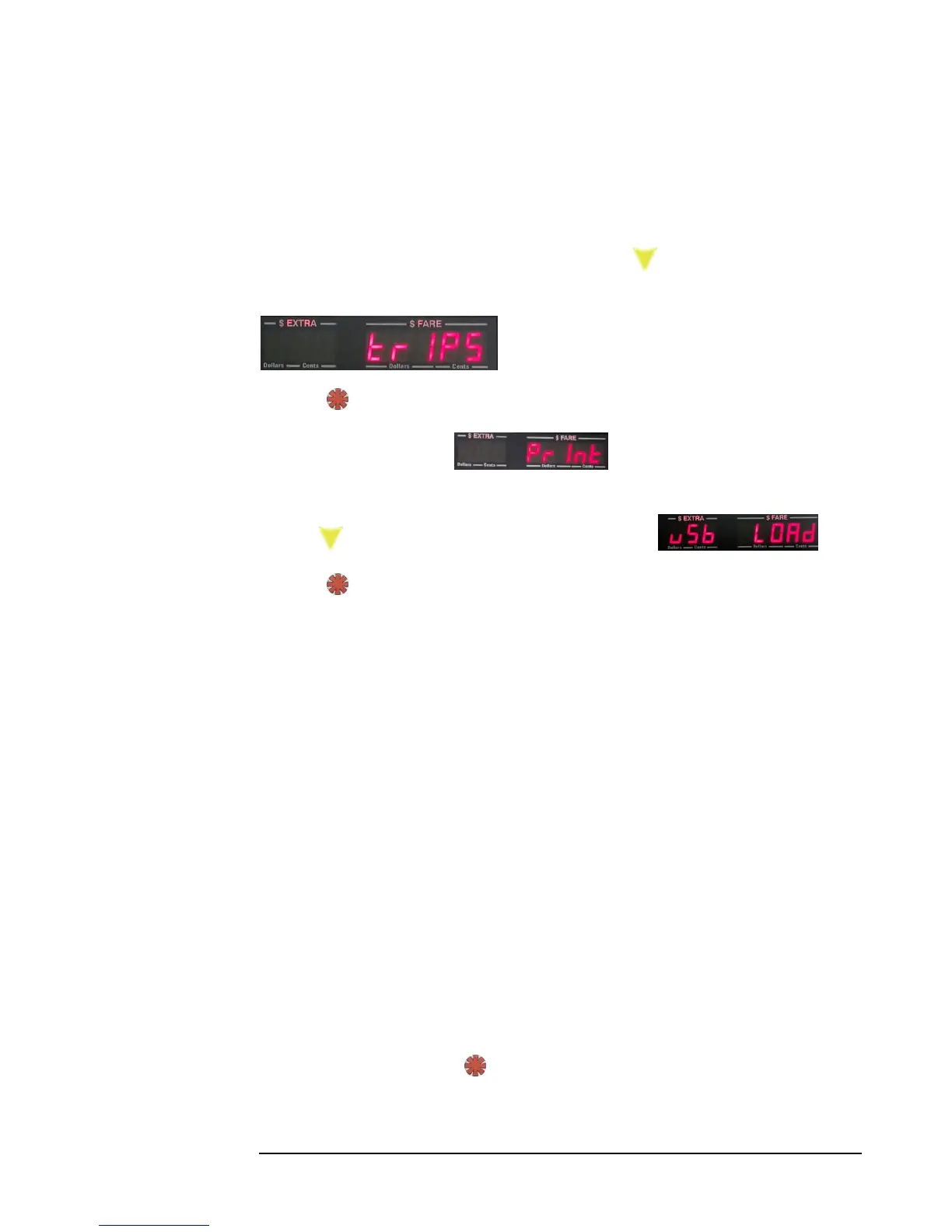
2) Enter the Main Menu (section 5.0), and press the button twice. The following
entry will be shown:
3) Press:
4) The first entry will show . This provides an alternative option
to print the trips (5.2.2).
5) Press . The following menu entry will be displayed:
6) Press:
7) Wait until the display flashes “Done”. You may now remove the flash drive. The
trip file will now be on the drive. The taximeter has automatically returned to Vacant
Mode.
If by chance “Done” is never displayed, and the CG3 quietly exits to Vacant Mode,
you may not have had the flash drive tightly connected to the CG3 USB port. Try
gently pressing the flash-drive into the CG3 USB port to ensure a tight fit. Repeat the
above steps 1-4.
If the CG3 displays “ERROR”, some problem with the drive was encountered. Some
flash drives draw too much current, and the CG3 can’t read or write to them (though
this should seldom, if ever, happen). In that case, try a different flash drive. Also, be
sure the drive doesn’t have a self-booting partition (i.e. when there is a portable
operating system contained on the drive).
5.2.2 Printing Daily Trip Data
If you are using a printer, and have configured it according to the steps in Section 7.0,
you may print your daily trip data.
First, depending upon how many trips that you have accumulated, ensure that your
printer has sufficient paper to print all of the trips. Then, follow the steps above in
5.2.1, up until step 4). Press . The printer will print each trip in sequence, starting
with the oldest trip.



 To Next Page