6.0 Audit Mode
This mode allows you to upload the CG3 total trips, up to the last 1000 trips, to a
USB flash drive, in the same Car#.csv format as described in section 5.2.
In Audit mode, you also have the option to clear the total trips and stats. If a Security
Code was programmed, as shown in section 4.4.12, then the user will have to enter
the code before being able to clear the totals (see below). This prevents
unauthorized clearing of total trips and total stats accumulated.
To enter Audit Mode:
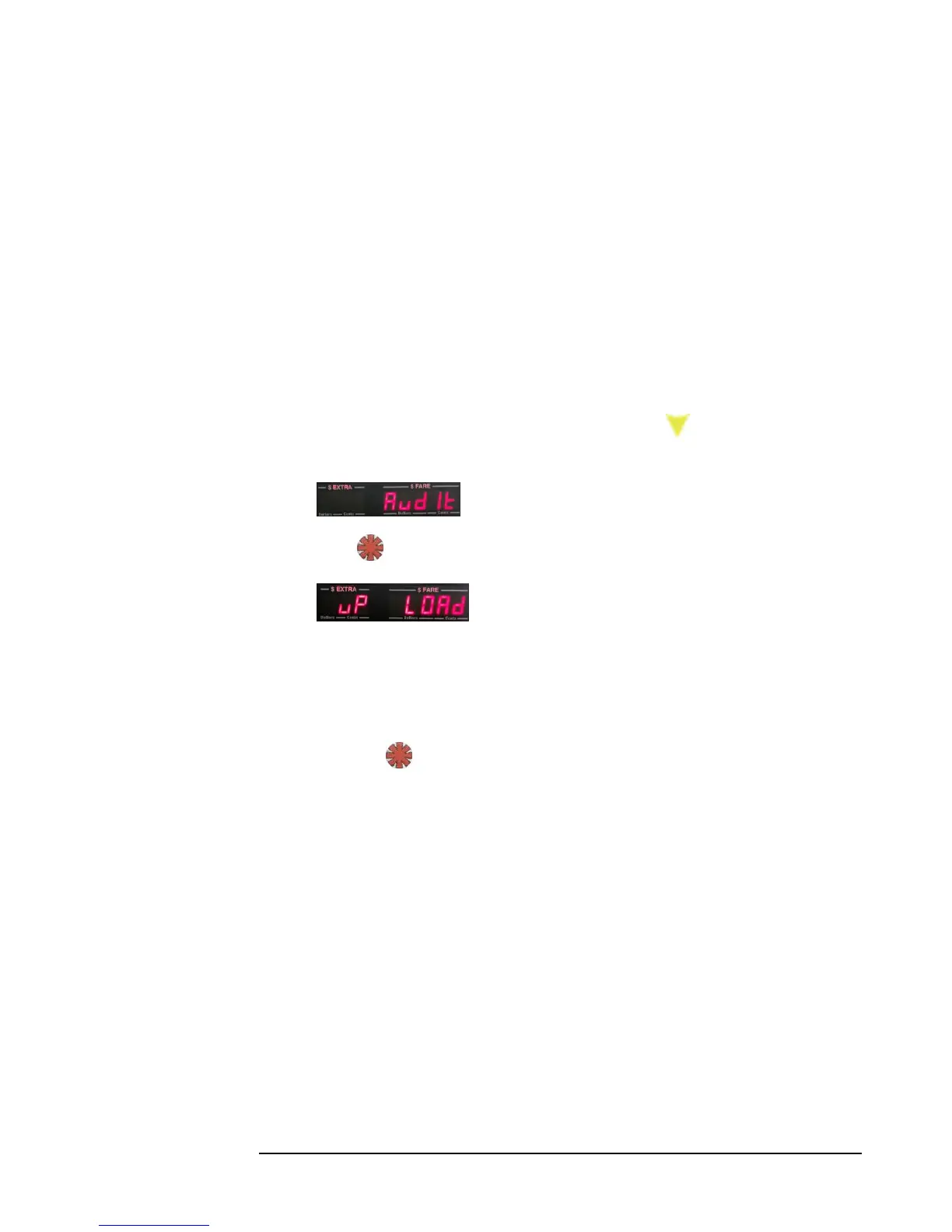
1) Enter the Main Menu (section 5.0), and press the button 10 times, until
the following is displayed:
2) Press to enter Audit Mode. The display will now show:
3) You now have the option to either: upload the total trips and total stats to a
.csv file , or clear the total trips and stats . Proceed to either step 4 or 5,
depending on which task you wish to carry out.
4) To upload the total trips: attach a USB flash drive to the CG3 (see 4.4.10),
and press .
Wait until the CG3 flashes “DONE” on the display. Remove the flash drive,
and the taximeter will automatically return to Vacant Mode.
If the taximeter doesn’t flash “DONE”, then the USB flash drive may have
not been connected well enough. Gently, but firmly press the USB in towards
the CG3 USB socket in order to secure the connection. Repeat the above
steps.
If the taximeter flashes “ERROR”, then the CG3 has an encountered a
problem with your flash drive. You may need to try a different drive.



 To Next Page