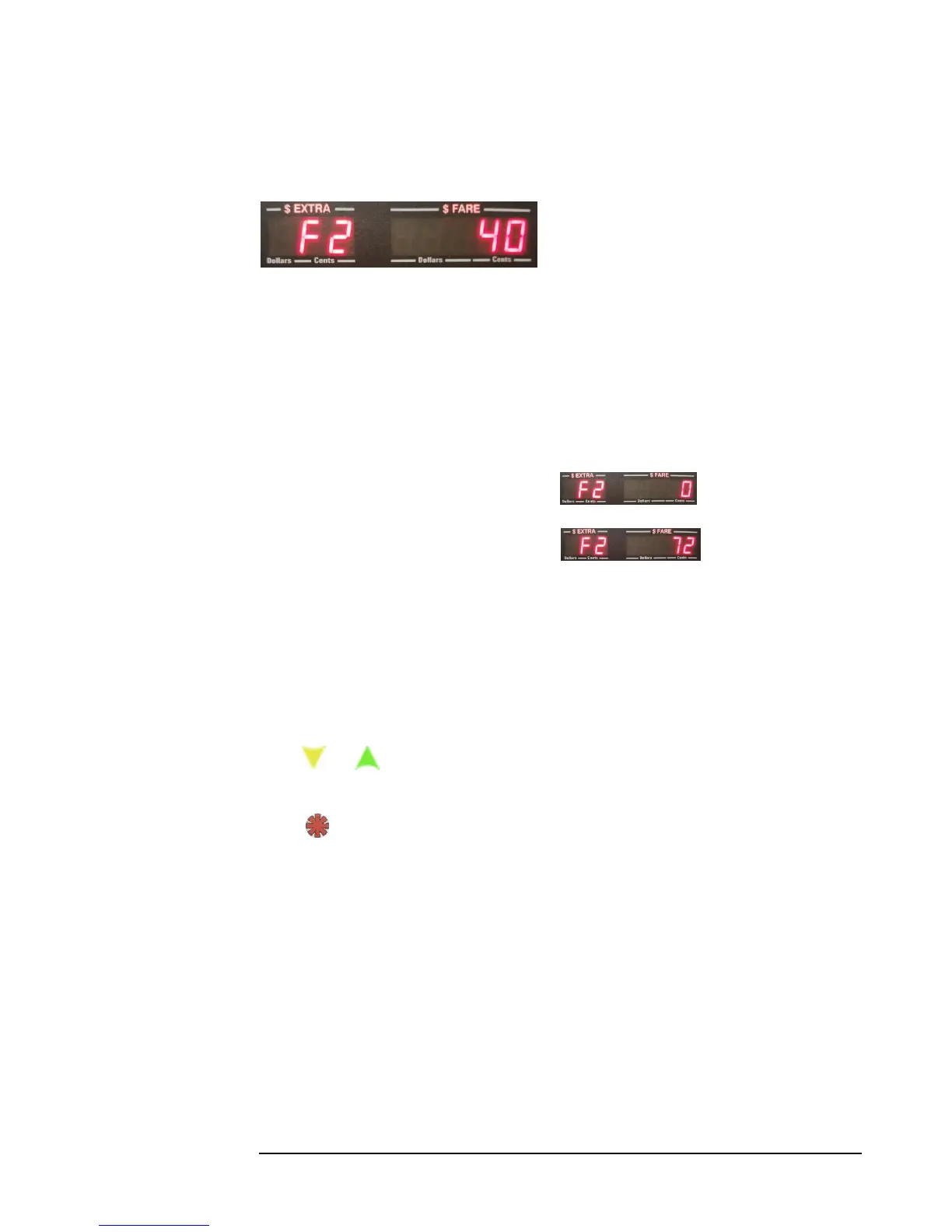
4.4.7 Set the Signal-Conditioner Value (VSS Sensitivity), F2
CG3 models with serial number 31,000 and up have a built-in signal conditioner that
allow for adjusting the sensitivity of the VSS sensor circuit. This is helpful in either
eliminating noise which can lead to improper readings (i.e. the taximeter counts motion
pulses when the automobile is stationary), or can be used to detect weak signals (for
example, when a wheel sensor is the only available motion sensor provided in the
vehicle).
There are 73 levels (0-72) of sensitivity available.
0 is the least sensitive setting.
72 is the most sensitive setting.
You should only adjust this value where necessary, based upon trial and error:
1) If your taximeter counts pulses while the automobile is stationary, you need to
decrease the sensitivity.
2) If your taximeter is not able to detect the VSS signal because it is too weak, you
need to increase the sensitivity.
Press or to adjust the sensitivity value. Hold either button in depressed state
for rapid increment / decrement of value.
Press to enter the value that you want into memory, and to proceed to next step.
Later, you will have the option to fine-tune the sensitivity based on your results
during calibration of the CG3 (sections 4.4.9 and 4.4.9.1).



 To Next Page