5.6 Display Test
This function runs a test of the 7-segment displays, providing you with a way to
determine if any of the LED segments have been burnt out.
To run test:
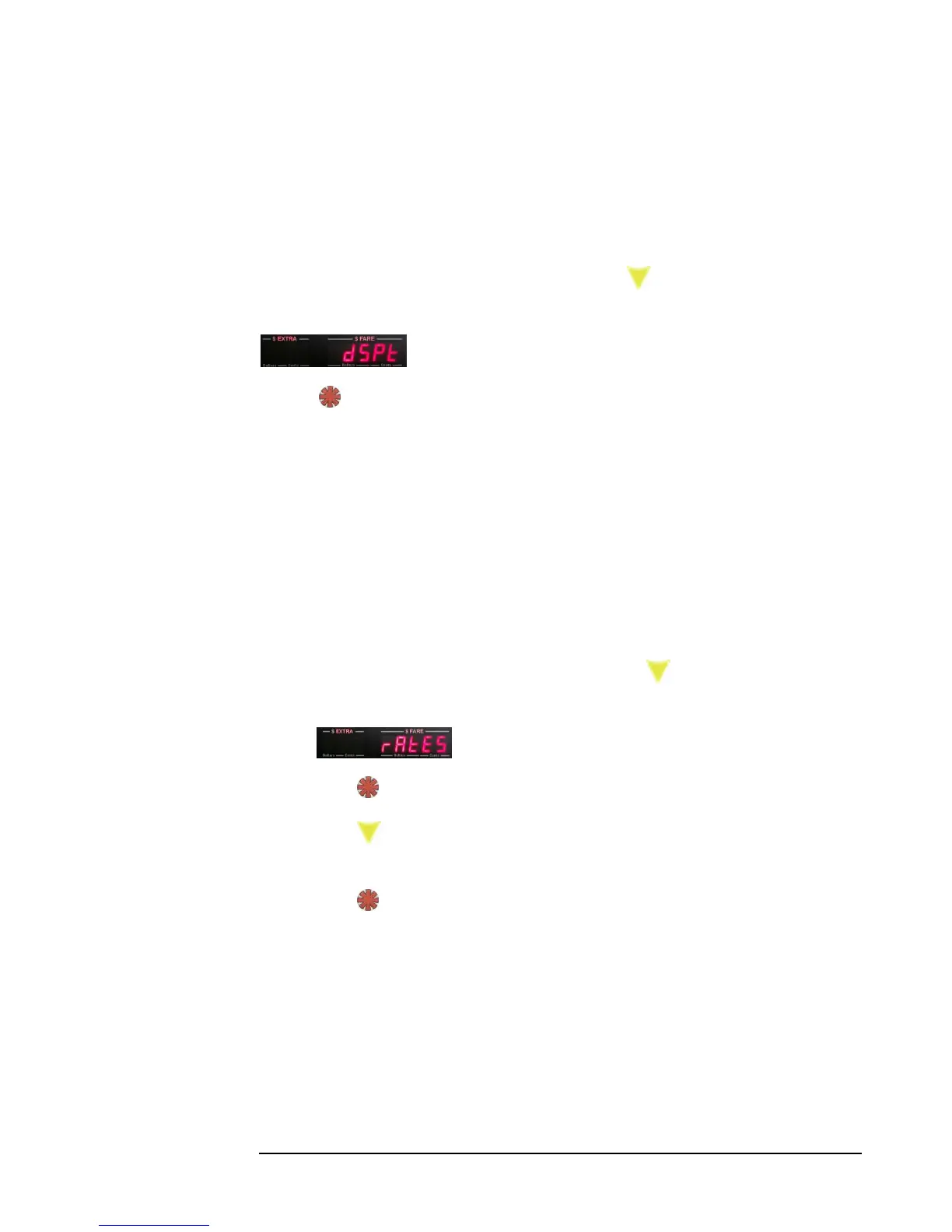
1) Enter the Main Menu (section 5.0), and press the button 6 times. The
following menu entry will be shown:
2) Press . The taximeter will now display a sequence of numbers, from 1-9, across
all display digits, and then return to Vacant Mode.
5.7 View Rates
This function allows you to view all rate values in sequence. The sequence is the same
as in Programming Rates (section 4.4.4), with the difference being that you can’t
change of the values, and therefore the buttons are used only to scroll through the
values.
To View Rates:
1) Enter Main Menu (Section 5.0), and press the button 7 times, until the
following is displayed:
2) Press to enter View Rates mode.
3) Press repeatedly to view each rate value in sequence (as shown in section
4.4.4),
Press at any time to exit this mode and return to Vacant Mode.



 To Next Page