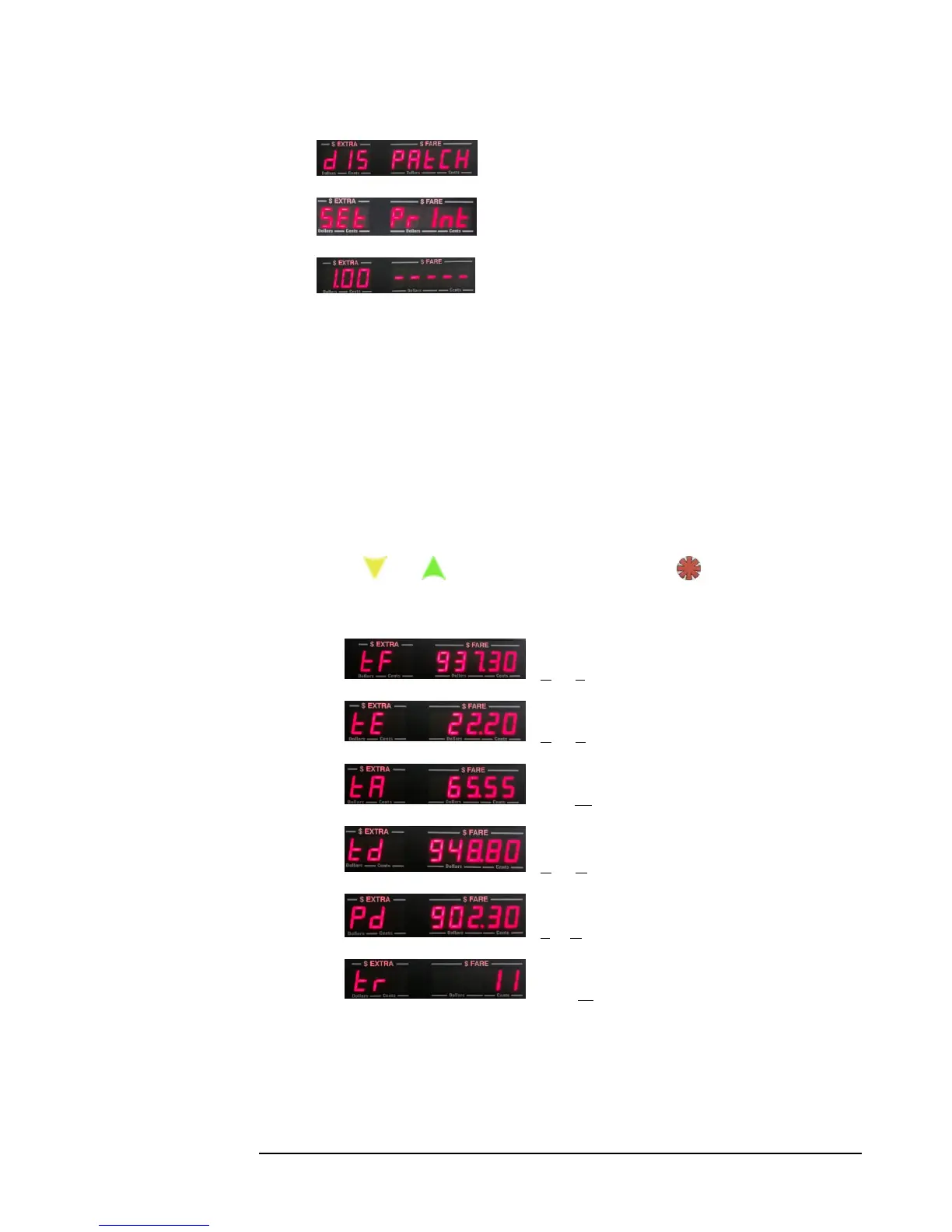
12) - Dispatch settings (security locked).
13) - Set Print. Options for setting up printers (7.0).
14) - Software Version (shown in Left-hand display).
The individual Main Menu entries are described in the following sections.
5.1 Viewing Shift and Total Stats
There are two sets of stats that are viewable from the Main Menu: Shift Stats, and Total
Stats.
Shift Stats (or, daily stats) are totals that are clearable by the user without having to
enter a Security Code. Instead, the user can clear theme by selecting Main Menu
Clear (section 5.3).
Total Stats are totals that are only clearable by entering the Security Code at the
Main Menu Audit Mode Clear function (Section 6.0).
Use the and buttons to scroll either set of Stats. The button exits the Stat.
The sequence of each of the sets is as follows:
1) - Total Fares
2) - Total Extras
3) - Total Tax
4) - Total Distance
5) - Paid Distance
6) - Total Trips
IMPORTANT: The Total Stats don’t display the cents portion for Total Fares,
Extras or Tax, nor the decimal portion of the Total and Paid distances. This is so
that large values can be displayed. For example, in figure 1) above, ‘937’ would be
displayed, while the ‘.30’ portion would be truncated.



 To Next Page