4.4.2 Set Rates Mode
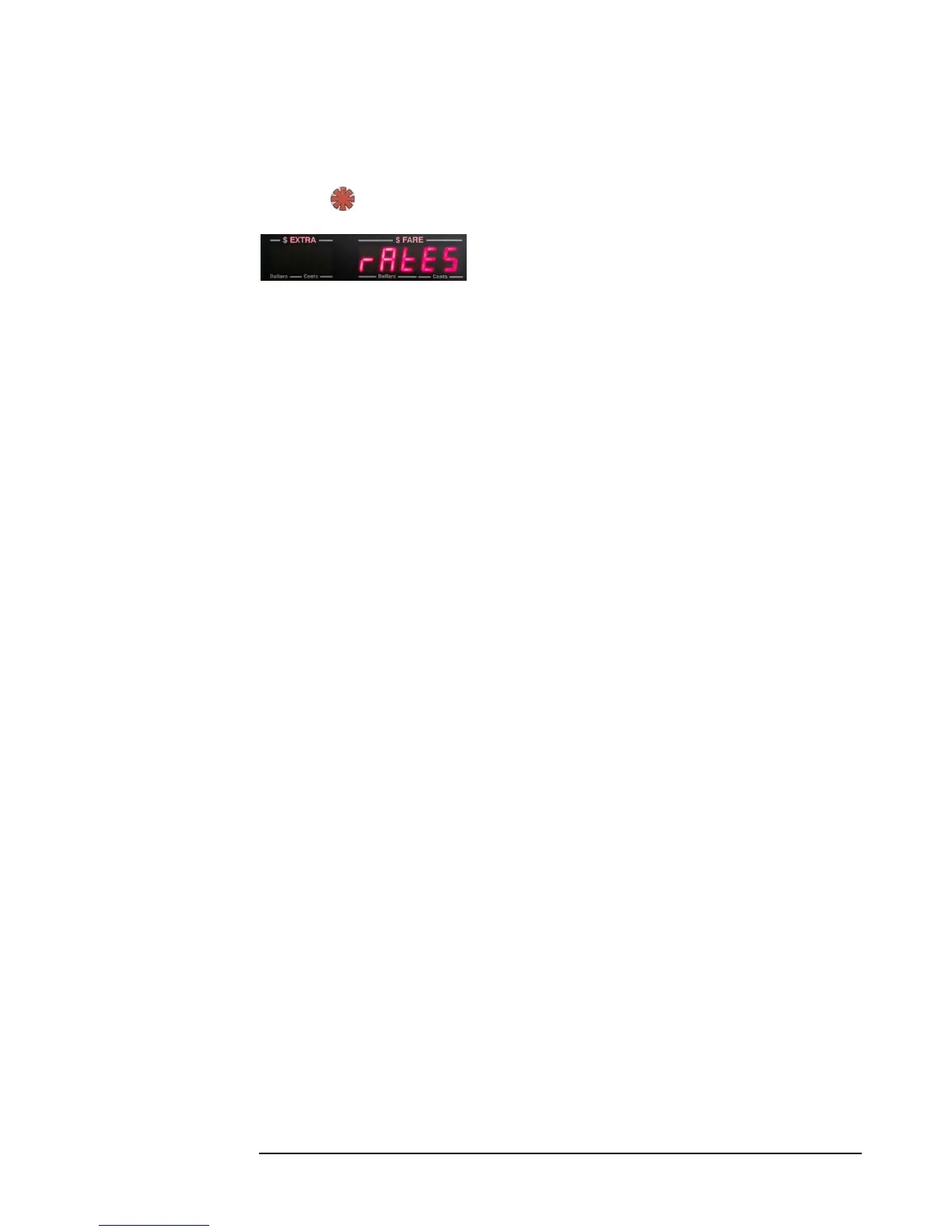
Enter Configuration Mode (section 4.4.1). The display will show “RATES” (Figure
13). Press to enter Set Rates Mode.
Figure 13
Here, you can set your individual rate values. In order to proceed, you will need to
know the following basic values about the rate(s) you want to set:
1. The number of rates you will set.
2. The tax rate.
3. The time-charge rate (usually, the charge/hour or charge/minute).
4. The charge per distance.
5. The drop charge, or increment.
6. The Extra charge rate, and the maximum allowed extras.
7. The Flag rate.
4.4.3 Calculating Drop Distances
The CG3 accepts drop-distances as expressed in decimal equivalents of fractions.
For example, to find the decimal equivalent of 1/9 of a mile or kilometer: divide 1 by 9:
1/9 = 0.111111111.
Round off answers to 4 decimal places = 0.1111. This is the value to enter.
Example: If your distance charge is $3.50/mile, and your increments are 25 cents:
Calculate: 3.50 ÷ 0.25 = 14, which means that the taximeter will increment 25 cents 14 times in a mile,
Therefore, 1/14 of a mile = 25 cents.
The decimal equivalent of 1/14 = 0.0714, which is the number that you would set for the drop distance(s)
in the taximeter.



 To Next Page