4.5.1 OBDII Settings Menu
Once the OBDII feature is ON, you may now access additional OBDII settings and
features from the Main Menu (5.0) or Configuration Menu (4.4.1). The options and
settings are listed below in the order they can be accessed.
Note: The CG3 communication to the OBDII may only be turned ON or OFF
from within the Configuration Menu.
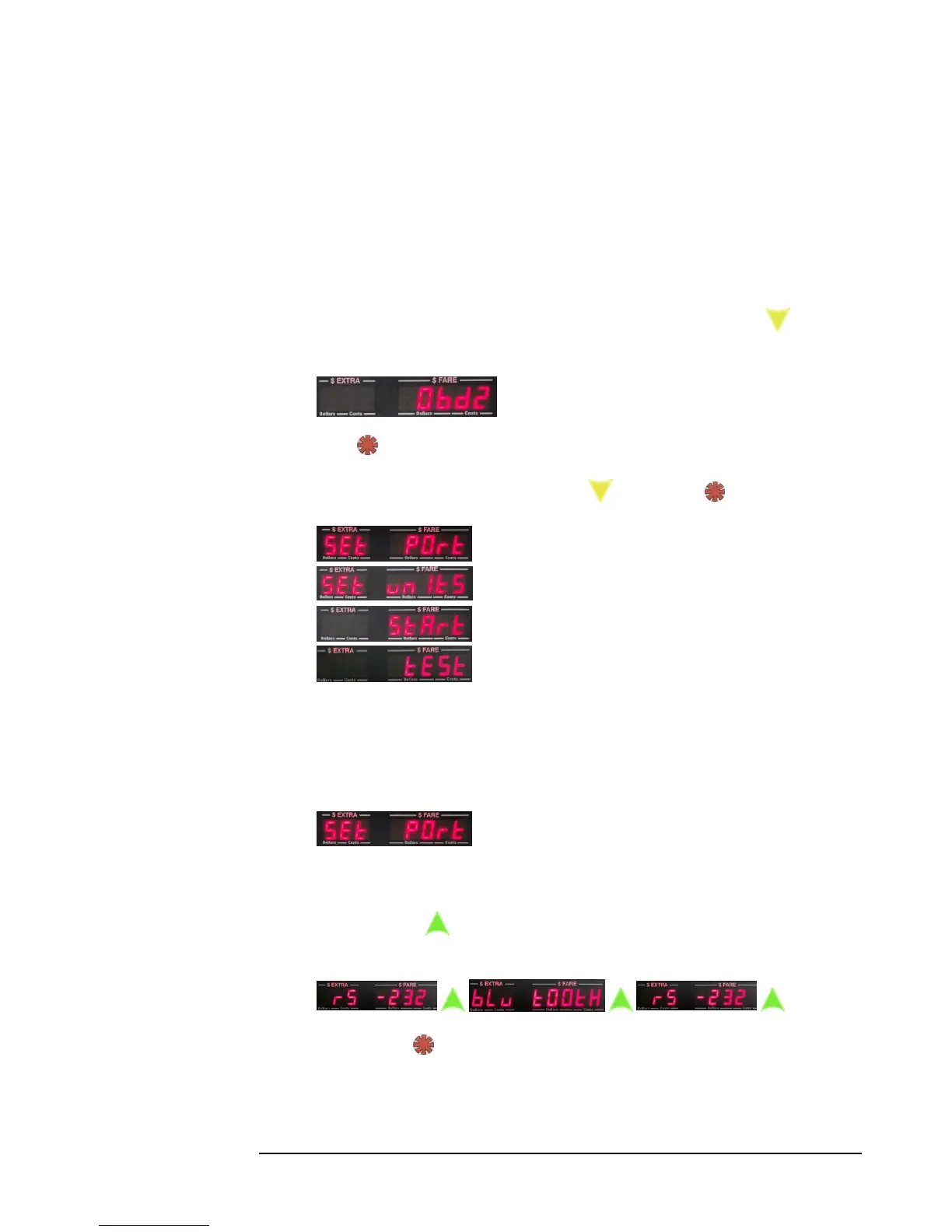
1) While in either the Main Menu or Configuration Menu, press repeatedly
until “Obd2” is displayed:
2) Press to select.
3) The list of options are as follows (press to scroll, and to select).
Set Port - Select between RS-232 or Bluetooth
Set Units - Select between Metric and U.S. imperial
Start - Manually start or reset the OBDII interface.
Test – Test the OBDII interface.
See the following section for details about each menu option.
4.5.2 Explanation of OBDII menu options
1) Set Port allows the user to select the OBDII port to
communicate with the OBDII interface. You may select between Bluetooth
and RS-232.
Press to toggle between Bluetooth and RS-232 serial
communication:
…
Press to select.



 To Next Page