5.8 View Calibration
Use this function if you want to view your calibration and filter value without having to
access the Configuration Mode (which requires breaking the meter seal, if such is in
place). You may also test your mileage-pulse connection to ensure that it is working
fine.
This step operates exactly the same as in Calibrating Mileage mode (section 4.4.5),
except that you may not change either the Calibration Setting or the Filter Value.
To View Calibration:
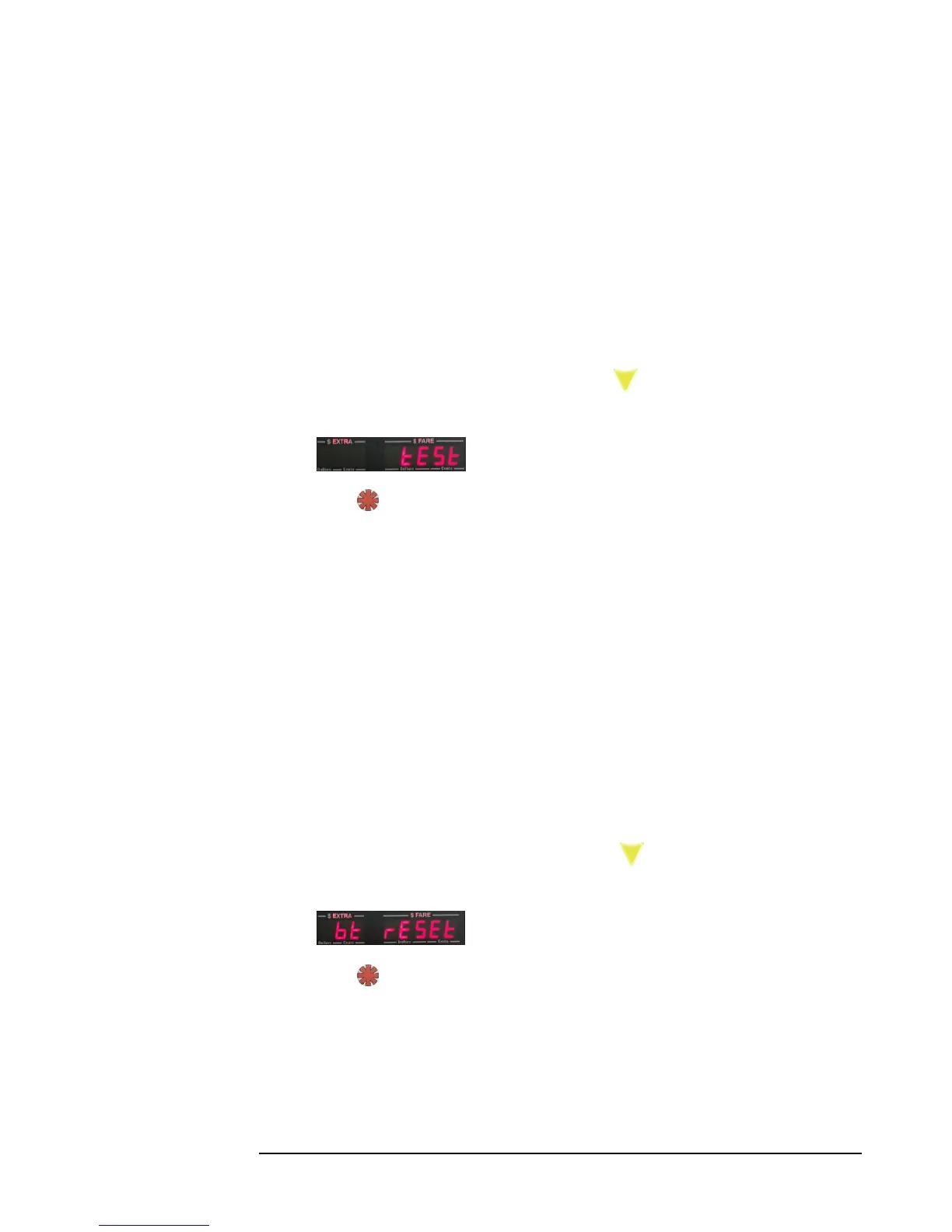
1) Enter Main Menu (section 5.0), and press 8 times, until you see the
following displayed:
2) Press to enter View Calibration mode.
3) Follow the same sequence as shown in Section 4.4.5, Calibrating Mileage to
view the values, and to run a calibration test. Disregard any instructions that
referring to changing values.
5.9 Reset Bluetooth
This function allows you to manually reset the internal Bluetooth module. Note:
Doing this step may require you to re-pair any external Bluetooth device with
the CG3.
To execute:
1) Enter Main Menu (Section 5.0), and press 9 times, until you see the
following displayed:
2) Press . The CG3 may become inoperable for a short duration while it resets
the module.
3) The Bluetooth has now been reset, and the CG3 automatically returns to
Vacant Mode.



 To Next Page