4.4.5 Calibrating Mileage
This section is required if you are using Vehicle Speed Sensor (VSS) pulses to provide
distance to the CG3 (as opposed to an OBDII interpreter device). Enter
Configuration Mode (see section 4.4.1), and press once to navigate to the
Calibration entry in the Configuration Menu (see Figure 14):
Figure 14: The Calibration entry as located in the Configuration Menu.
Press .
You will now be in Calibration Mode. Here you have the option to:
1. Set the filter values, F1 and F2.
2. Manually program a previously known calibration value.
3. Do a calibration procedure, i.e count mileage pulses per km/mile.
4.4.6 Set the Filter Value, F1
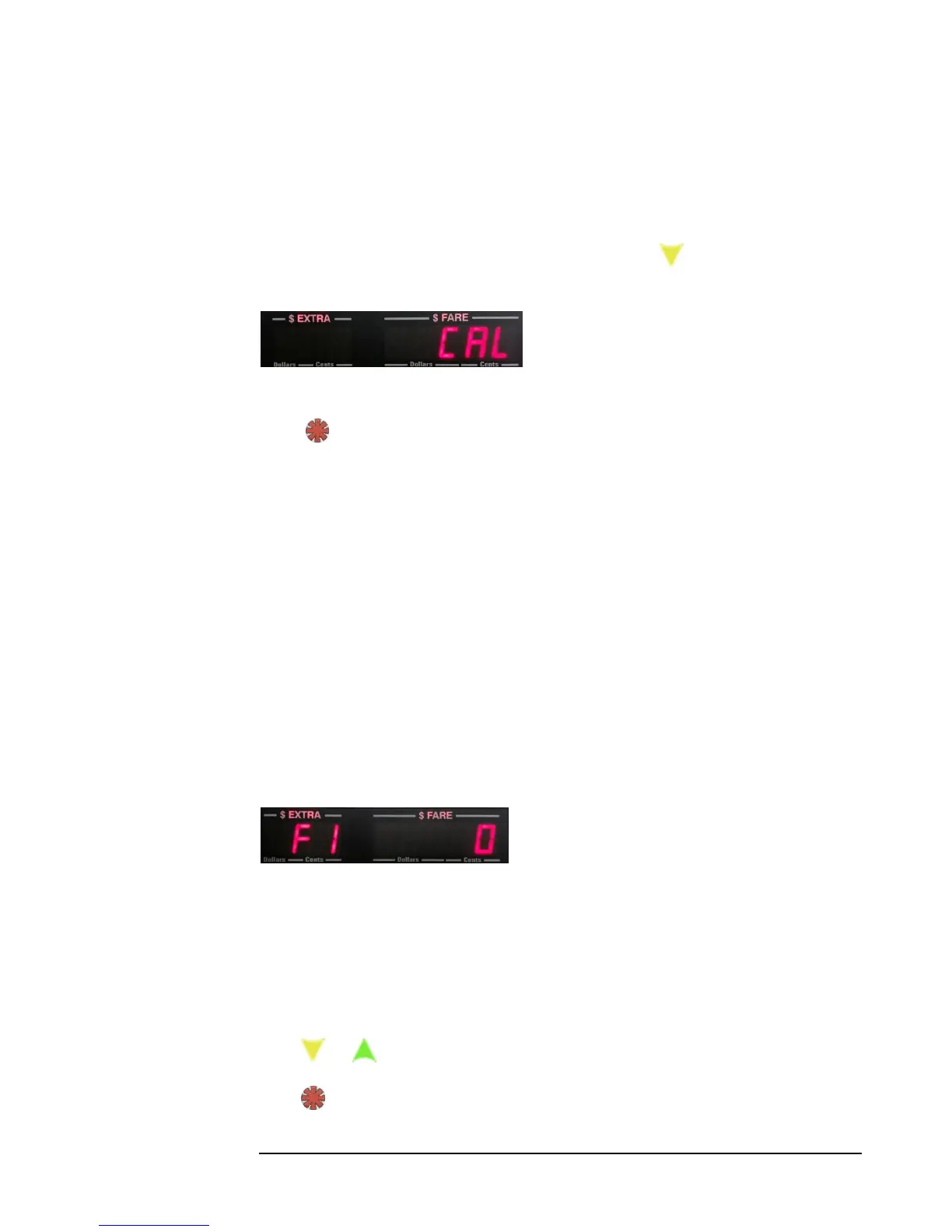
Upon entering Calibration Mode, you will first have the option to set the filter value
(figure 15).
The filter value is a feature that allows for re-sampling of individual mileage pulses to
ensure that they are not noise “spikes” that could be interpreted as valid VSS pulses.
When filtering is on, each pulse is re-sampled 5 times to ensure that it is valid.
Figure 15
There are only two possible settings:
0 – Filtering OFF
1 – Filtering ON
Press or to adjust.
Press to enter the filter value into memory, and to proceed to the next step.



 To Next Page