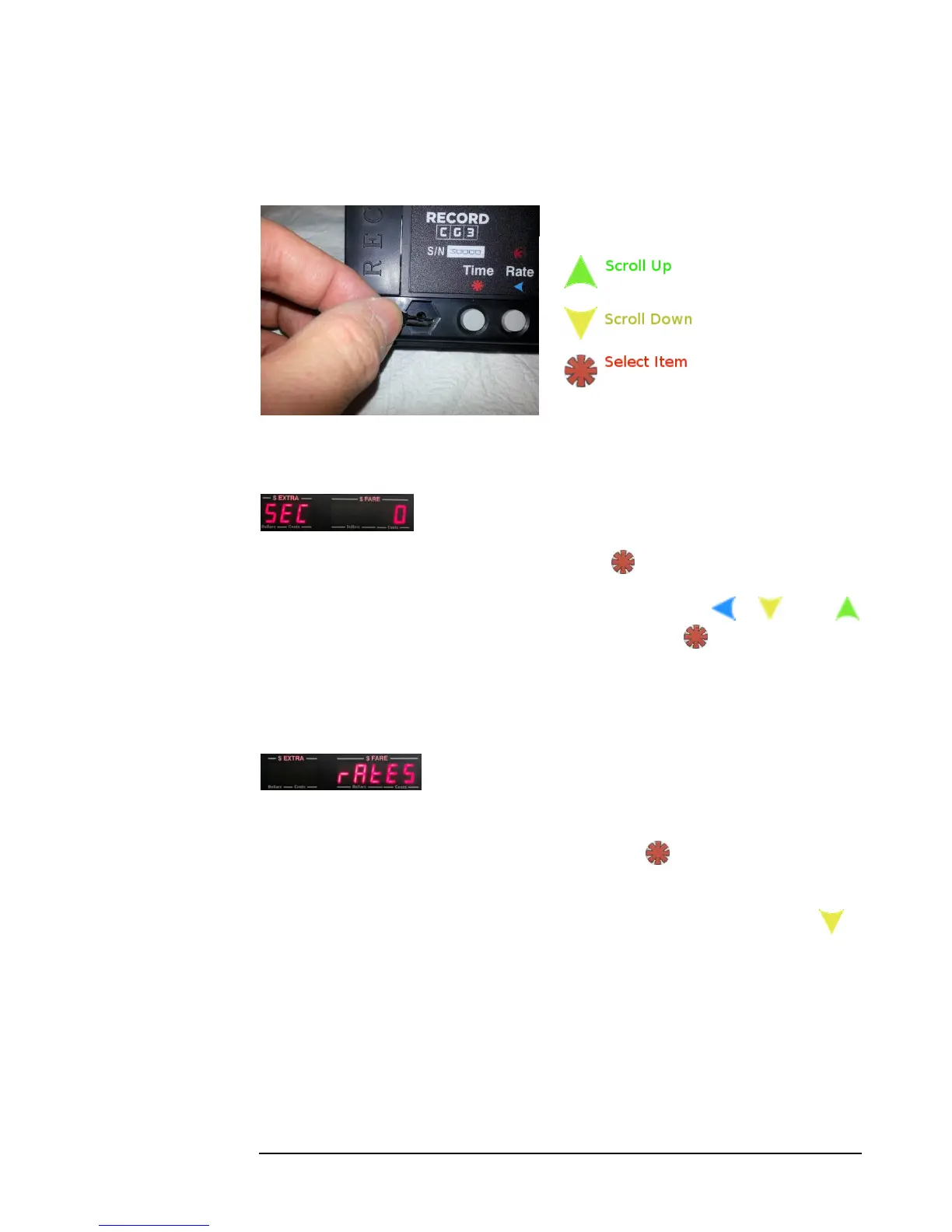
4.4.1 Configuration Menu
To enter Configuration Menu, short the Config Switch (see section 3.1).
As of software version 1.21, you will be first presented with the security code dialog
(4.8), which locks the user from proceeding through the following steps:
1) If no passcode has previously set: Press to proceed.
Otherwise, if a passcode was previously set: use the , , and
buttons to enter the security code, and then press to enter the security
code.
2) Next, the taximeter will display the first menu item, which is the option to Set
Rates:
Figure 12: Configuration Menu first entry, which is the option to set the taximeter Rates.
If you were you to select this item (i.e. press ), you would enter the Set
Rates Mode (explained in 4.4.2).
For now, in the interest of demonstrating how to navigate the menu, press to
continue scrolling through the rest of the menu (continued on the next page). At any
point you can press the UP button to navigate backwards in the menu.



 To Next Page