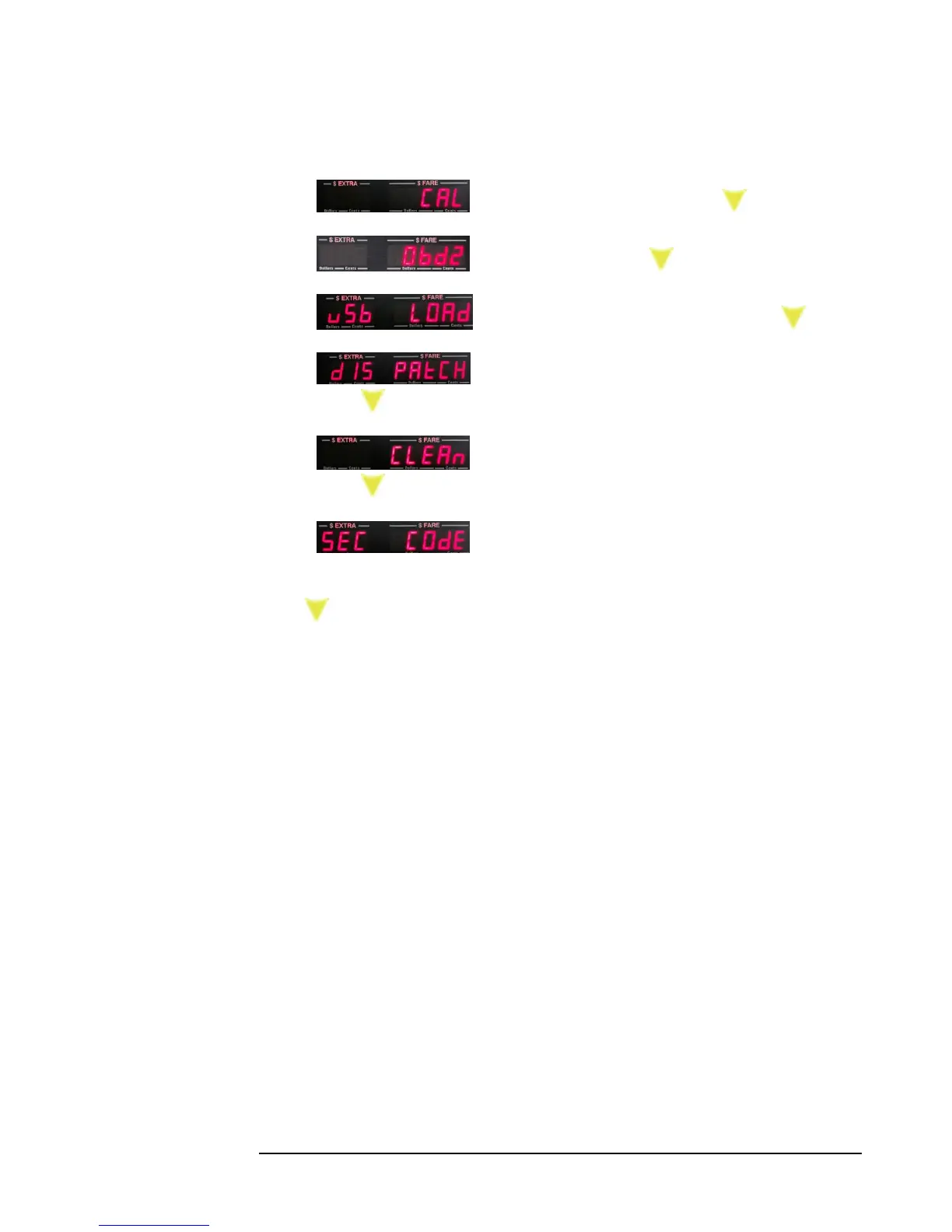
3) Set Calibration (mileage). Press:
4) OBD2 Settings. Press
5) Load Rates from USB flash drive. Press:
6) Configure CG3 for dispatch communication.
Press:
7) Clean taximeter. Clears all rates and calibration.
Press:
8) Set Security Code. This is used for locking the
Configuration Mode against unauthorized tampering.
Press: to exit the Configuration Menu back to Vacant Mode.



 To Next Page