4.2 Hired Mode
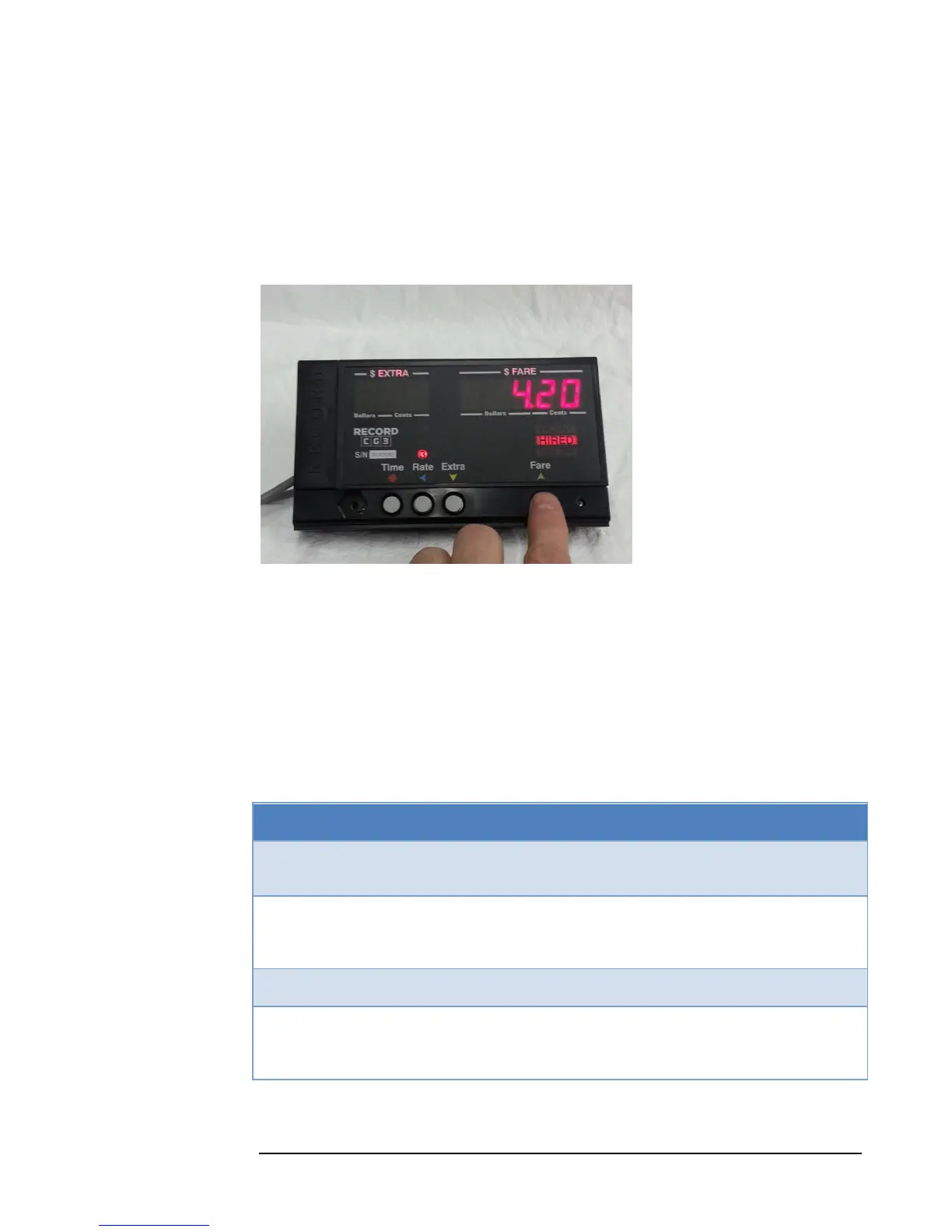
Figure 8: Entering Hired Mode by pressing the Fare Button.
4.2.1 Starting a Fare
When the CG3 is in Vacant Mode, pressing the Fare button will start a fare and turn
on Hired Mode. The HIRED indicator on the right-hand side of the taximeter will
illuminate to display the current state.
Table 2 describes the taximeter responses to each button press:
Table 2: Hired Mode Button Operation
Stop the Fare. This can only occur if the time
charges are first turned off (see below).
Increment a single Extra Charge. If the
maximum is exceeded, the accumulated Extra
charges will roll-back to $0.00.
Toggle Time Charges off / on. When time
charges are off, the taximeter will only charge the
distance rate.



 To Next Page