4.4.8 View / Manually Set Calibration Value
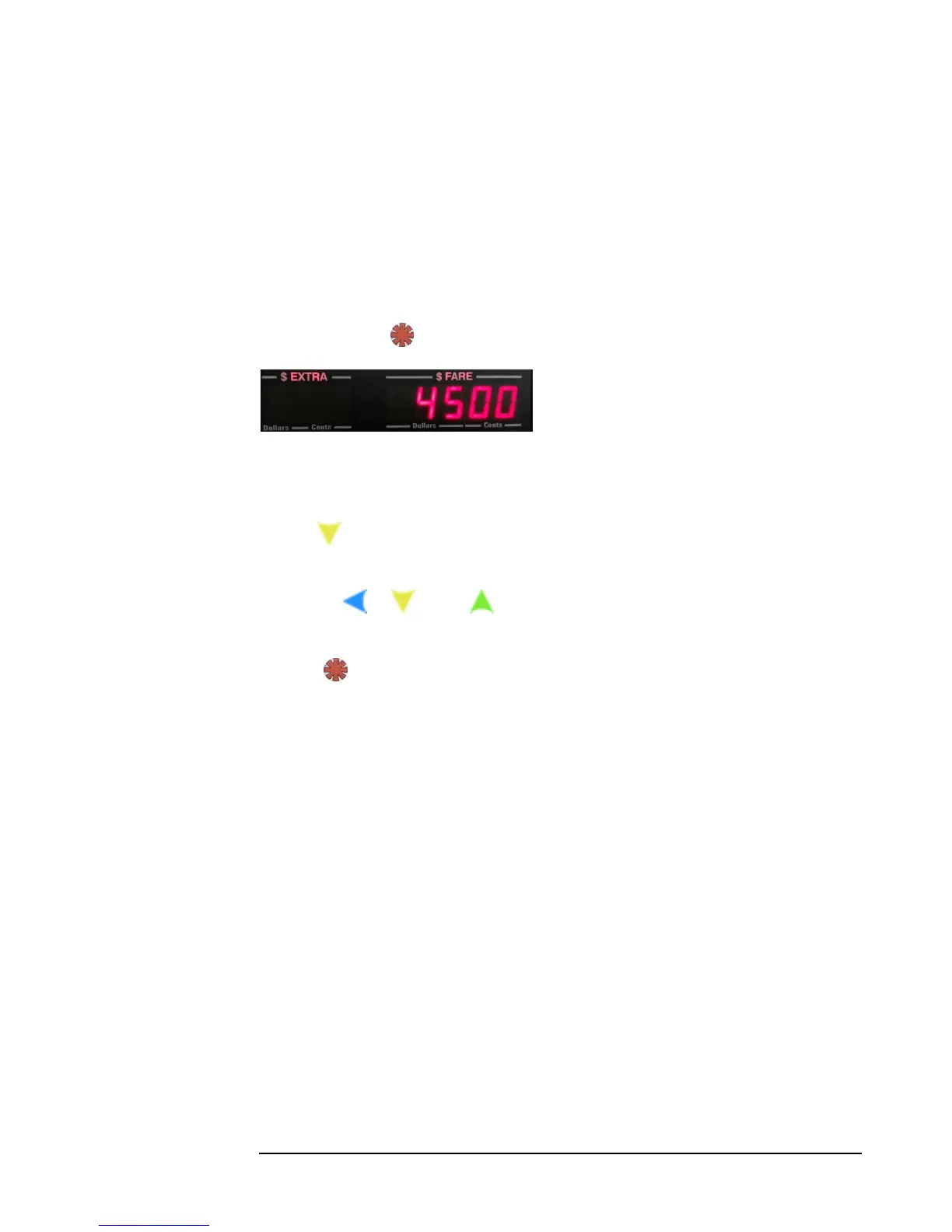
Next, the current calibration setting will be displayed (figure 16). You now have the
option to either:
a) Manually adjust the current calibration setting. Go to c) below.
- or -
b) Skip manual adjustment of the current calibration and proceed to taximeter
calibration. Press and proceed to section 4.4.9 (next page).
Figure 16: Current calibration setting
c) To adjust the current calibration setting:
i) Press . This will produce a flashing cursor at the least-significant digit. You will
now be able to adjust the value of the calibration number.
ii) Use the , , and buttons to adjust the value of the setting. The value
entered will be the new calibration setting.
iii) Press to enter the value into memory. This will then return the taximeter to
Vacant Mode



 To Next Page